Concept

Sensee

Encouraging STEM education for visually impaired children
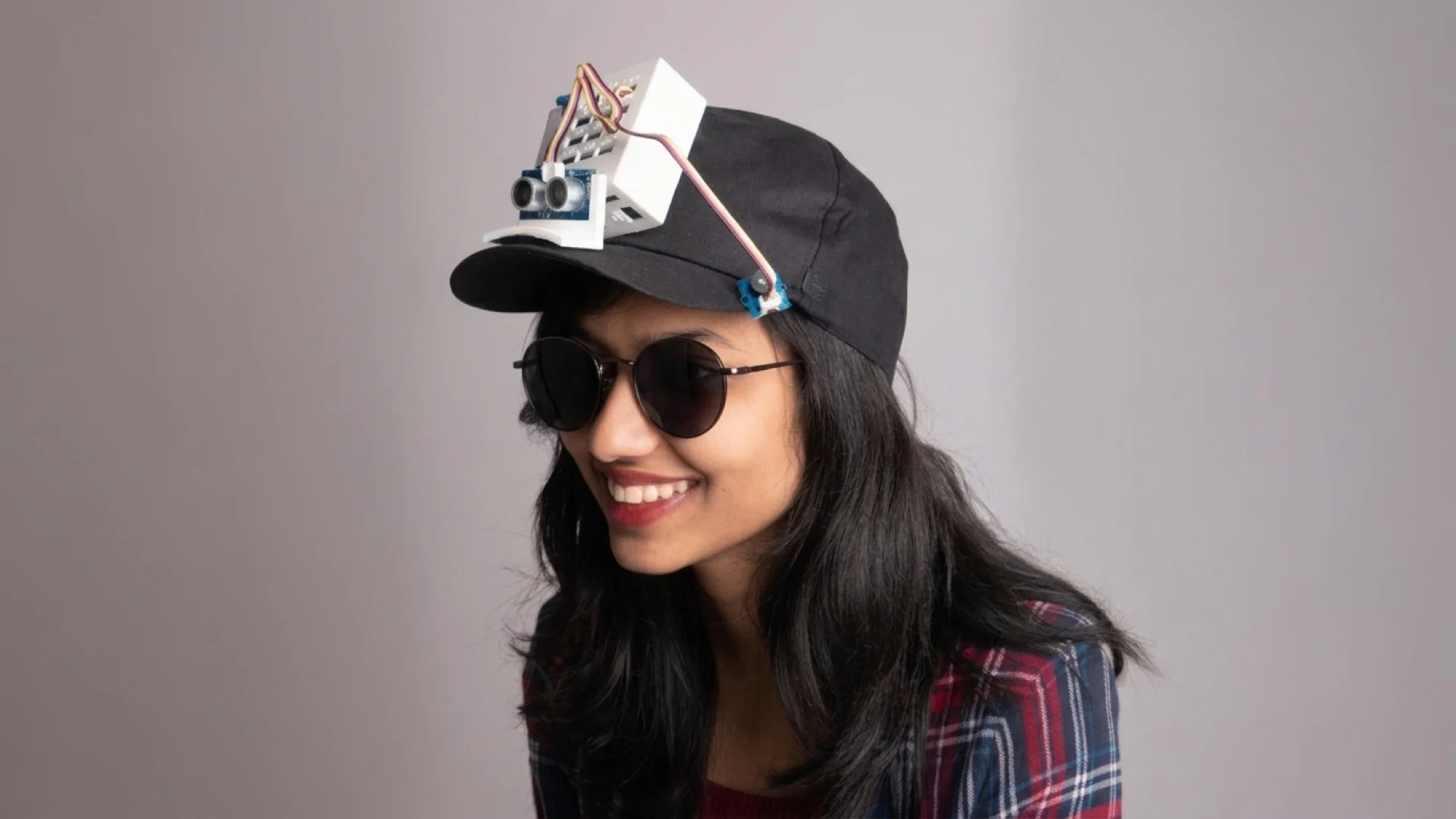
A student wearing Buzzcap, a black cap with an ultrasonic sensor and buzzer, and dark sunglasses

senseé

Summary

Sensee was our Design for Special Needs project at NID. At the Blind People’s Association in Ahmedabad, students told us they wanted to take science in 11th and 12th but couldn’t. It ended in Buzzcap, a cap students build themselves from Arduino parts, and Matrix, a coding app for screen-reader users.

Team

  • Mansi Aggarwal
  • Lavnik Poddar
  • Yatin Seth
  • Guide: Gayatri Menon
  • With BPA, Ahmedabad

Platform

  • Arduino and Grove
  • 3D printing
  • Figma prototype

Timeline

  • Sep to Dec 2022
  • NID, Semester 7

Context

Our motivation

We started this project hoping to bring about a positive change for people with special needs. All three of us had seen our grandparents have trouble with visual impairments, and we decided to work on that.
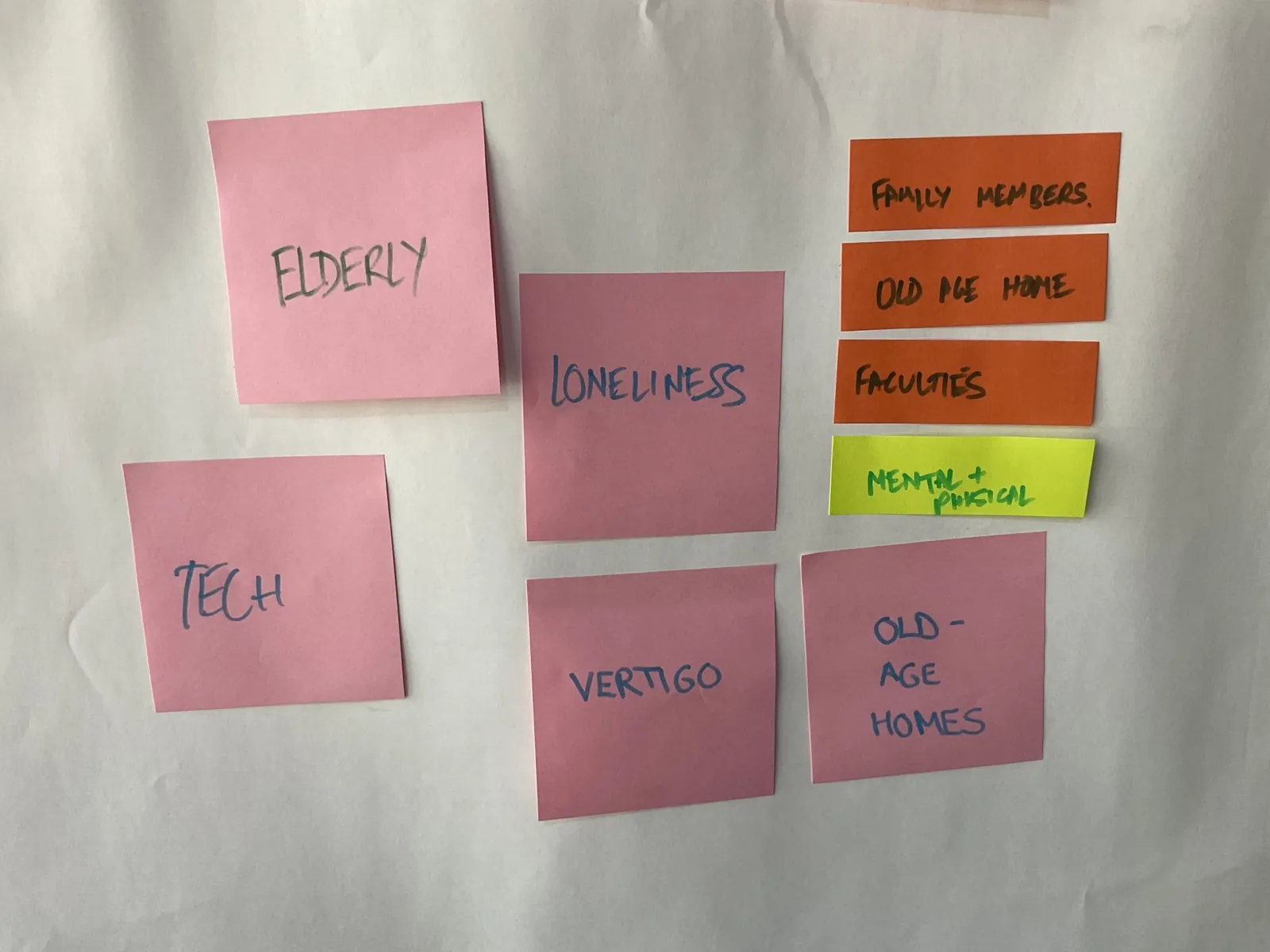
Sticky notes from the first week: elderly, loneliness, tech, vertigo, old-age homes, family members

First visit to BPA

In September 2022 we visited the Blind People’s Association to collect first insights. Our idea then was an entertainment platform, so visually impaired people could enjoy themselves without feeling helpless.
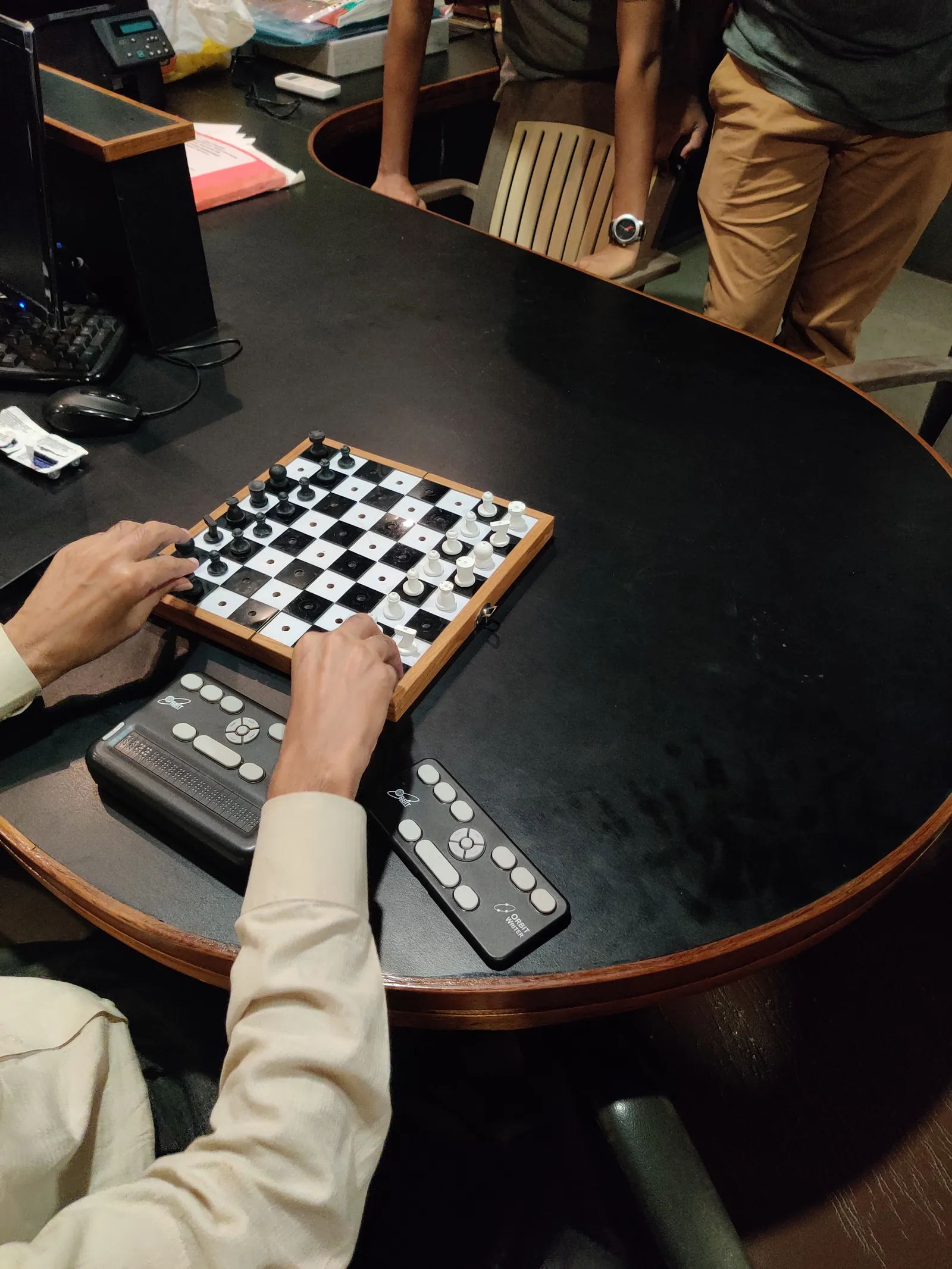
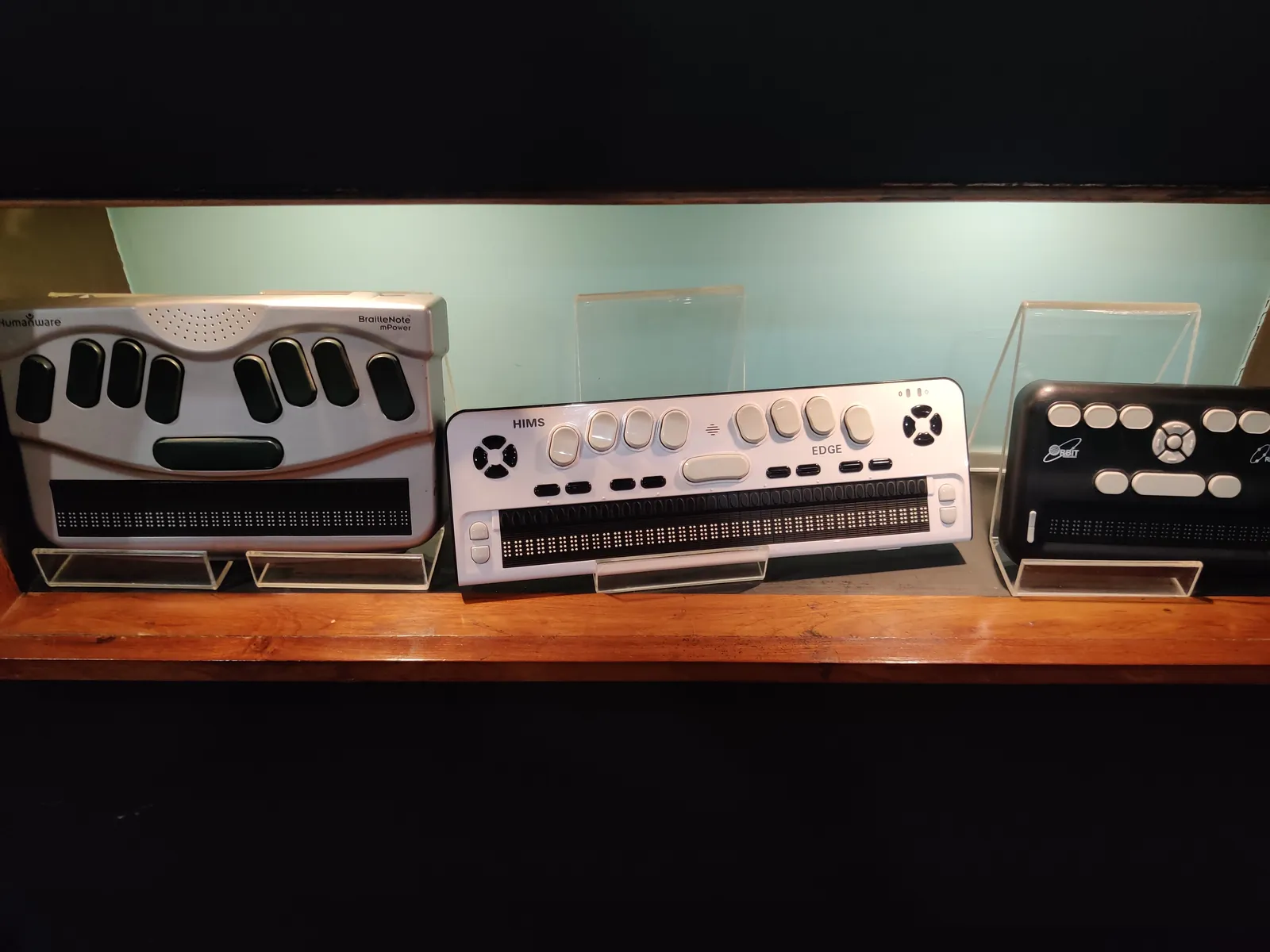
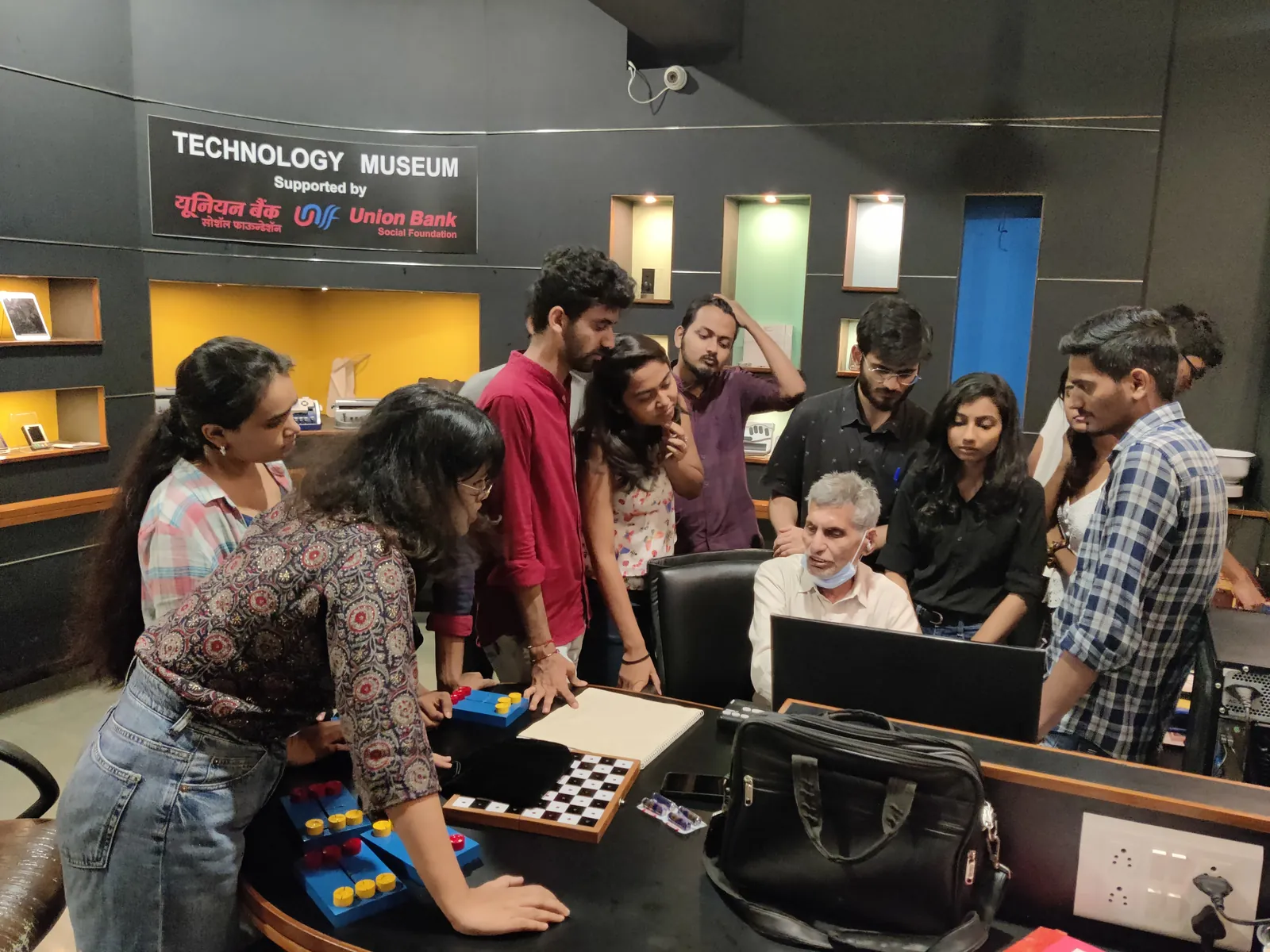
Hands on a tactile chess board beside two braille displays, in BPA’s technology museum
Three refreshable braille displays on a shelf
Our class crowding round a guide at a tactile chess board and braille devices in BPA’s technology museum

Initial learnings

  1. Visually impaired people are much more capable than mainstream society perceives them to be, and do not like blindness being thought of as a weakness.

  2. Some of the students we talked to wanted to take science in 11th and 12th but couldn’t, due to lack of infrastructure.

We decided to take this forward and do more research on it.

The brief

Empowering visually impaired children through inclusive STEM education.

Research

We talked to three experts and went back to BPA a few more times to study their education system and the tools students use. We also saw how the braille press transcribes books.
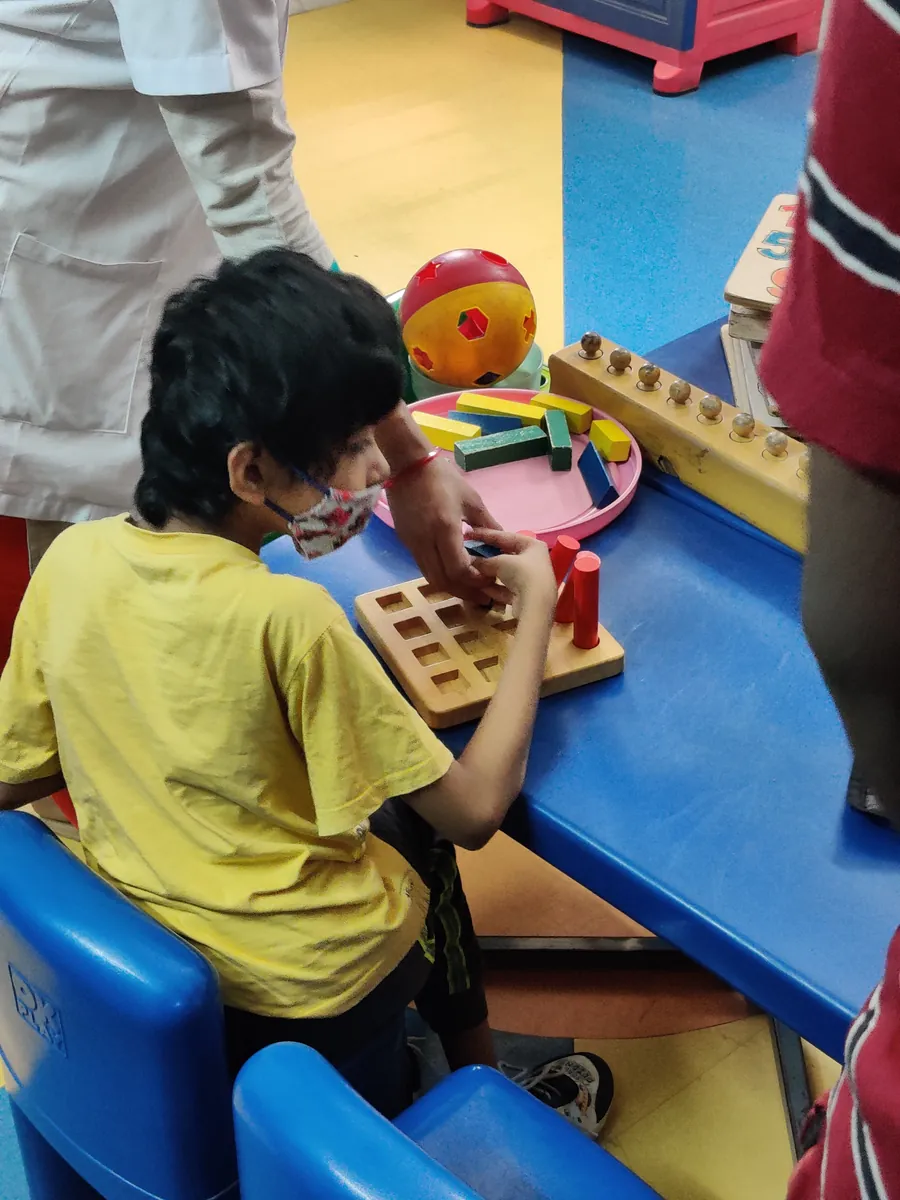
A child working a peg board with a therapist at a children’s therapy centre
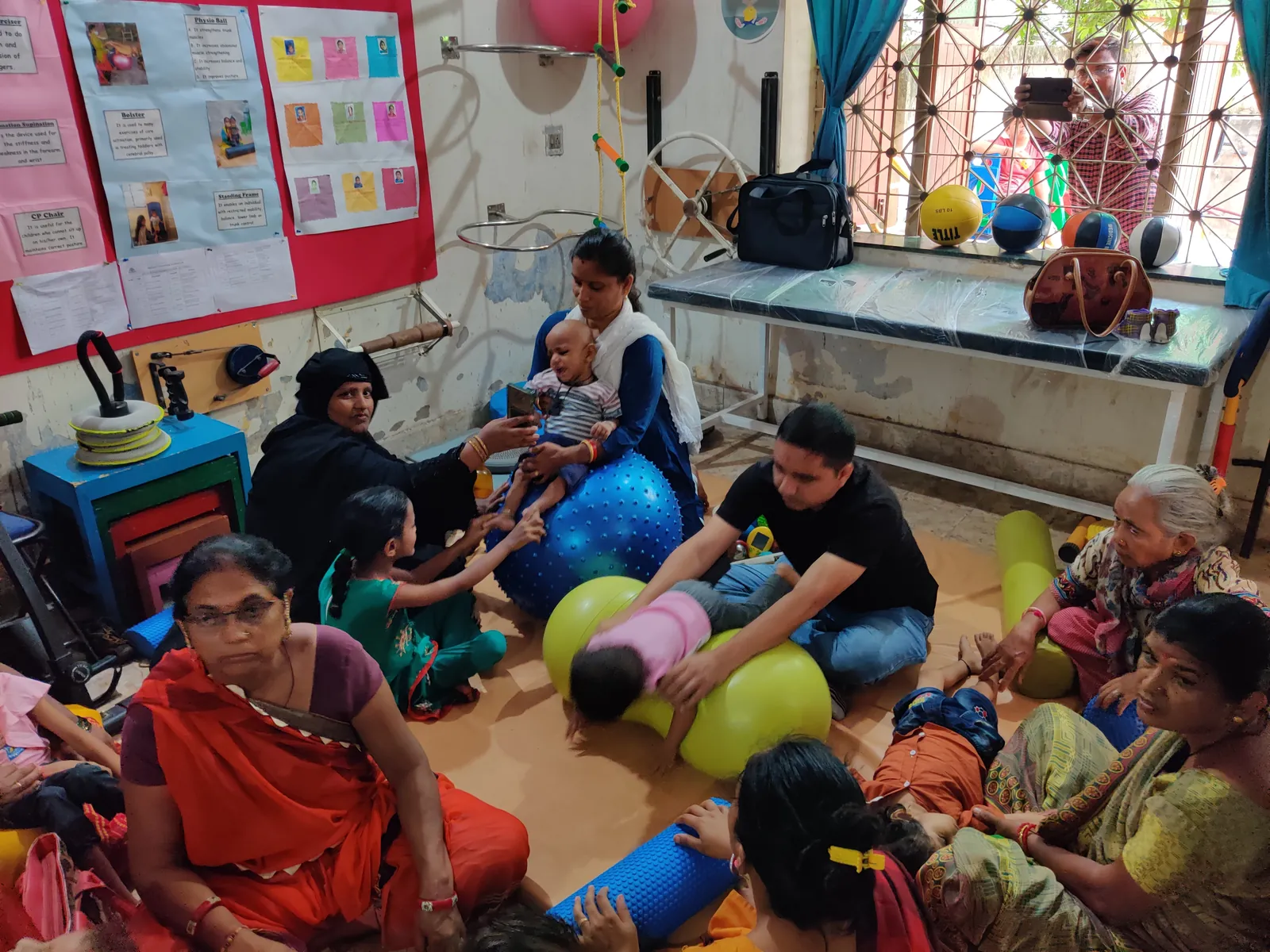
Mothers and children in a floor therapy session at a children’s centre
A teacher guiding a boy’s hand across a wall chart
Children exploring a fabric tactile activity board
A young man at an industrial sewing machine in a vocational room
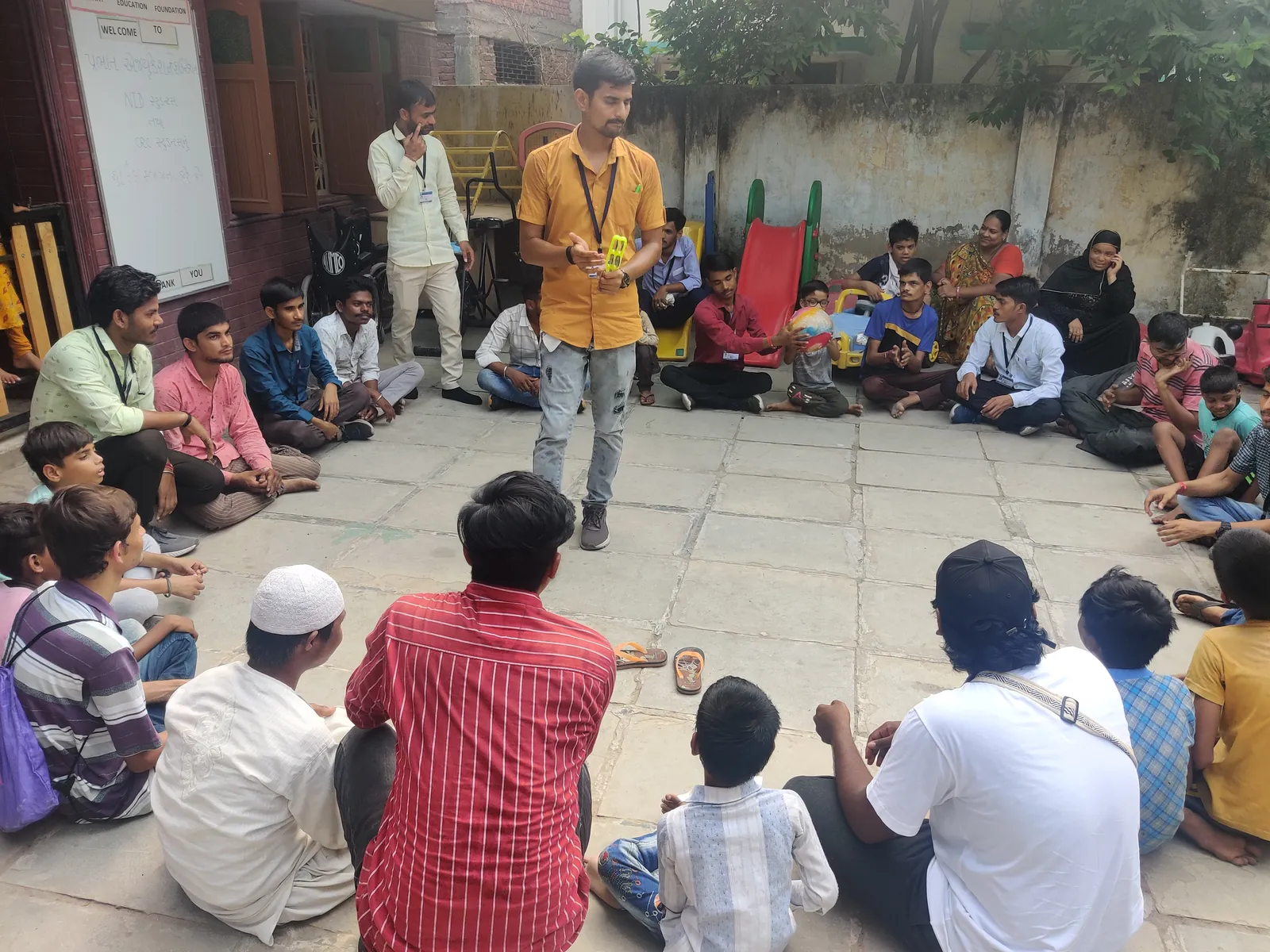
A large outdoor circle session with students and staff
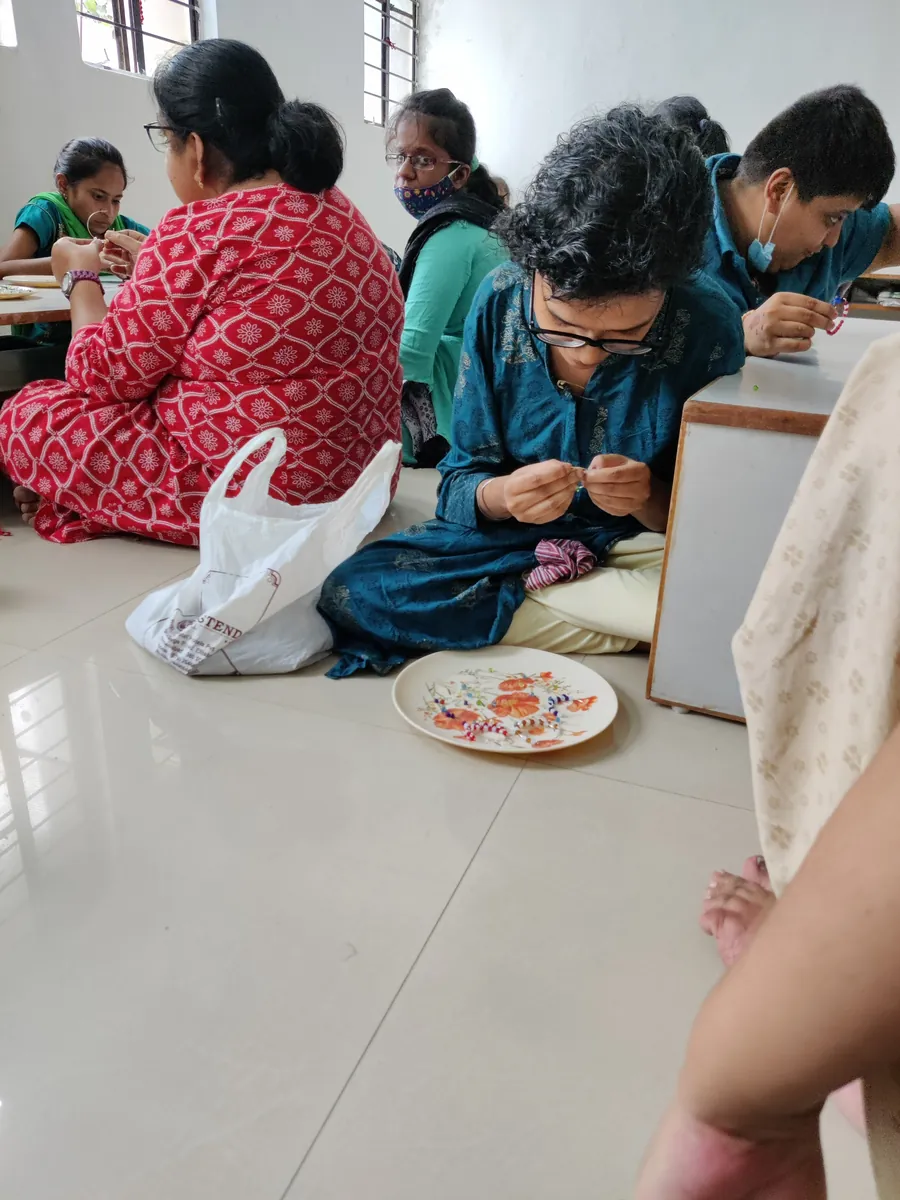
Women of an embroidery group at work on the floor
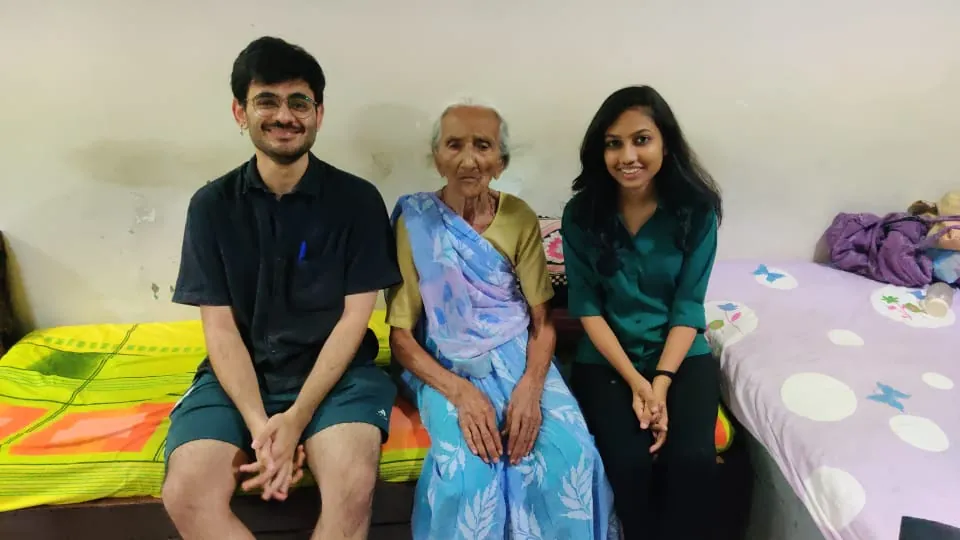
Two team members sitting with an elderly woman at her home
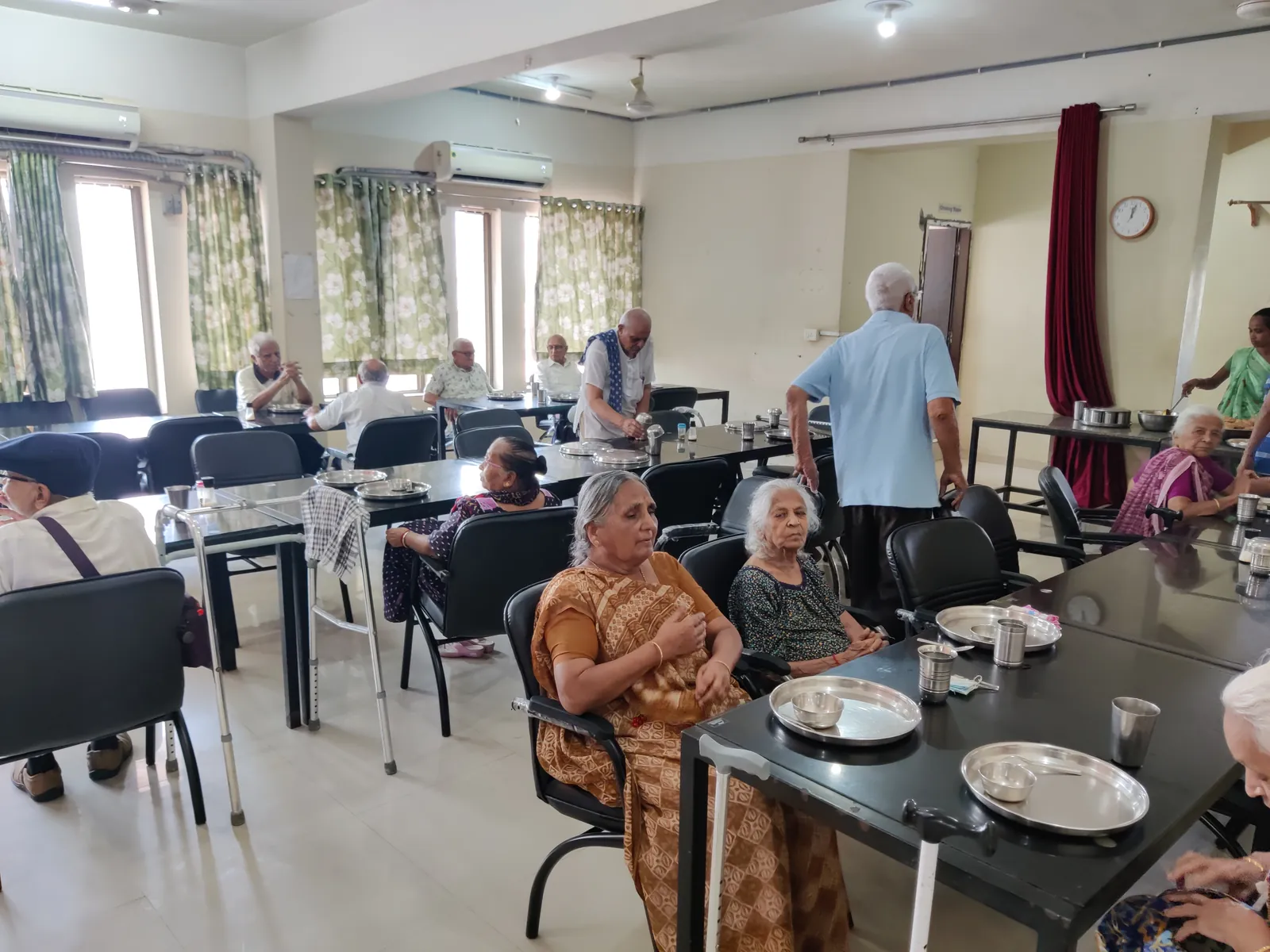
Residents in the dining hall of a residential home for elders
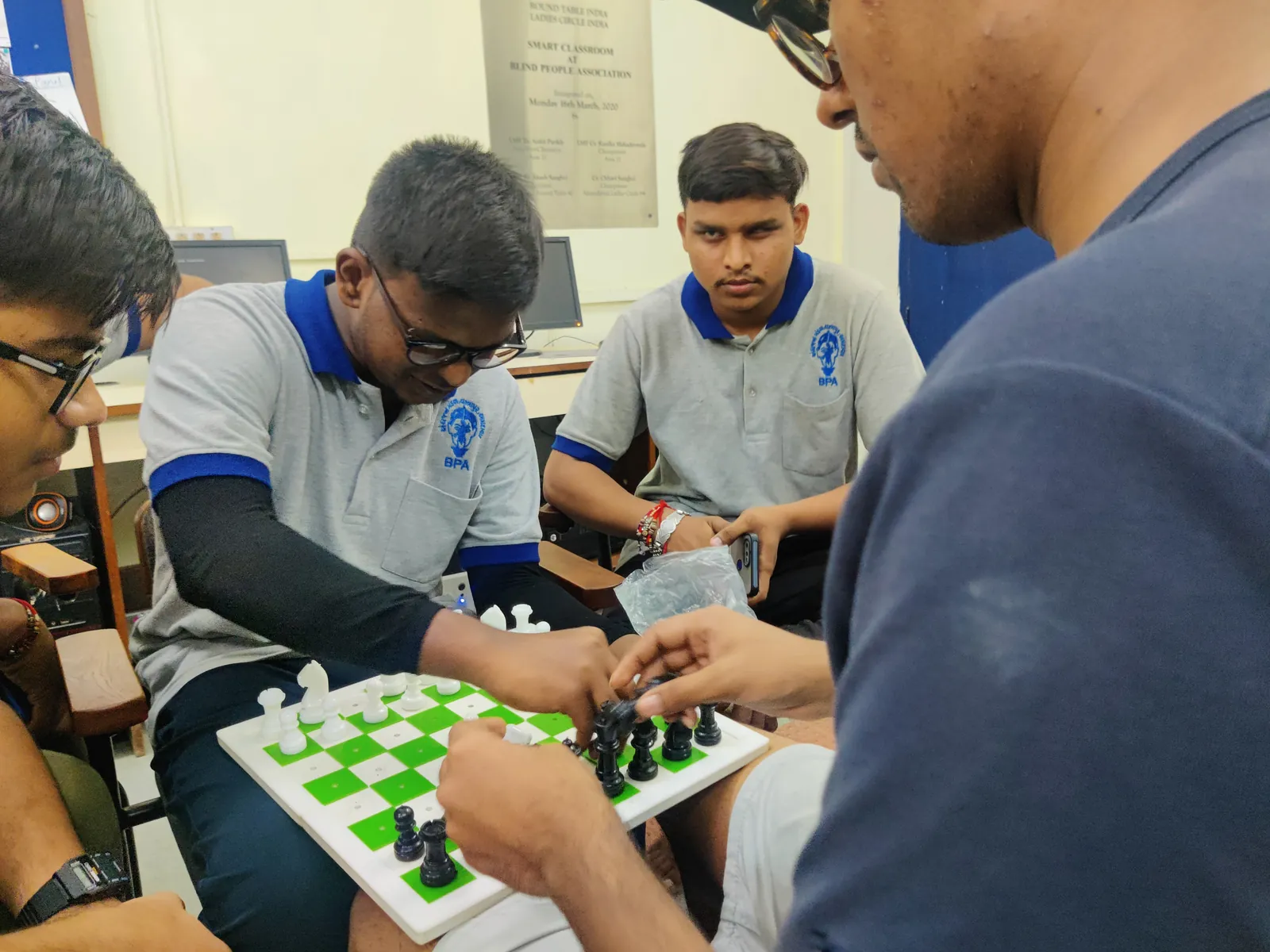
Playing tactile chess with BPA students
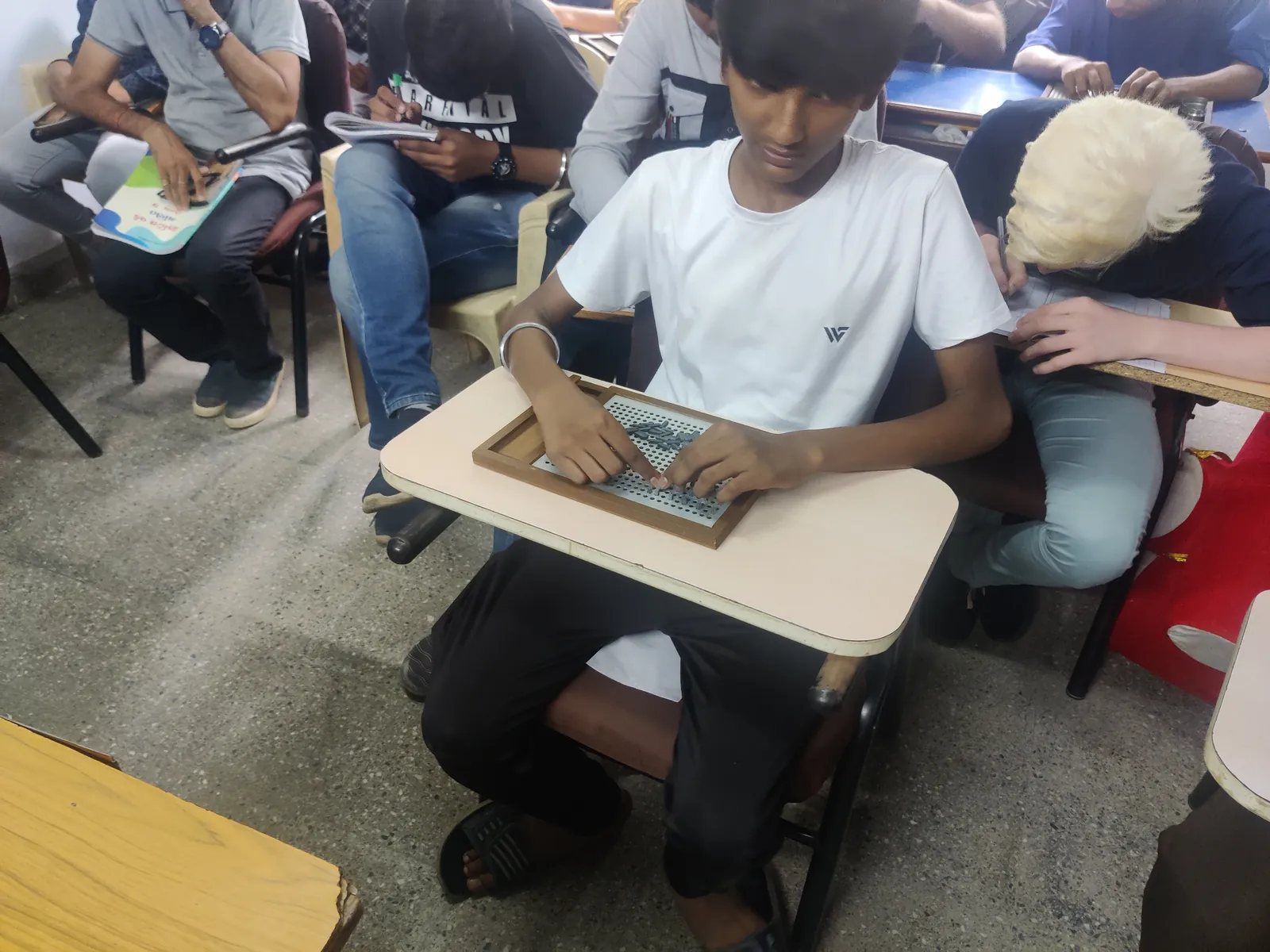
A BPA student reading a tactile peg board at his desk
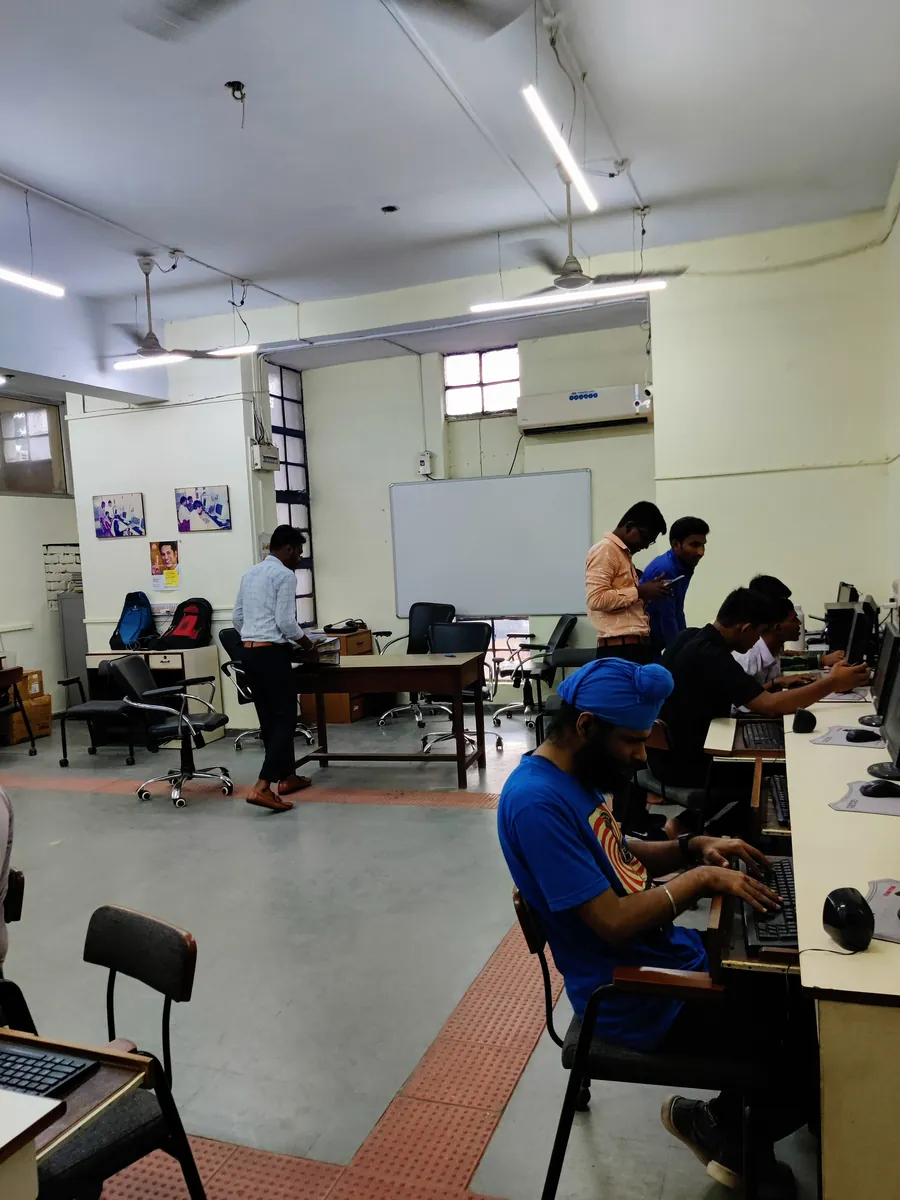
BPA’s IT cell, with students at computers with screen readers
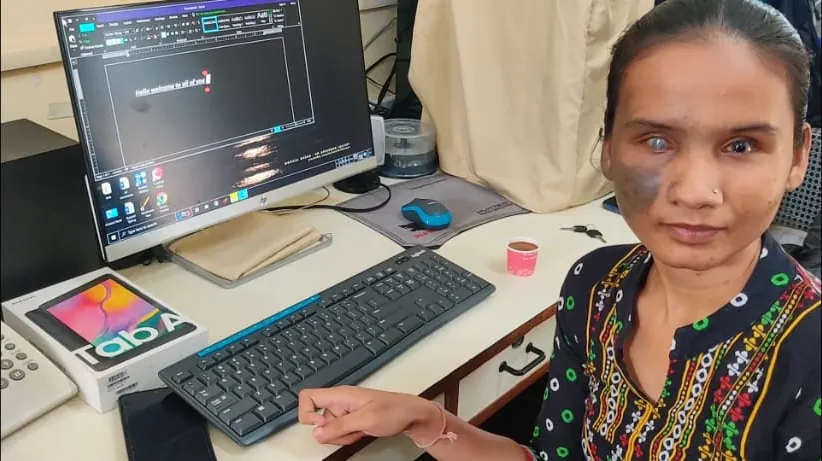
The IT cell instructor at her workstation
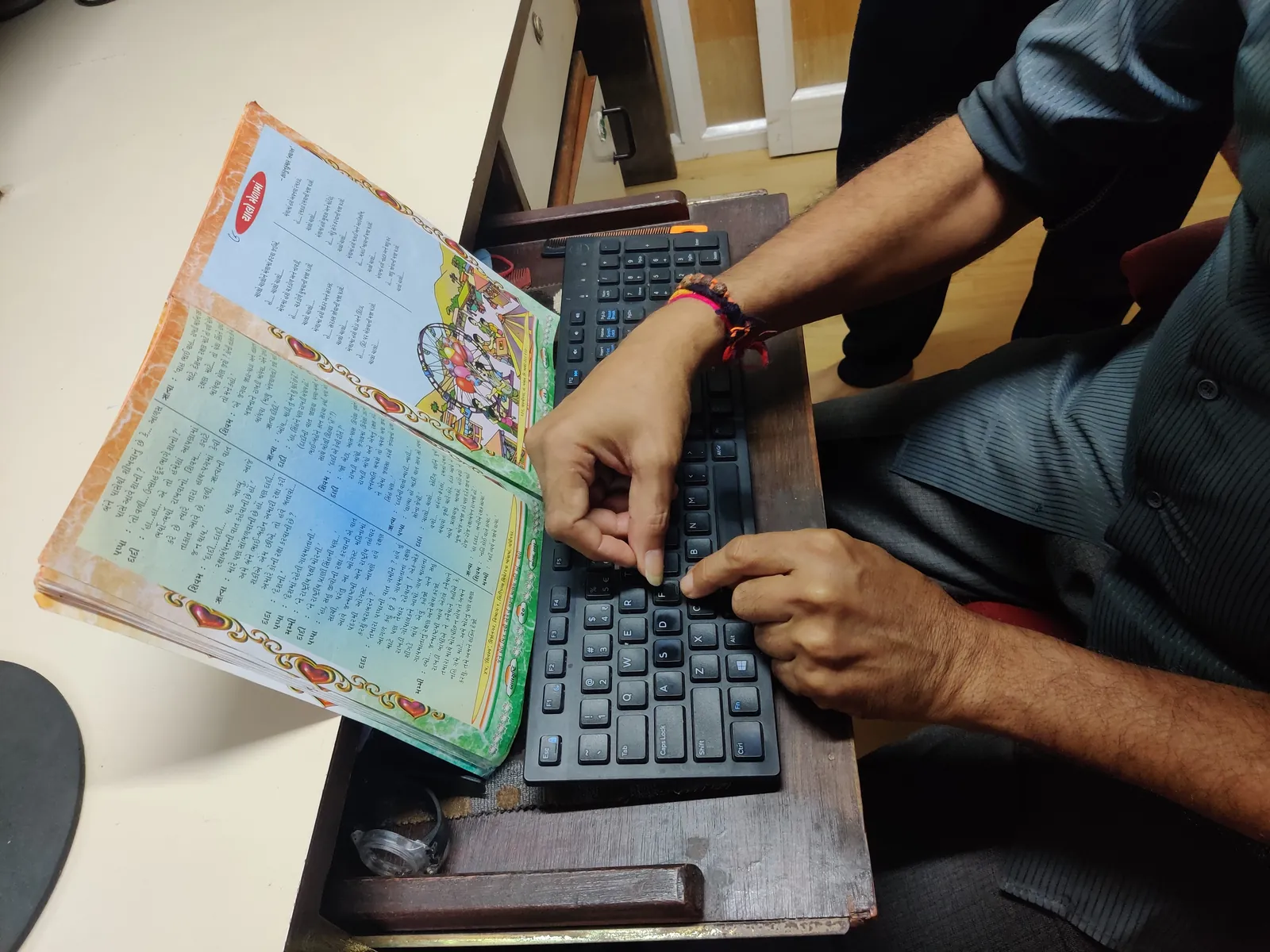
An operator at the braille press typing a textbook into braille software
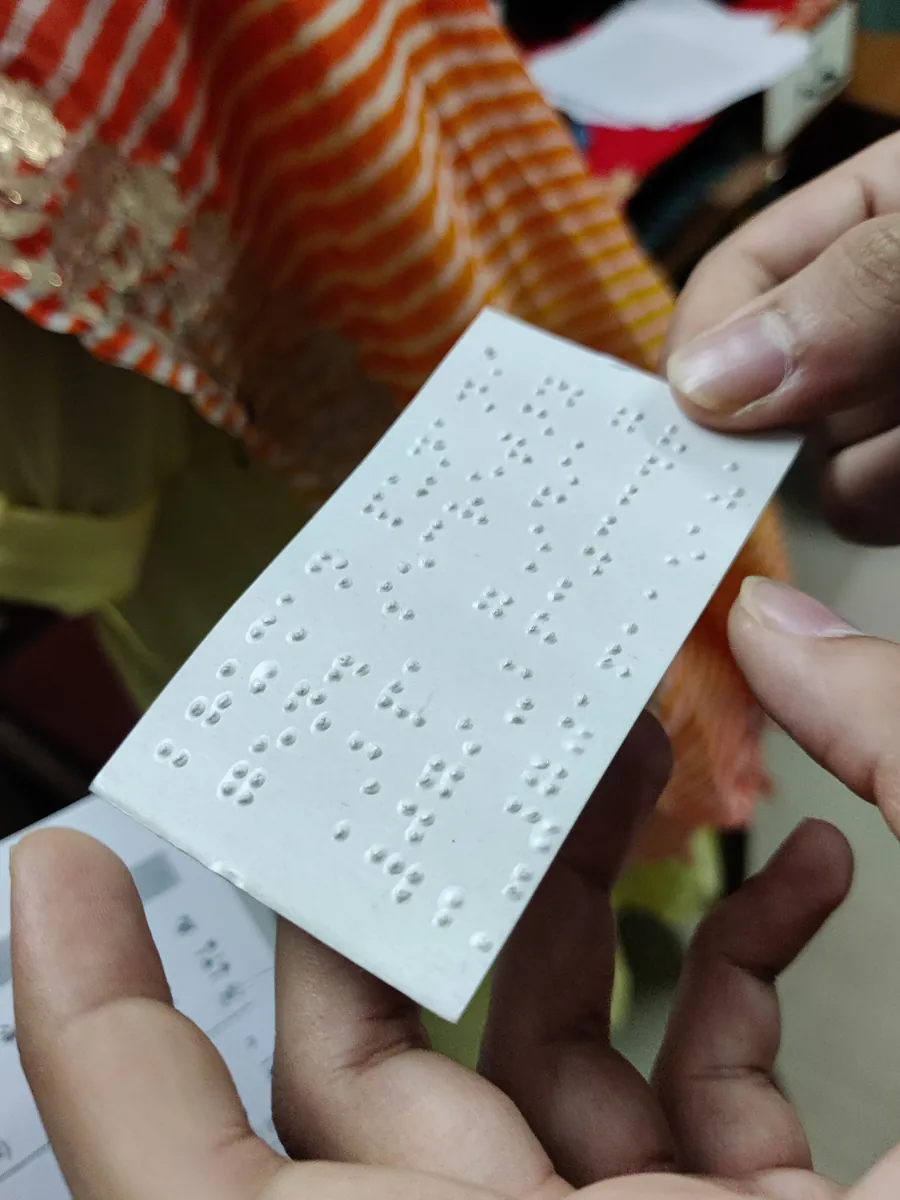
A freshly embossed braille card in hand
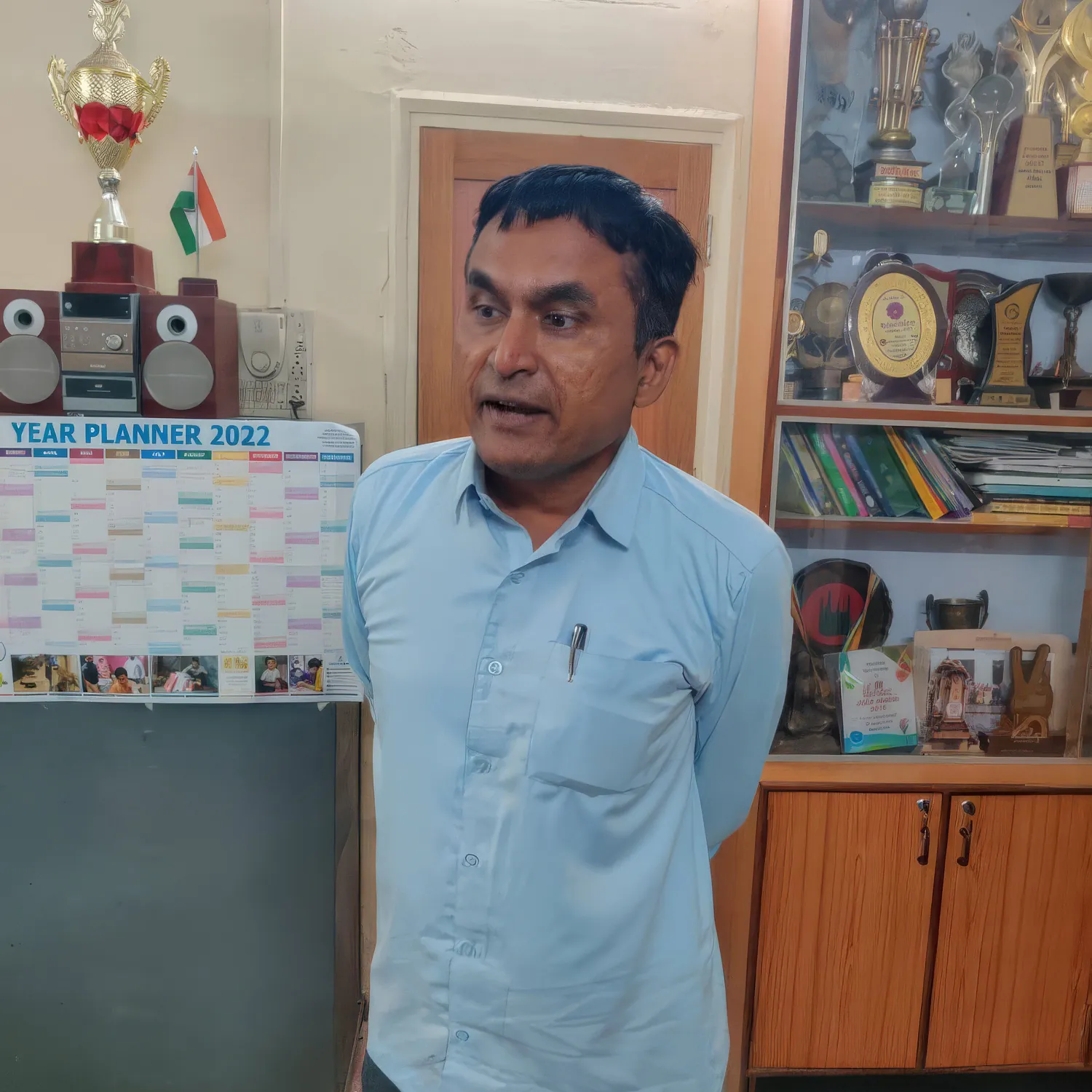
Dr. Manu Chaudhari in his office at the BPA secondary school
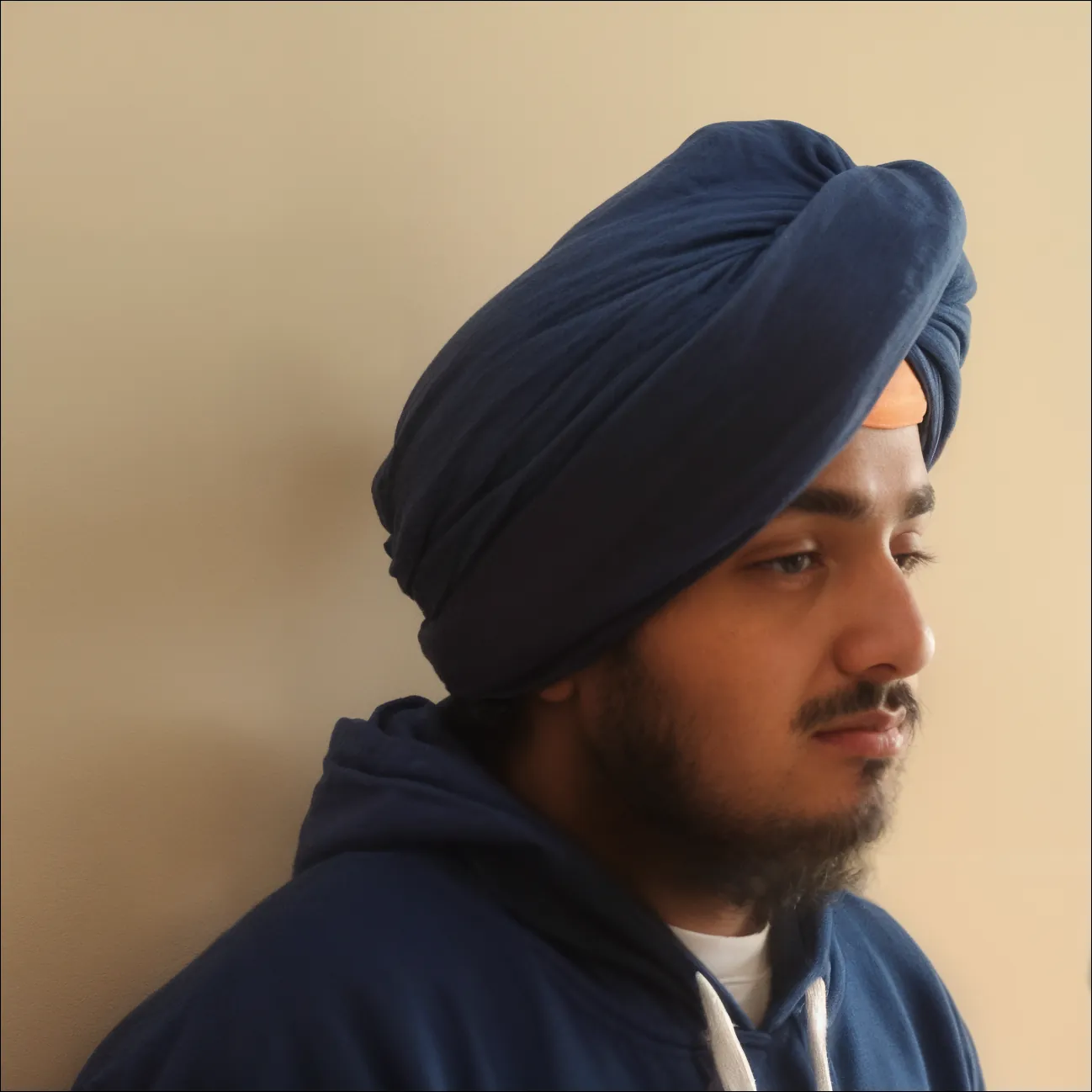
Portrait of Manjot Singh

Our visits in September 2022: two children’s centres, an embroidery group, an elders’ home, BPA and its braille press.

Research visits

Photo 1 of 17

A child working a peg board with a therapist at a children’s therapy centre
6 Sep. A children’s therapy centre.

Photo 2 of 17

Mothers and children in a floor therapy session at a children’s centre
7 Sep. A second children’s centre.

Photo 3 of 17

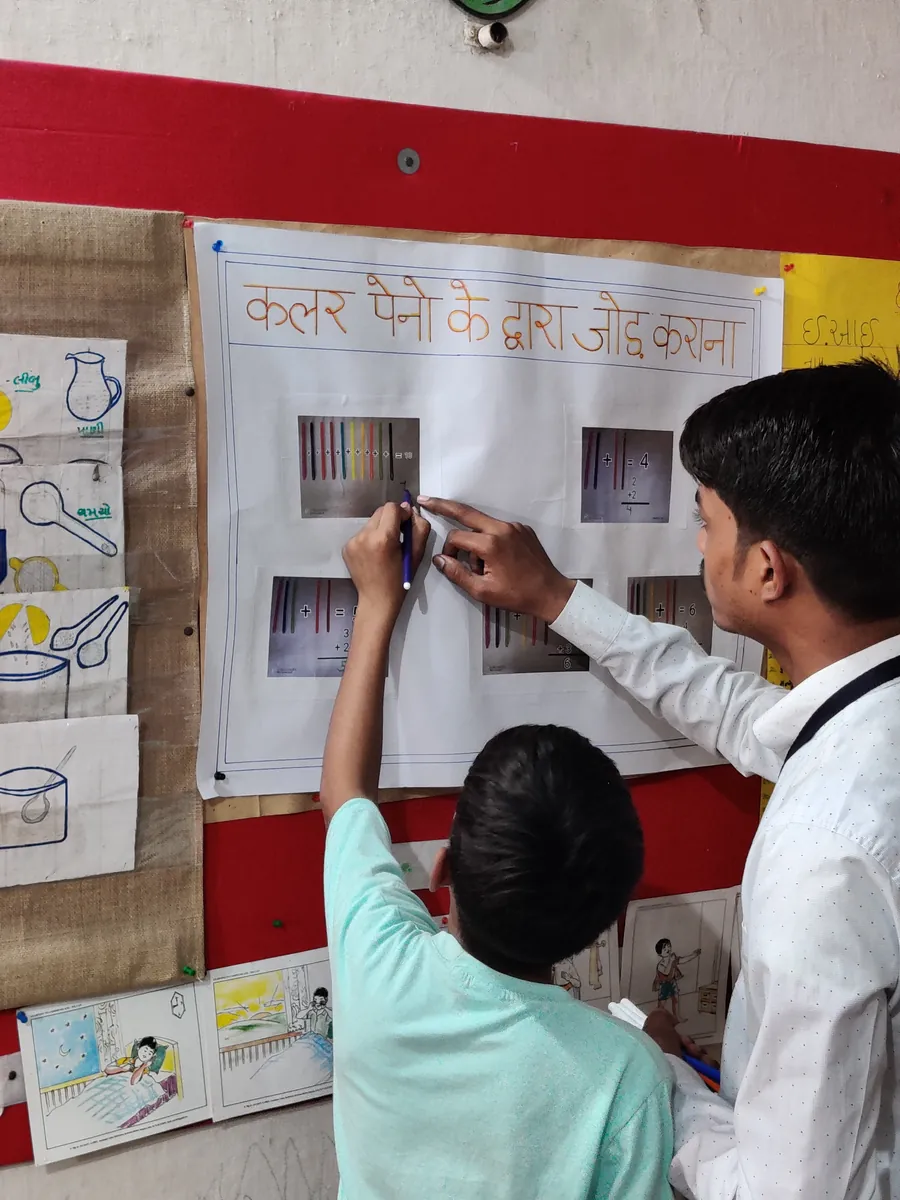
A teacher guiding a boy’s hand across a wall chart
7 Sep. A teacher guides a boy’s hand across a wall chart.

Photo 4 of 17

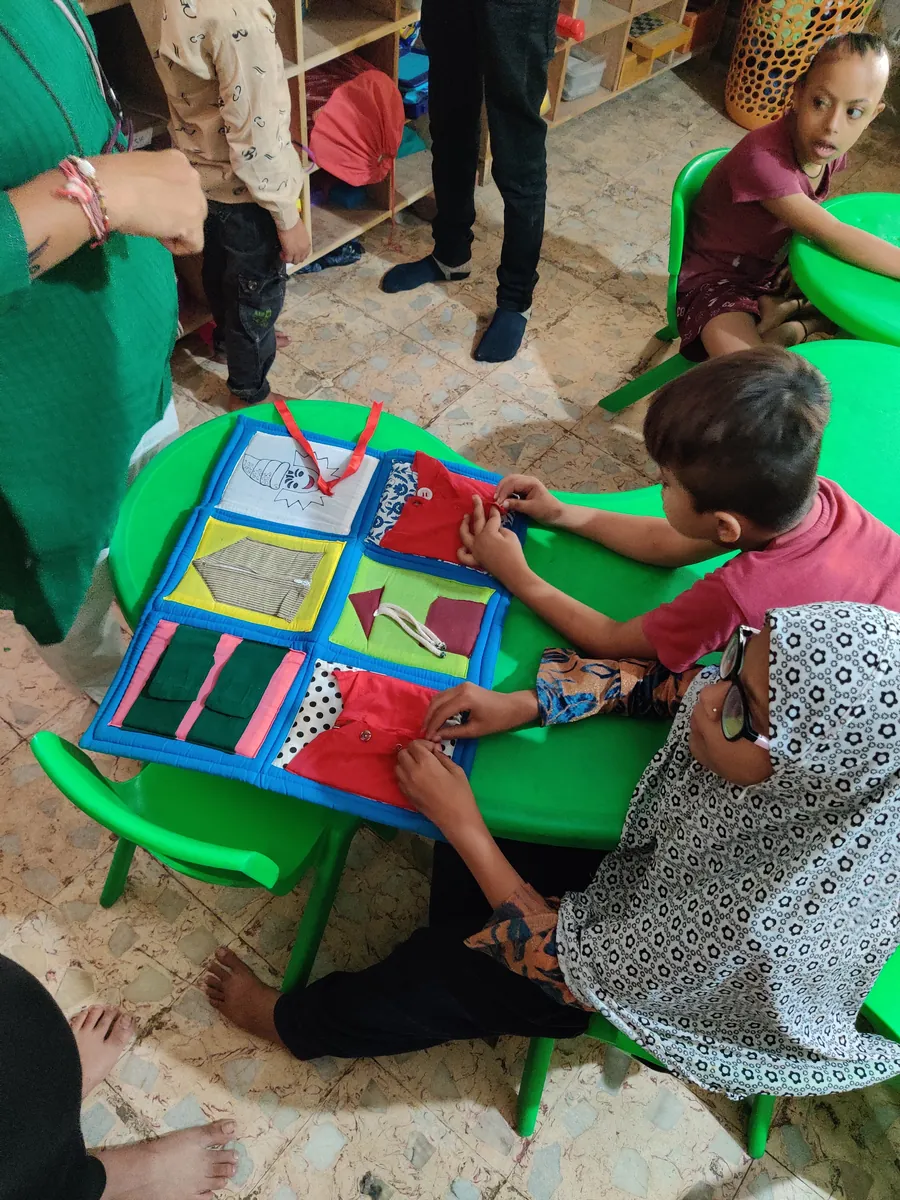
Children exploring a fabric tactile activity board
7 Sep. Children exploring a fabric activity board.

Photo 5 of 17

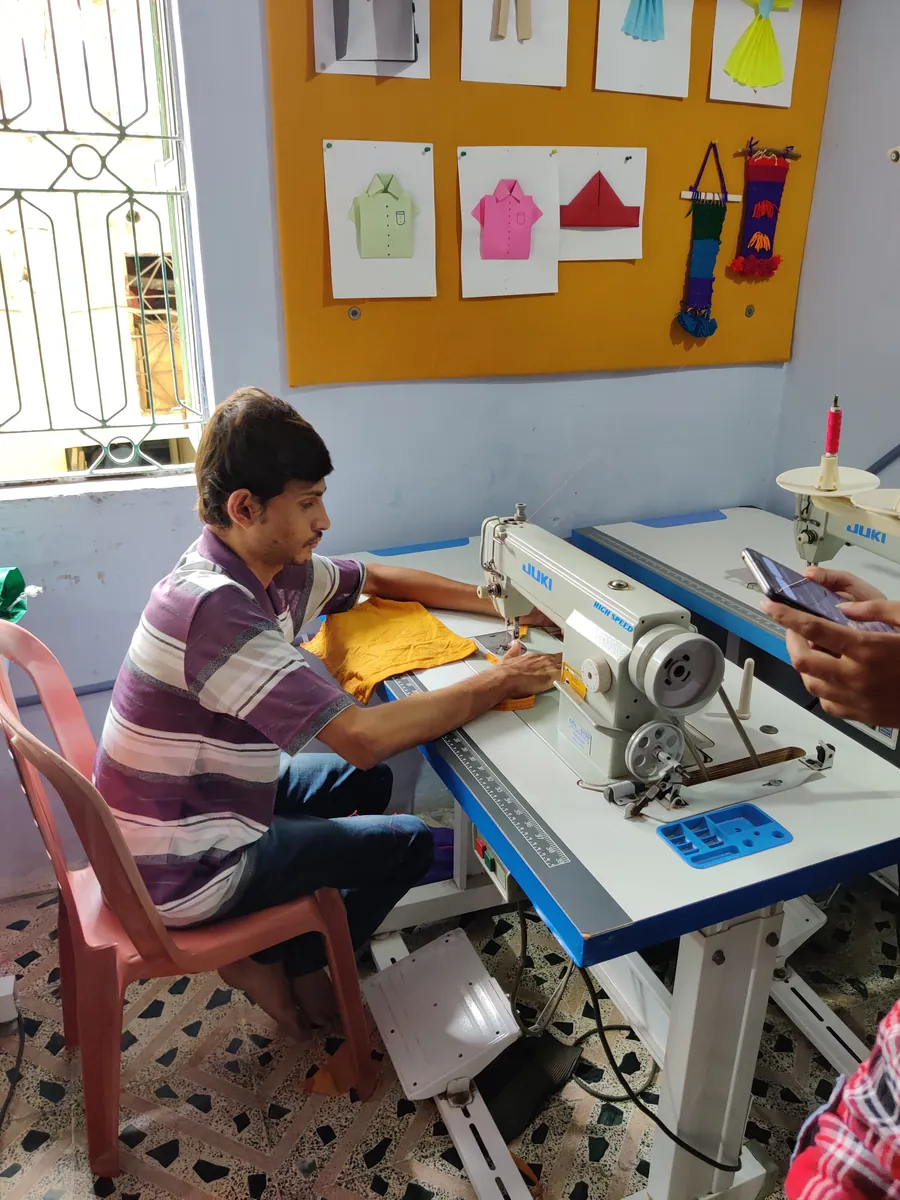
A young man at an industrial sewing machine in a vocational room
7 Sep. The vocational room.

Photo 6 of 17

A large outdoor circle session with students and staff
7 Sep. An outdoor circle session.

Photo 7 of 17

Women of an embroidery group at work on the floor
8 Sep. An embroidery group.

Photo 8 of 17

Two team members sitting with an elderly woman at her home
10 Sep. With an elderly woman at her home.

Photo 9 of 17

Residents in the dining hall of a residential home for elders
11 Sep. A residential home for elders.

Photo 10 of 17

Playing tactile chess with BPA students
12 Sep. Tactile chess with BPA students.

Photo 11 of 17

A BPA student reading a tactile peg board at his desk
15 Sep. A BPA classroom.

Photo 12 of 17

BPA’s IT cell, with students at computers with screen readers
15 Sep. BPA’s IT cell.

Photo 13 of 17

The IT cell instructor at her workstation
15 Sep. The IT cell instructor at her workstation.

Photo 14 of 17

An operator at the braille press typing a textbook into braille software
16 Sep. The braille press: a textbook typed into braille software.

Photo 15 of 17

A freshly embossed braille card in hand
16 Sep. A freshly embossed braille card.

Photo 16 of 17

Dr. Manu Chaudhari in his office at the BPA secondary school
Dr. Manu Chaudhari, principal of the BPA secondary school.

Photo 17 of 17

Portrait of Manjot Singh
Manjot Singh.

Three experts we talked to

Manjot Singh, a visually impaired student now studying in Canada. Shirley Thakur, a counsellor at DPS who helped visually impaired students in her school. Akashdeep Bansal, a PhD scholar at IIT Delhi who works on STEM accessibility.
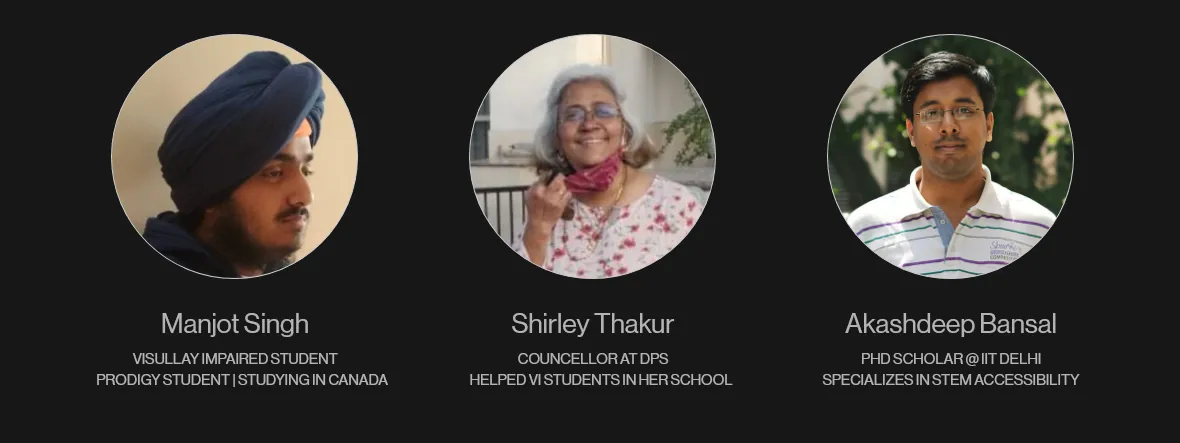
Portraits of Manjot Singh, Shirley Thakur and Akashdeep Bansal from the project board

Interviews

Manjot Singh

Visually impaired student, studying computer science and economics in Canada

Had a lot of trouble pursuing PCM in 12th grade. CBSE does not provide any support for visually impaired children who want to study science.

Could manage chemistry practical examinations by smelling instead of seeing, even though it is quite dangerous for the student to do so.

Some diagrams, like graphs, were hard to describe. Instead, he used gears to drag along a page to create a graph he could feel by touch.

Wrote a program in C++ to visualise atoms and molecules, so he could use it in the exams.

Students of BPA

Ages 15 to 18

Wanted to take PCM in 11th and 12th but didn’t see any scope in it afterwards for a visually impaired person. They were discouraged from the beginning by the teachers themselves.

One went to Mumbai to pursue STEM education but was rejected, as there was no infrastructure in place to conduct practicals.

There were no books accessible for the kids, especially for diagrams, as they are too expensive. Some of them don’t even exist.

Shirley Thakur

Instructor for special needs children at DPS

She and the other teachers first taught students in braille, as there was no other technology available back then.

Later, the students got JAWS installed at home. Once they were comfortable with it, it was installed on the school computers.

In senior school, students carried net-books to type in class. The written content was printed and given to teachers and parents to check.

Dr. Manu Chaudhari

Principal, BPA secondary school

BPA doesn’t have the curriculum for science after 10th grade and maths after 8th grade. Students are scared of maths and end up preferring arts.

A lot of students are interested in technology now, and the school gave each student a smartphone during the pandemic.

Akashdeep Bansal

PhD scholar at IIT Delhi, specialises in STEM accessibility

Notes from a talk on equations, 18 Sep 2022

Sighted people go to the bigger picture first and then to the finer details. Blind people see it differently: first the details, then they combine them to form the bigger picture.

A blind student said a tree is visualised as a circle, because the trunk of a tree is circular.

BPA classrooms and IT cell

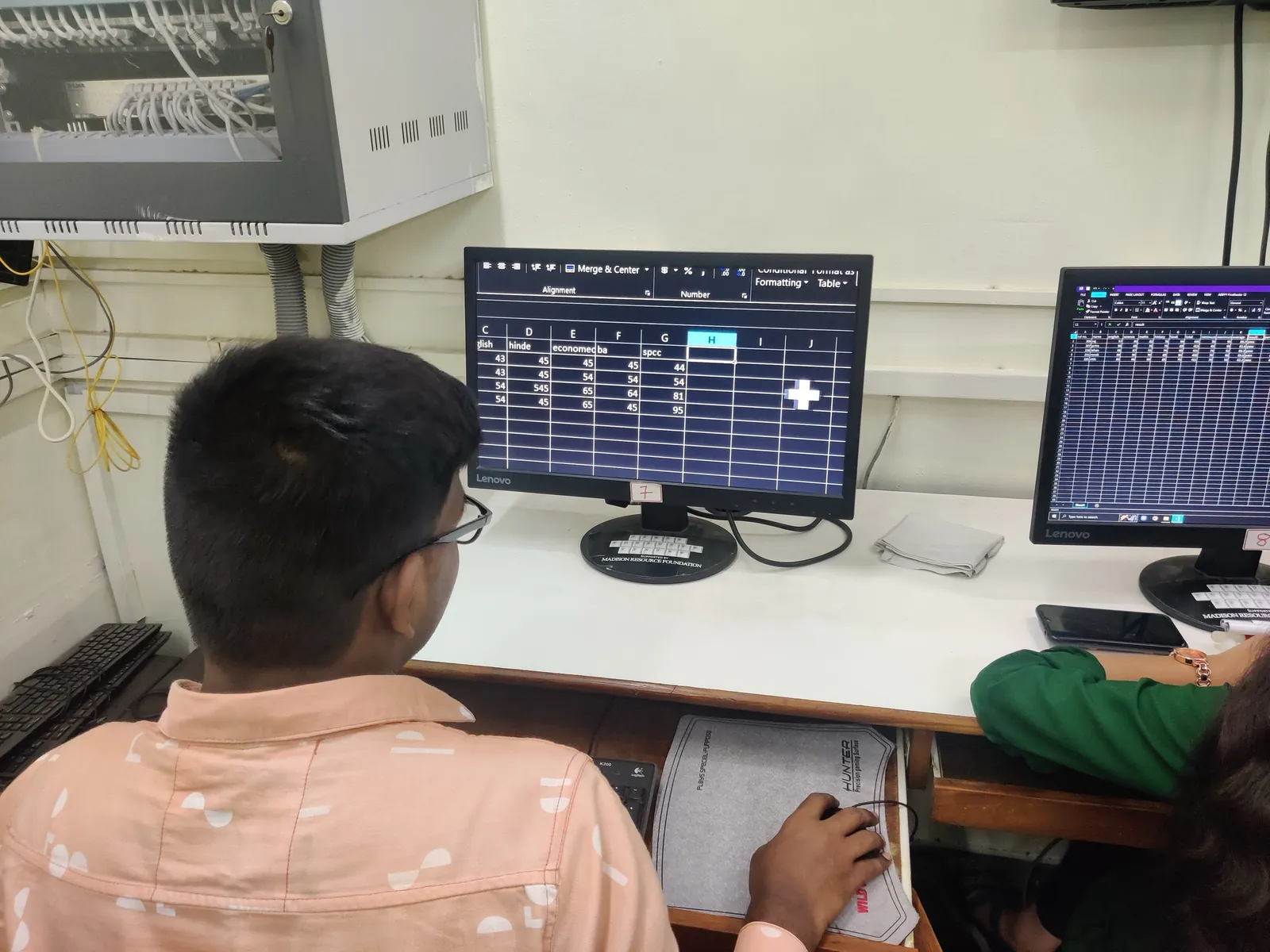
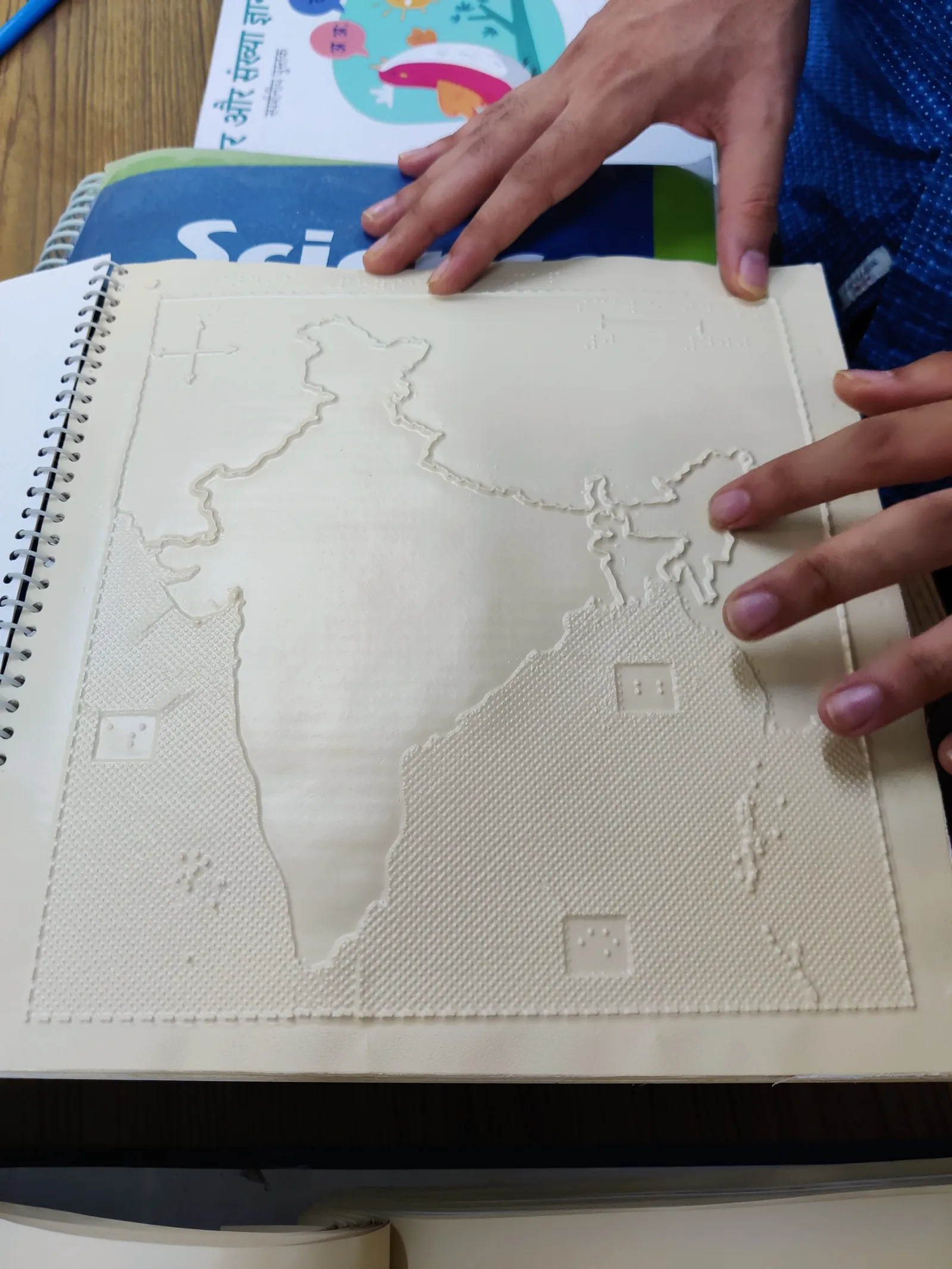
Science is taught verbally, and there is only one book of tactile graphics per subject. In the IT cell, students work in Excel with a screen reader.
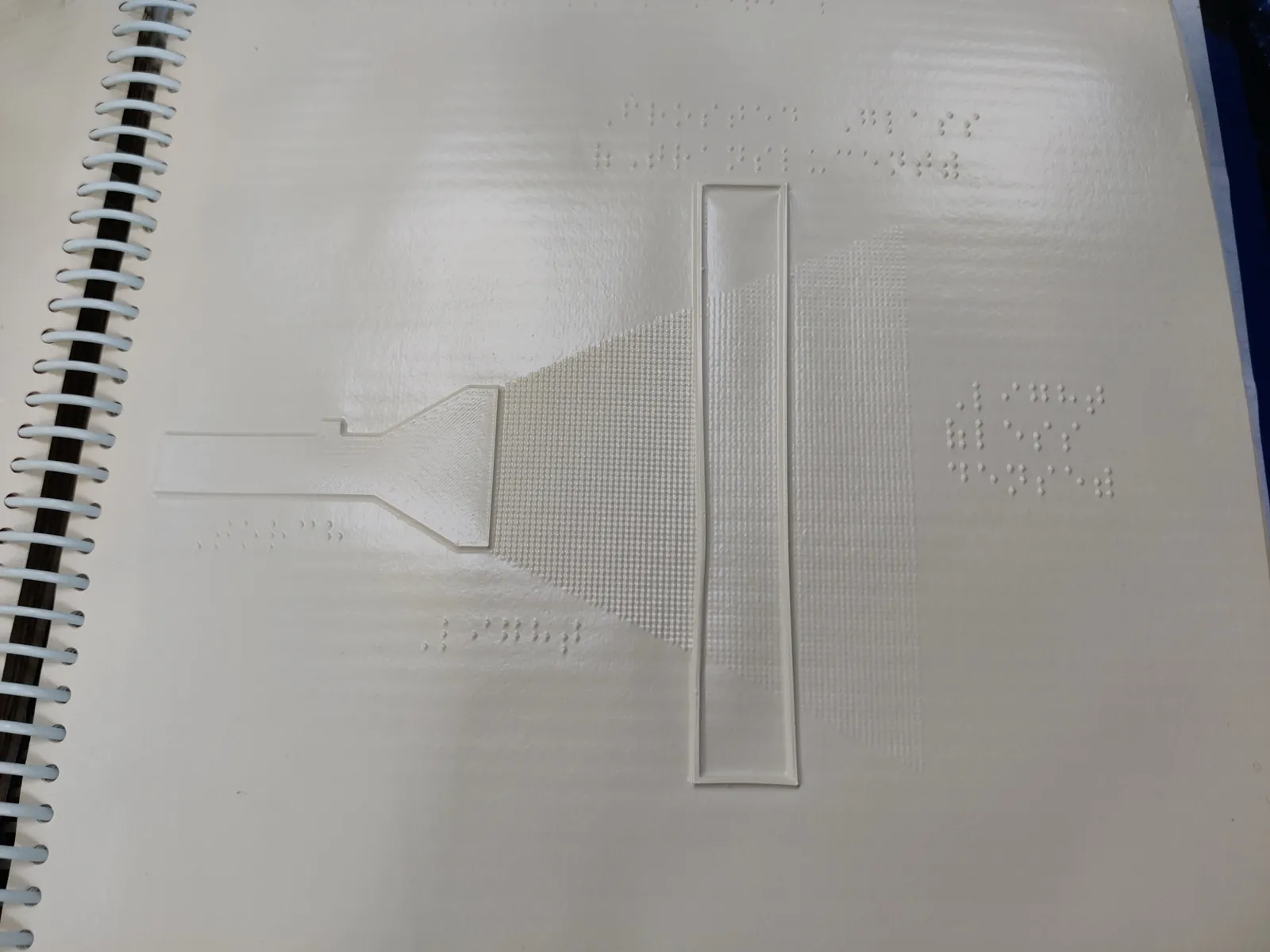
An embossed science diagram with braille labels in a tactile textbook
Hands reading an embossed map of India in a tactile textbook
A student at BPA’s IT cell, seen from behind, working in Excel with a screen reader

The braille press

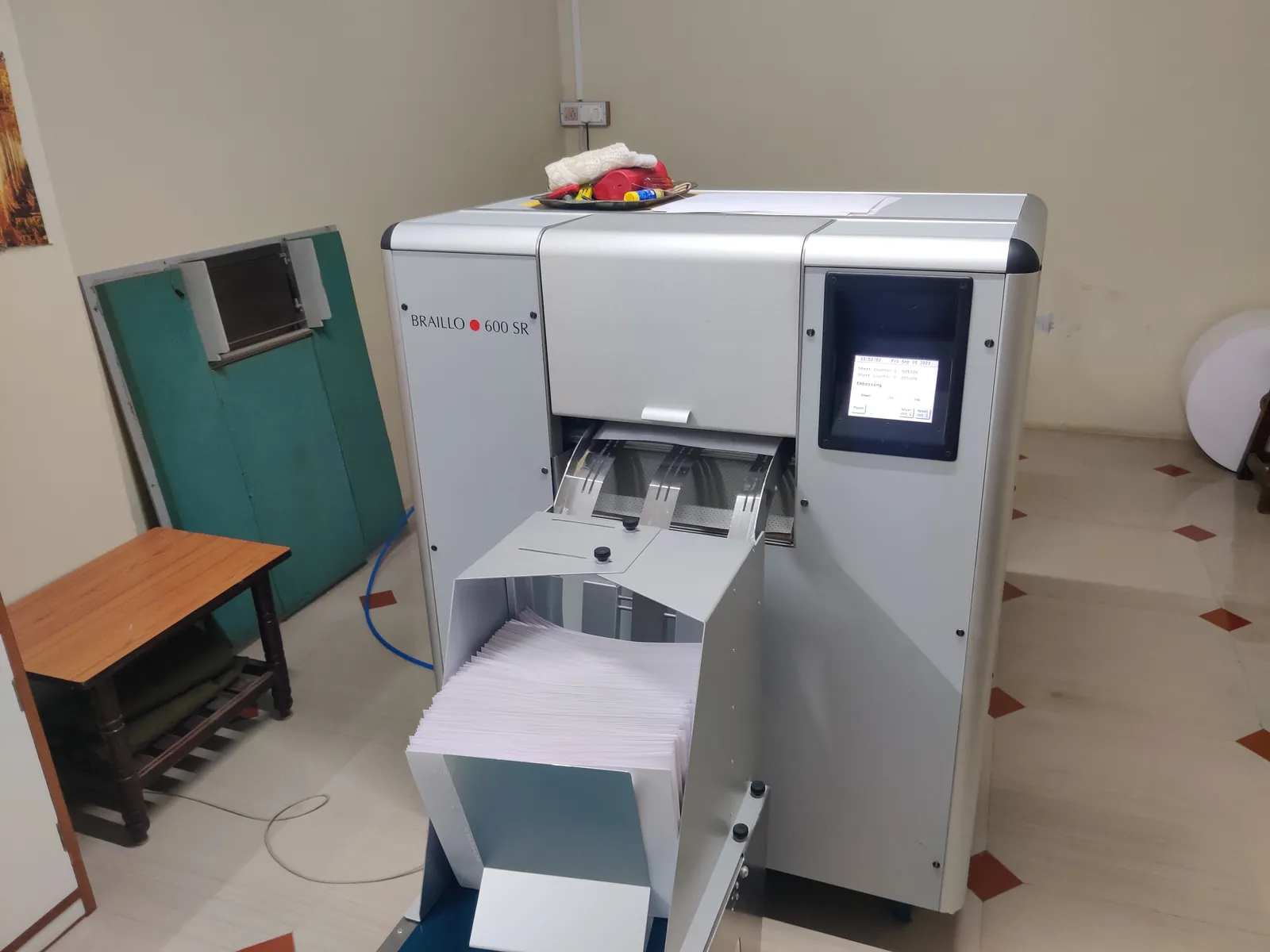
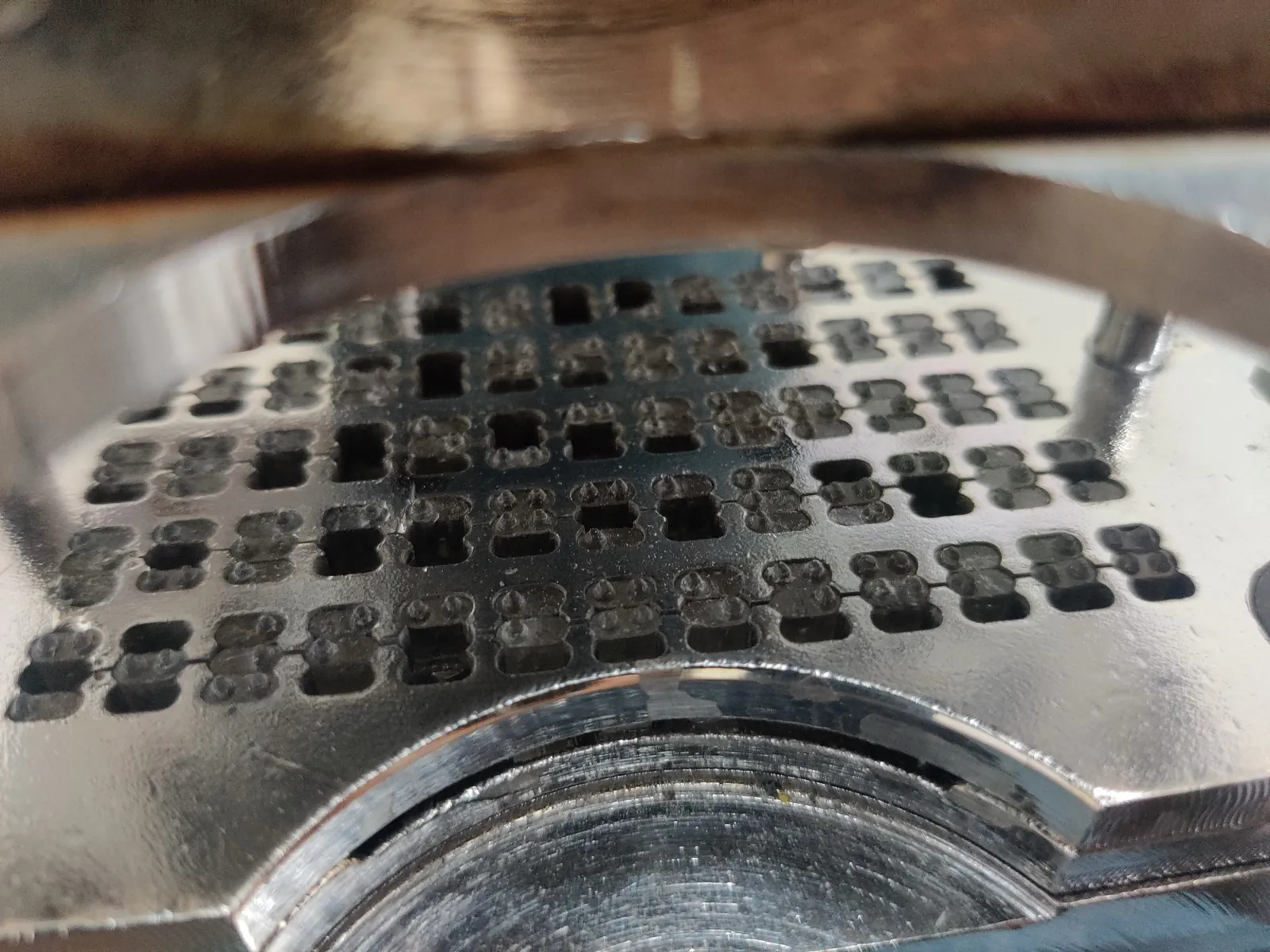
We saw how BPA transcribes books to braille, from the Duxbury software to the embossing plates.
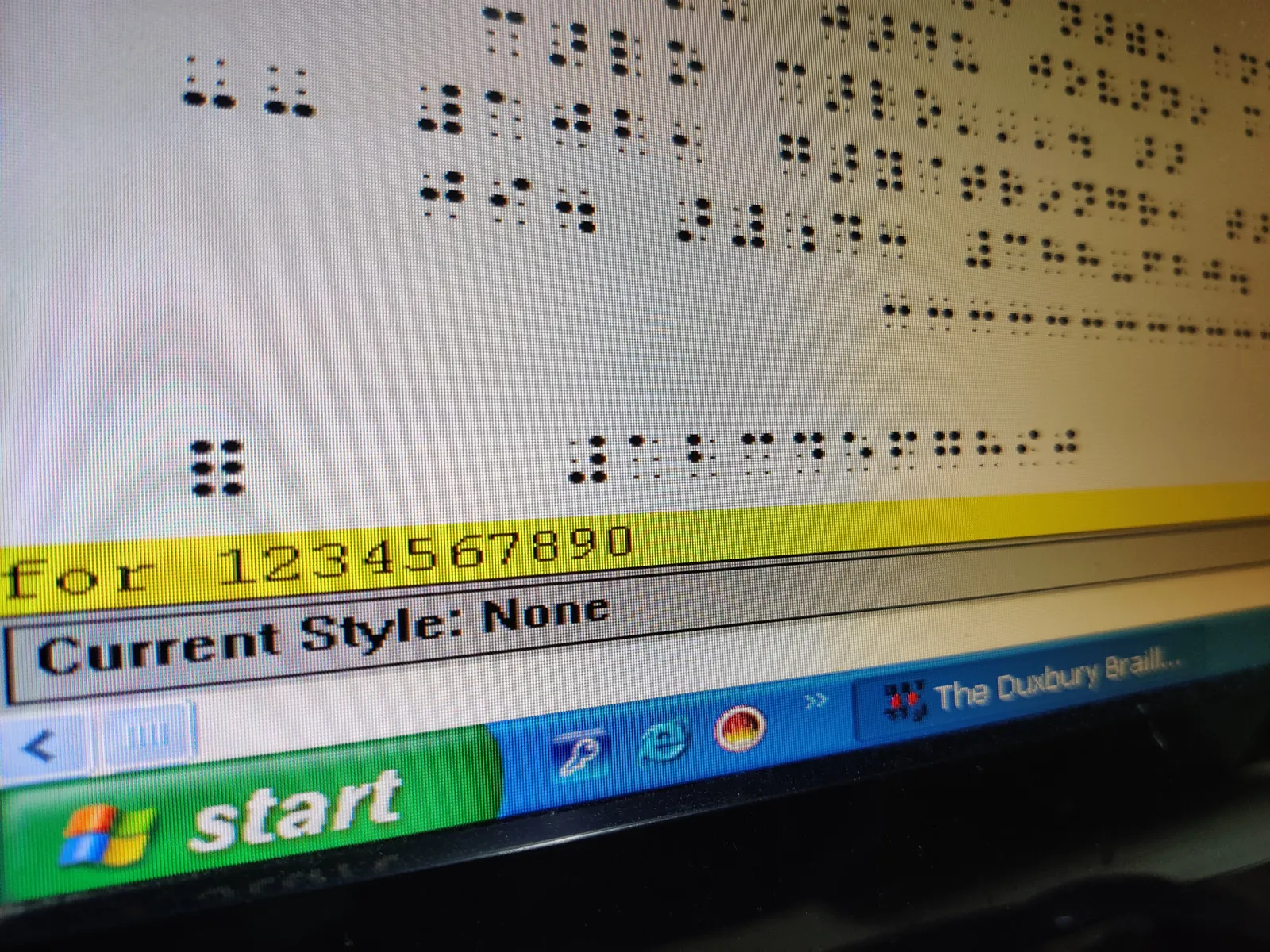
The Duxbury braille software on a screen
A braille embosser at the BPA press
Close-up of a braille embossing plate

Systems map

We mapped how schools, teachers and students connect. It runs down to science taught verbally and tactile books that are expensive.
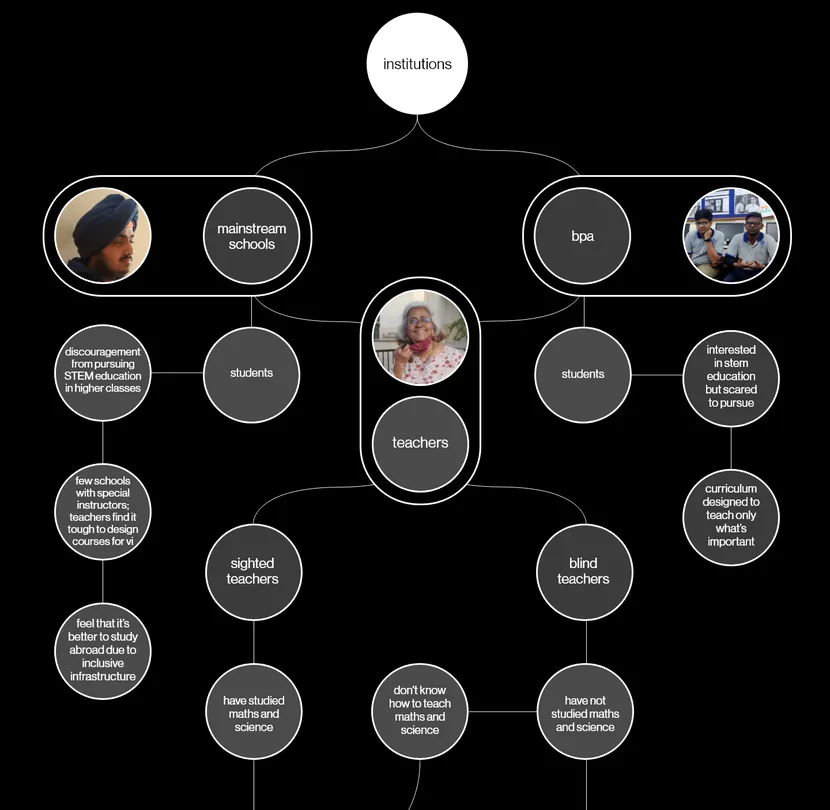
The top of the systems map: institutions, mainstream schools, BPA, students and teachers as circles joined by lines

Systems map

The full systems map, from institutions down to expensive tactile graphic and braille books, with photos of the people we talked to

Problem areas

  1. STEM education in senior secondary is discouraged due to lack of proper infrastructure.

  2. Conceptual understanding isn’t clear because everything is taught verbally.

  3. Abstract concepts can sometimes only be explained through diagrams, and these are not accessible due to high cost.

Problem areas

Problem area 1 of 6

STEM education in senior secondary is discouraged due to lack of proper infrastructure.

Problem area 2 of 6

Conceptual understanding isn’t clear because everything is taught verbally.

Problem area 3 of 6

Lack of awareness of scope after STEM education.

Problem area 4 of 6

Even if they are able to learn the concepts, there is no way for them to represent it.

Problem area 5 of 6

Conducting practicals is difficult, as it requires one to make a lot of visual observations.

Problem area 6 of 6

STEM education involves a lot of abstract concepts which can sometimes only be explained through diagrams. These diagrams are not accessible due to high cost.

The inferences slide

The review deck's inferences slide with all six problem areas

Re-designed brief

Create accessible content, instruction kits and technologies to assist the teaching and learning of STEM for children with visual impairment.

Ideation

We started off thinking of ideas that could help engage visually impaired students better in various subjects, then made one kit per subject in laser-cut MDF.

  1. Initial concepts

    Sketches for chemistry, physics and maths kits.
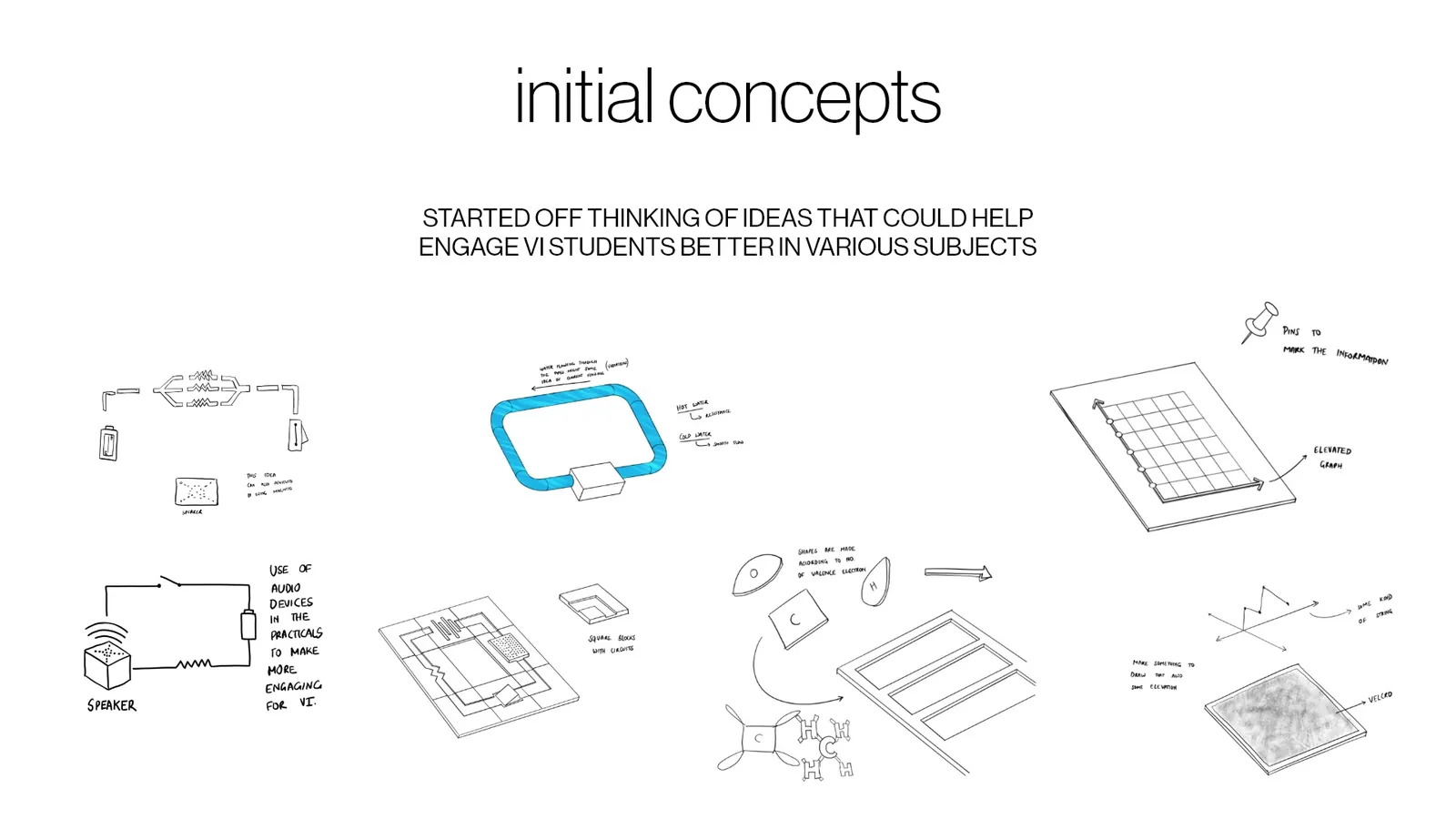
    Initial concept sketches: circuit pieces, a graph board, a tactile tray and other kit ideas
  2. Chemistry

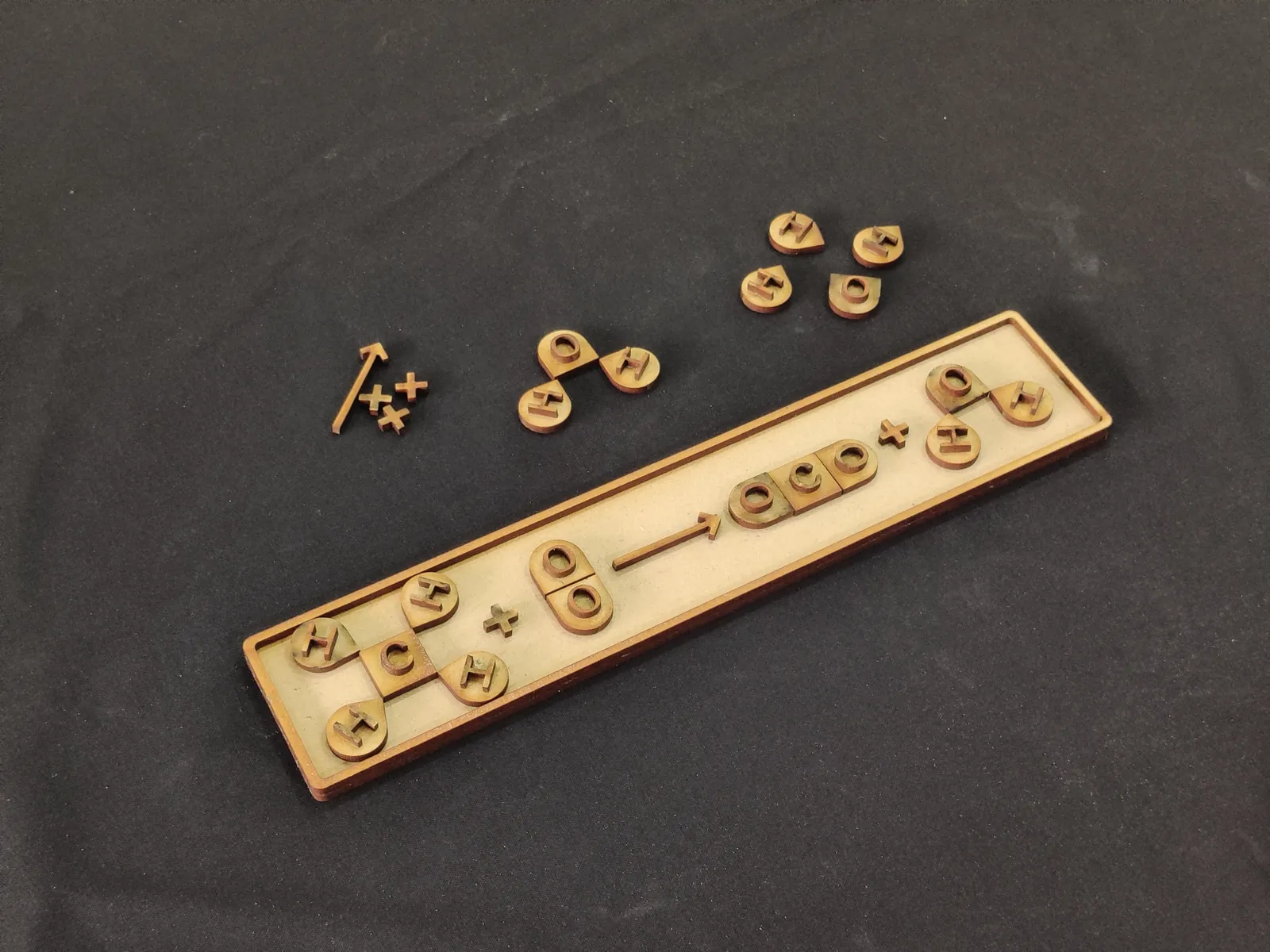
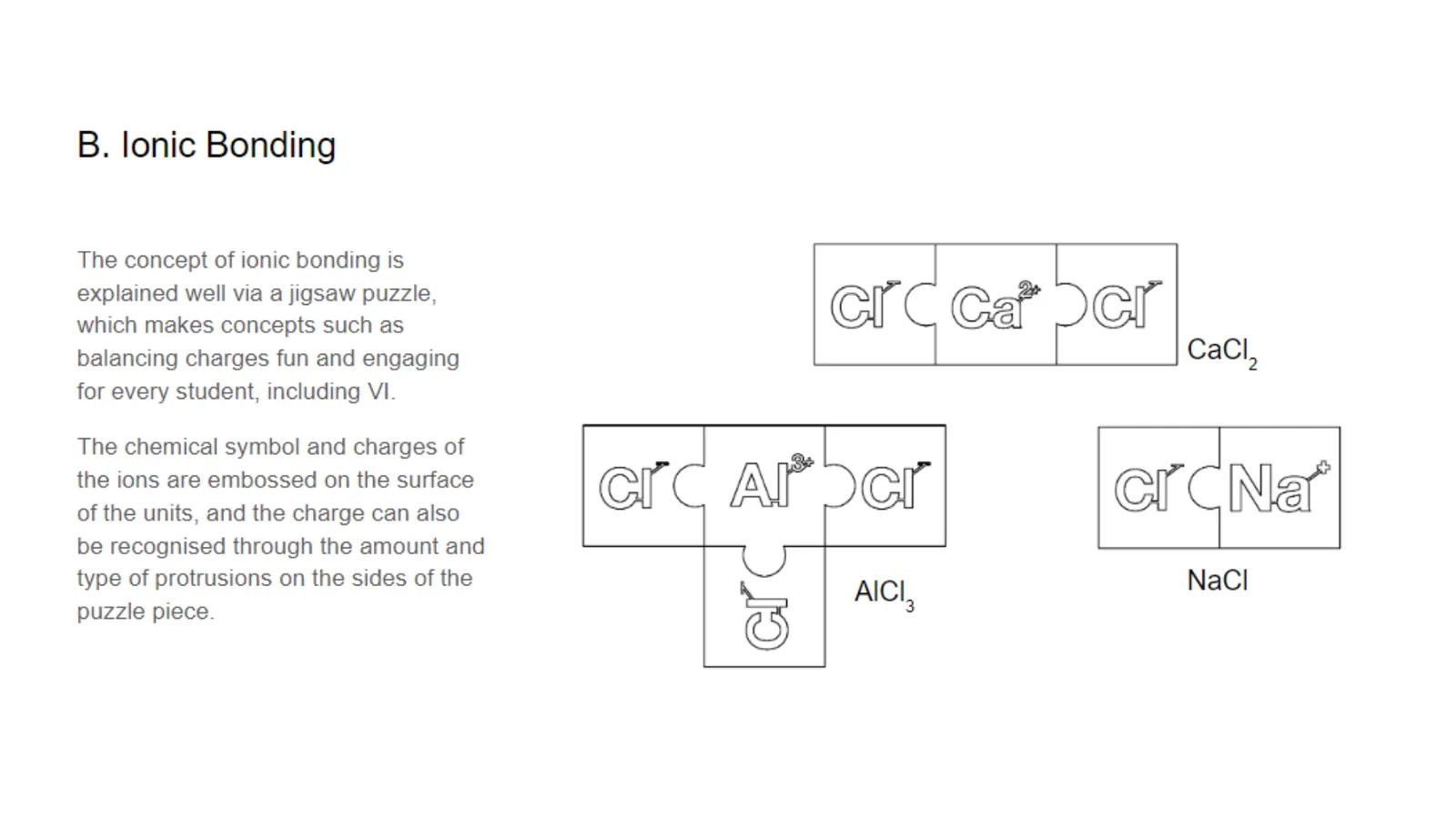
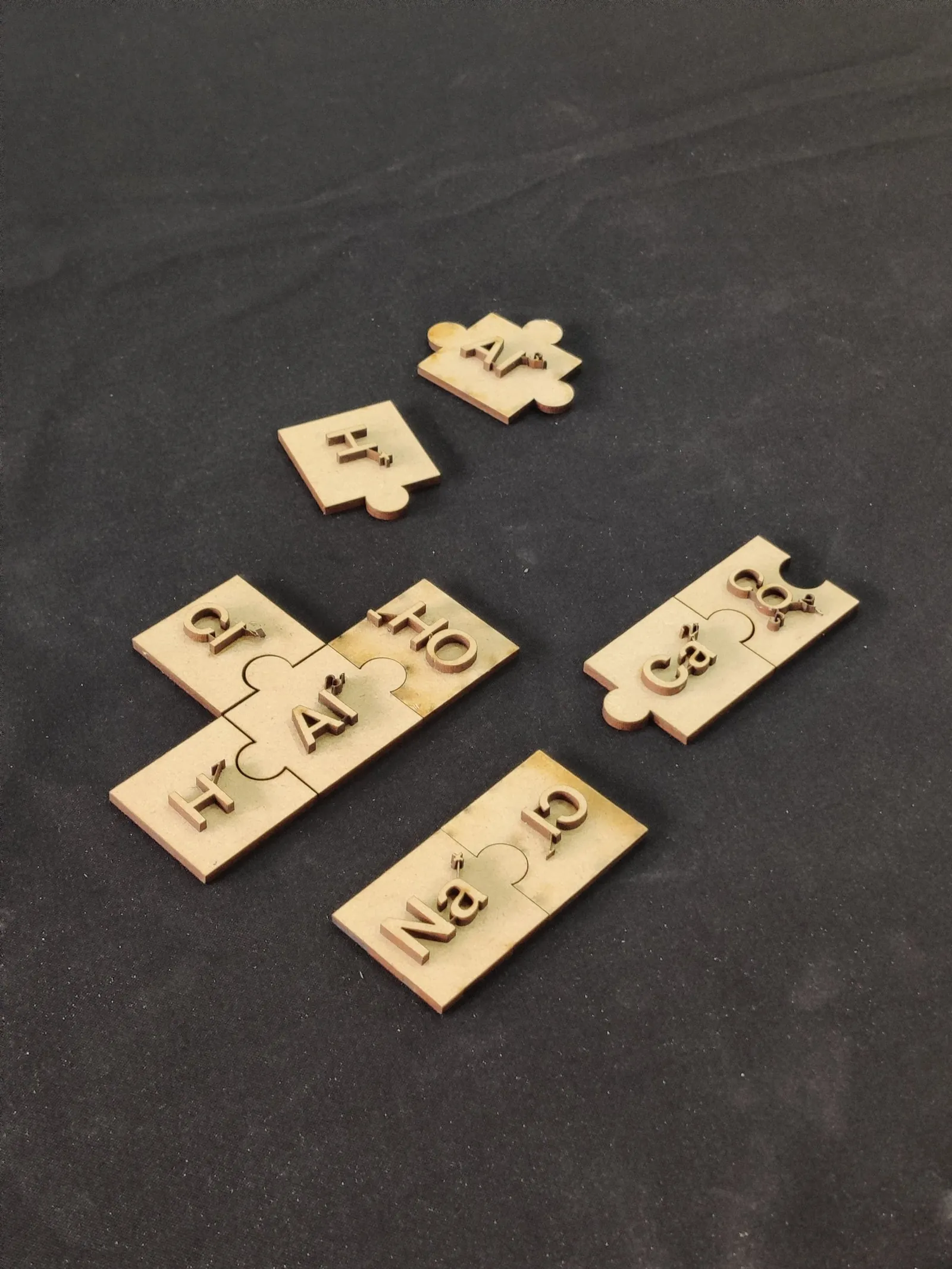
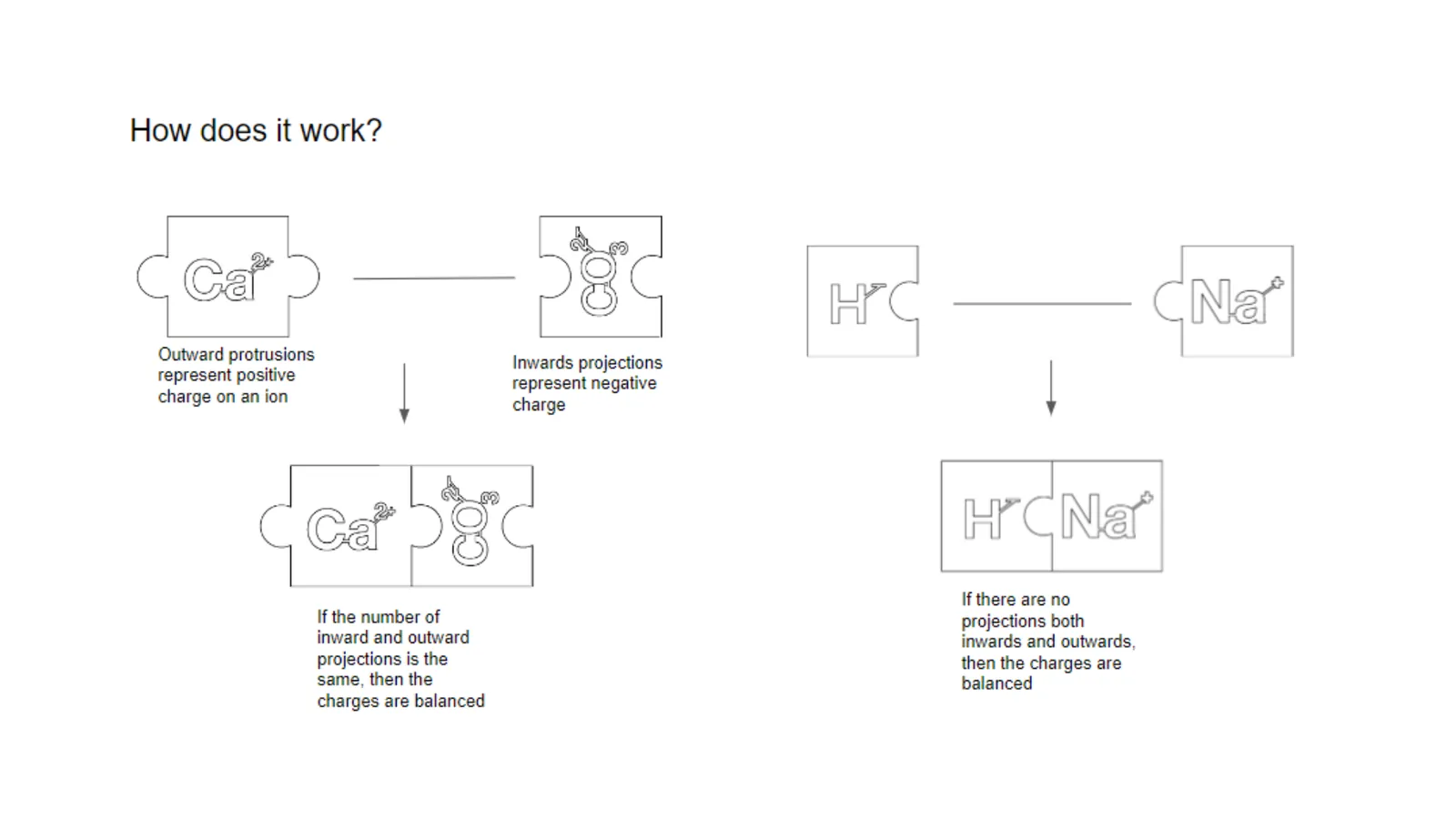
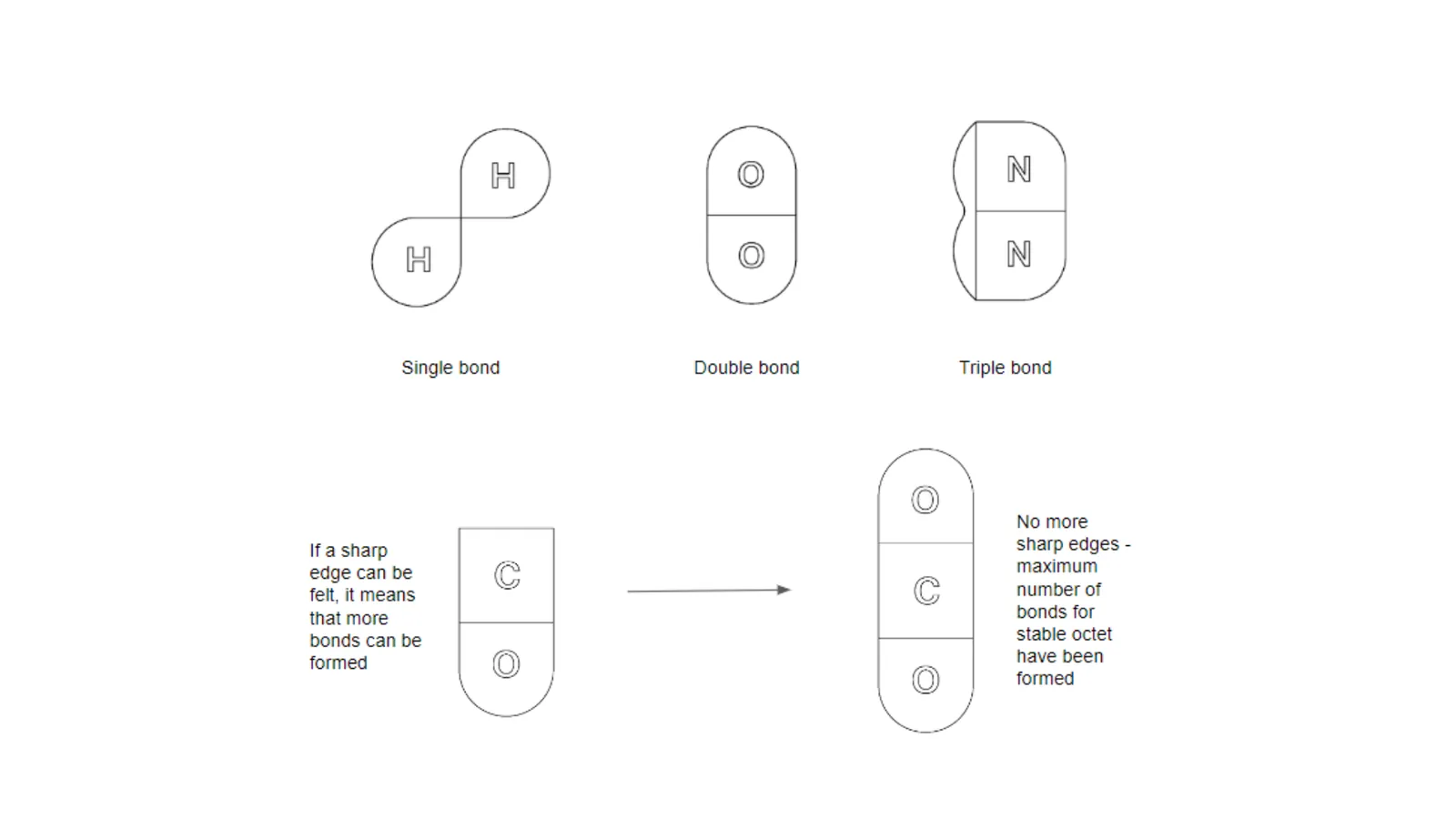
    Balancing equations was a big problem for students. On the covalent tiles, a sharp edge you can feel means more bonds can be formed. On the ionic jigsaw, the projections show the charges.
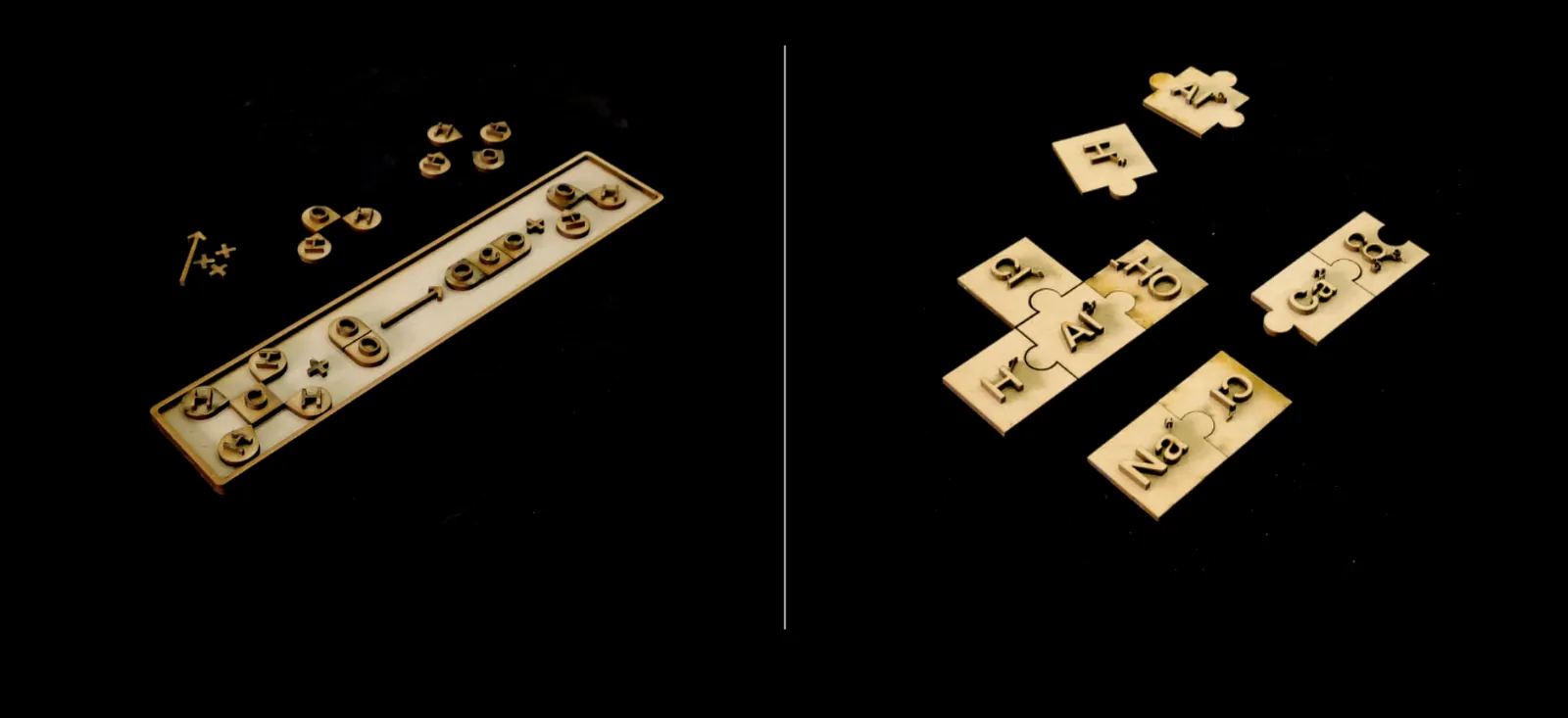
    Laser-cut covalent bonding tray with atom pieces, and ionic bonding jigsaw pieces, on black
  3. Physics and maths

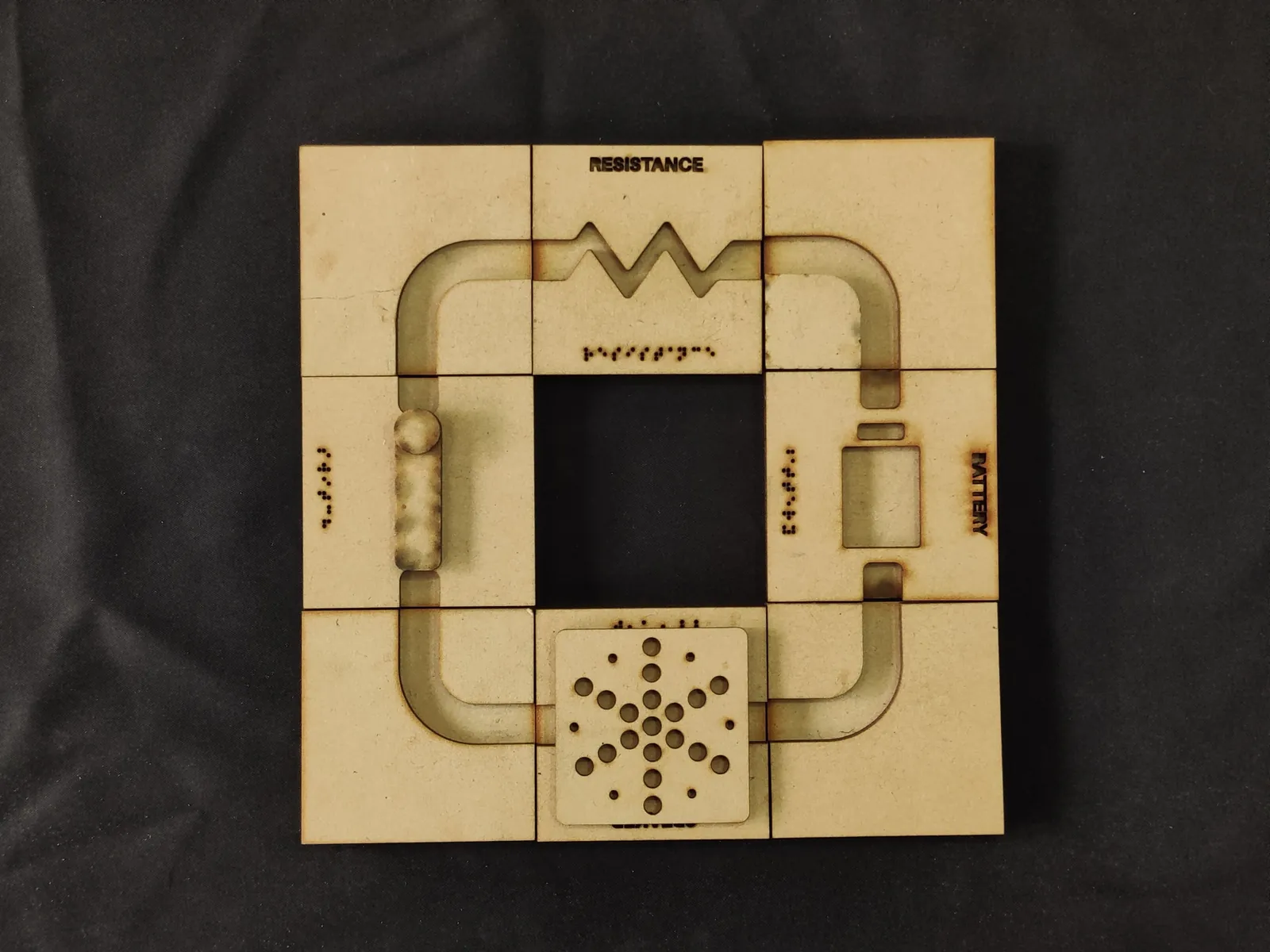
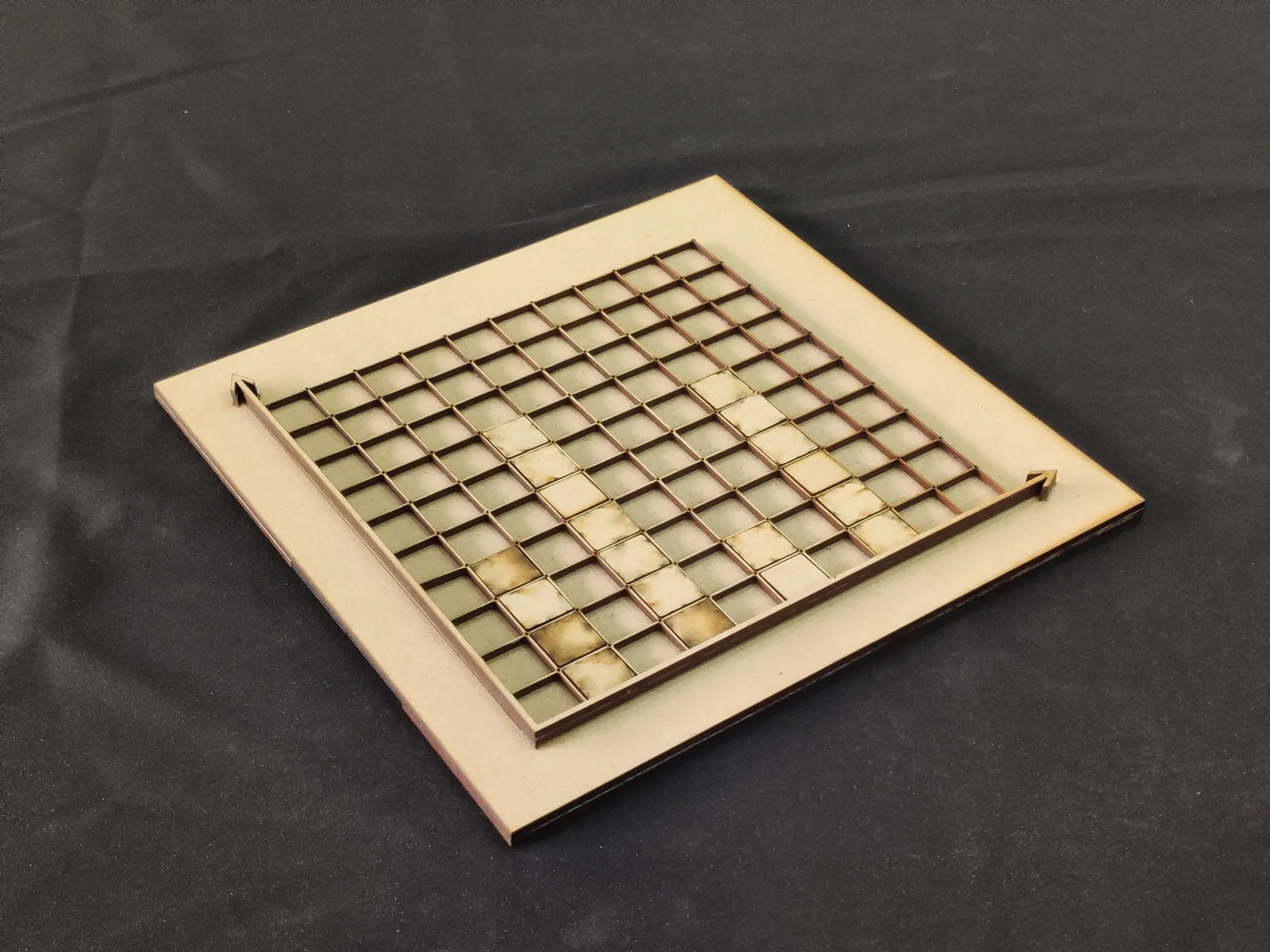
    Pre-made blocks to build circuits, and a graph board that makes reading and representing graphs easier.
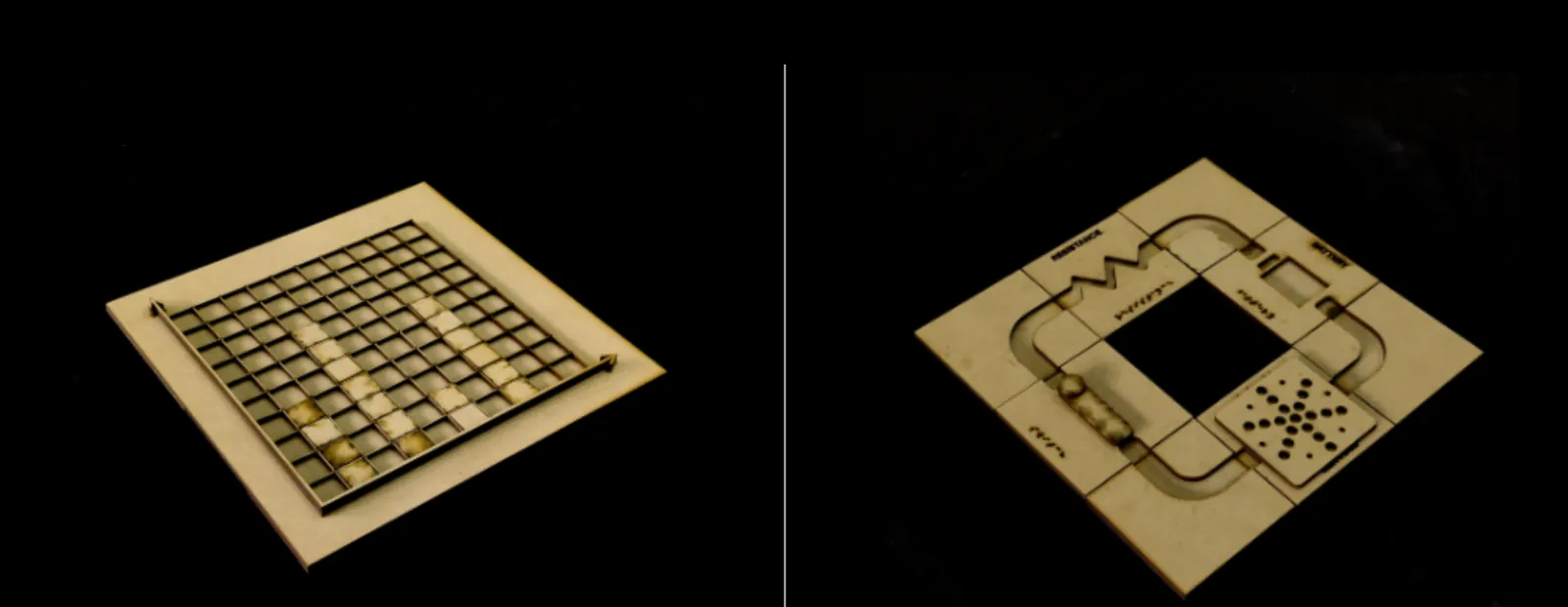
    A laser-cut tactile graph board and a loop of circuit tiles, on black
  4. Robotics

    A 3D-printed cover for the Arduino. Dots on the side mark the pin numbers, and holes let low-vision students see the LEDs.
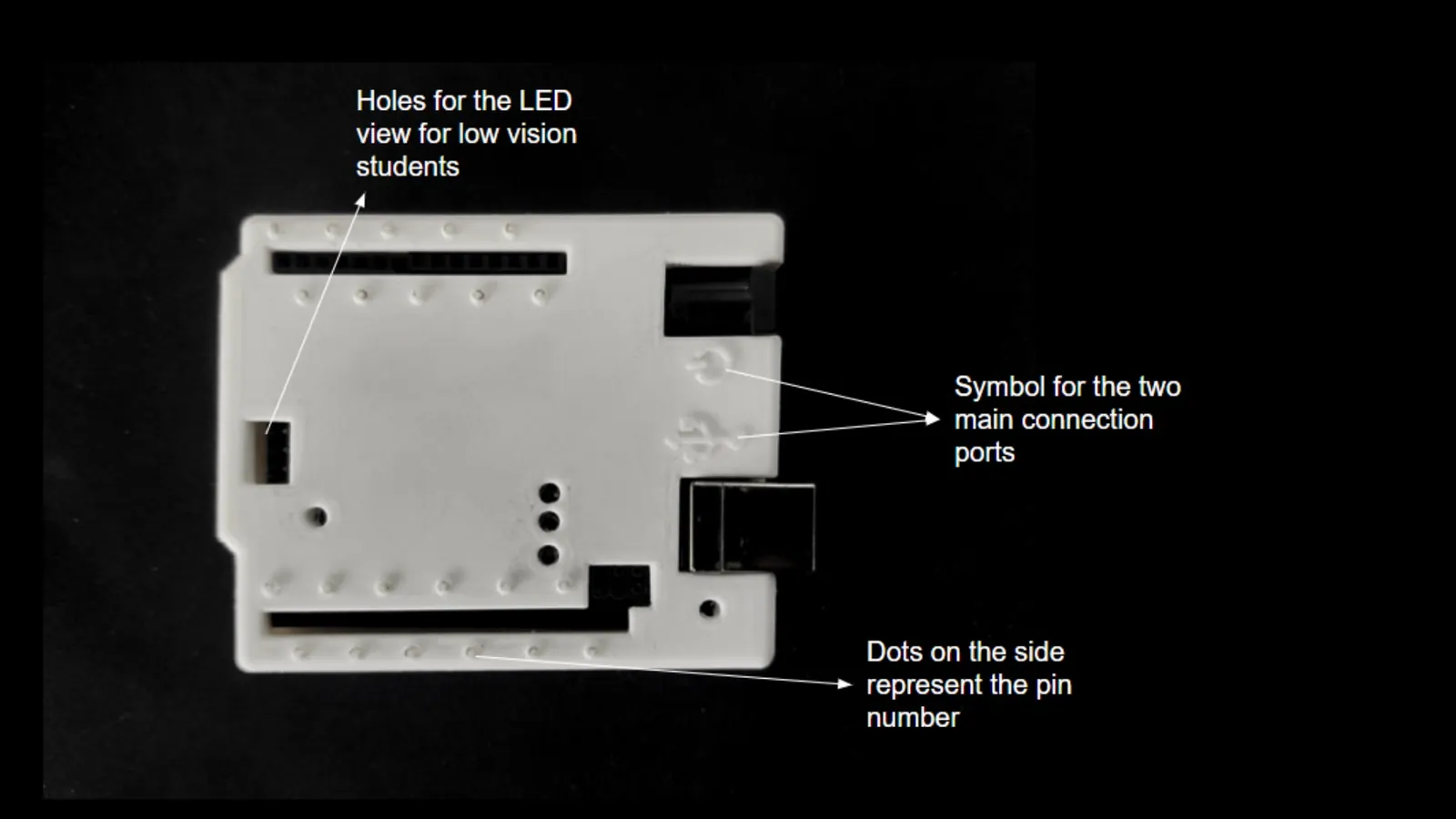
    A 3D-printed Arduino overlay, labelled: holes for the LED view, a symbol for the two main ports, dots for the pin numbers

We wanted to use electronics to make everyday objects, such as a buzzing walking stick, so students could relate abstract physics ideas to real life.
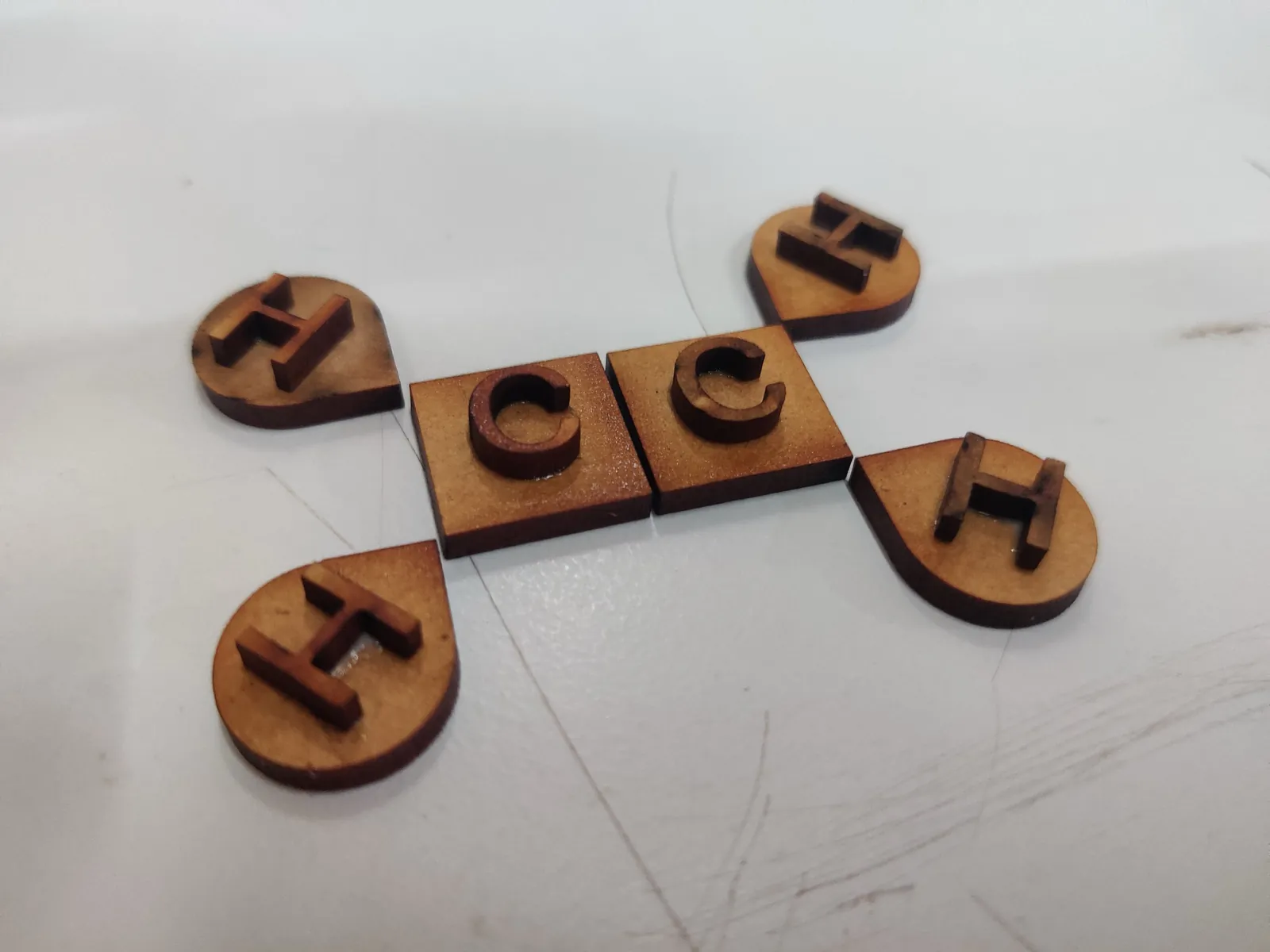
The first laser-cut MDF pieces for covalent bonding, forming ethane
Sketch of the covalent tiles: single, double and triple bonds
A laser-cut equation tray with atom pieces
Sketch of the ionic bonding jigsaw for calcium chloride, aluminium chloride and sodium chloride
Ionic bonding jigsaw pieces in MDF
How the jigsaw works: outward and inward projections balance the charges
Circuit tiles in a loop, with a resistance and a battery tile
The tactile graph board with a bar graph
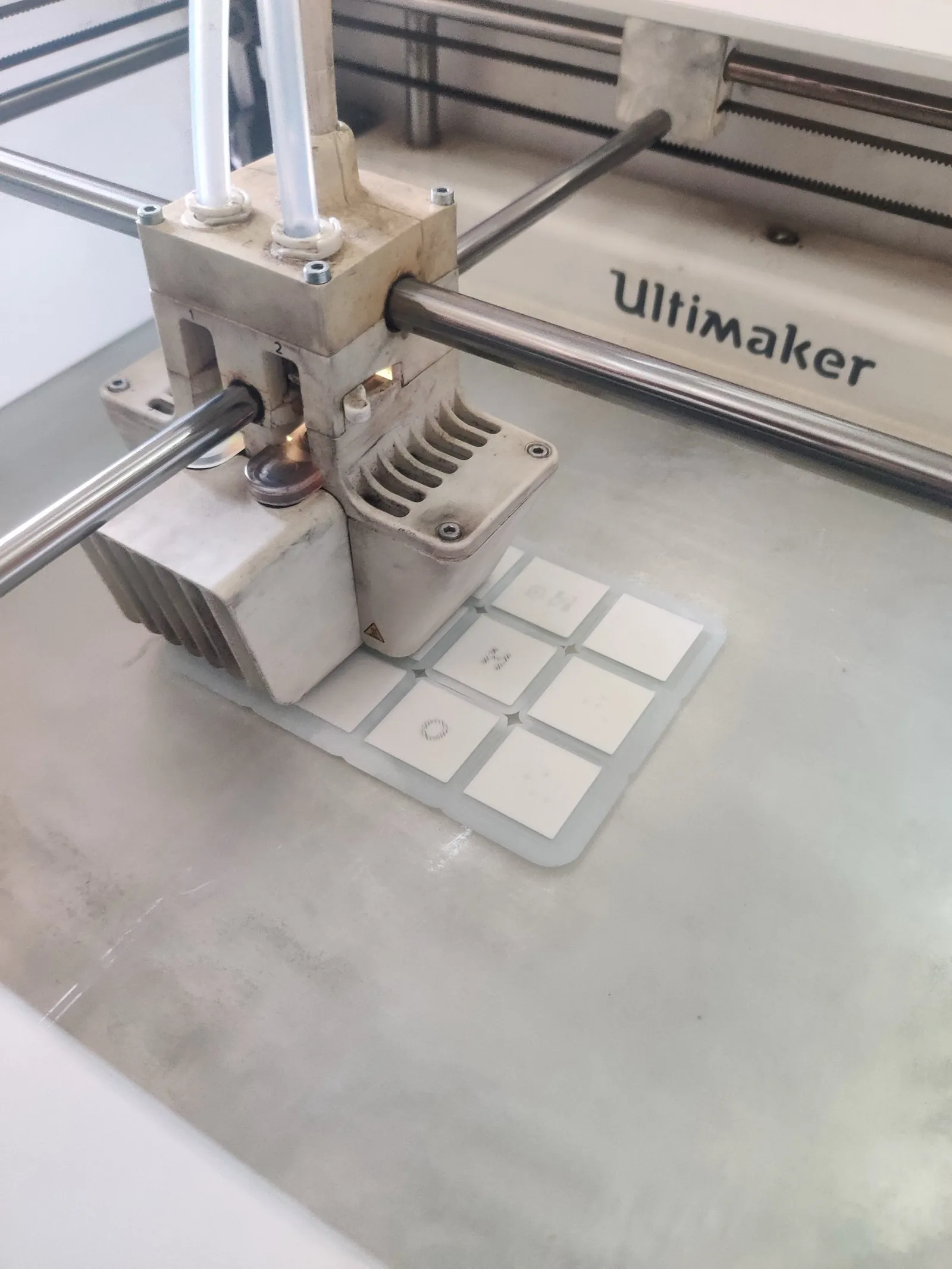
An Ultimaker 3D printing tiles with letters and braille
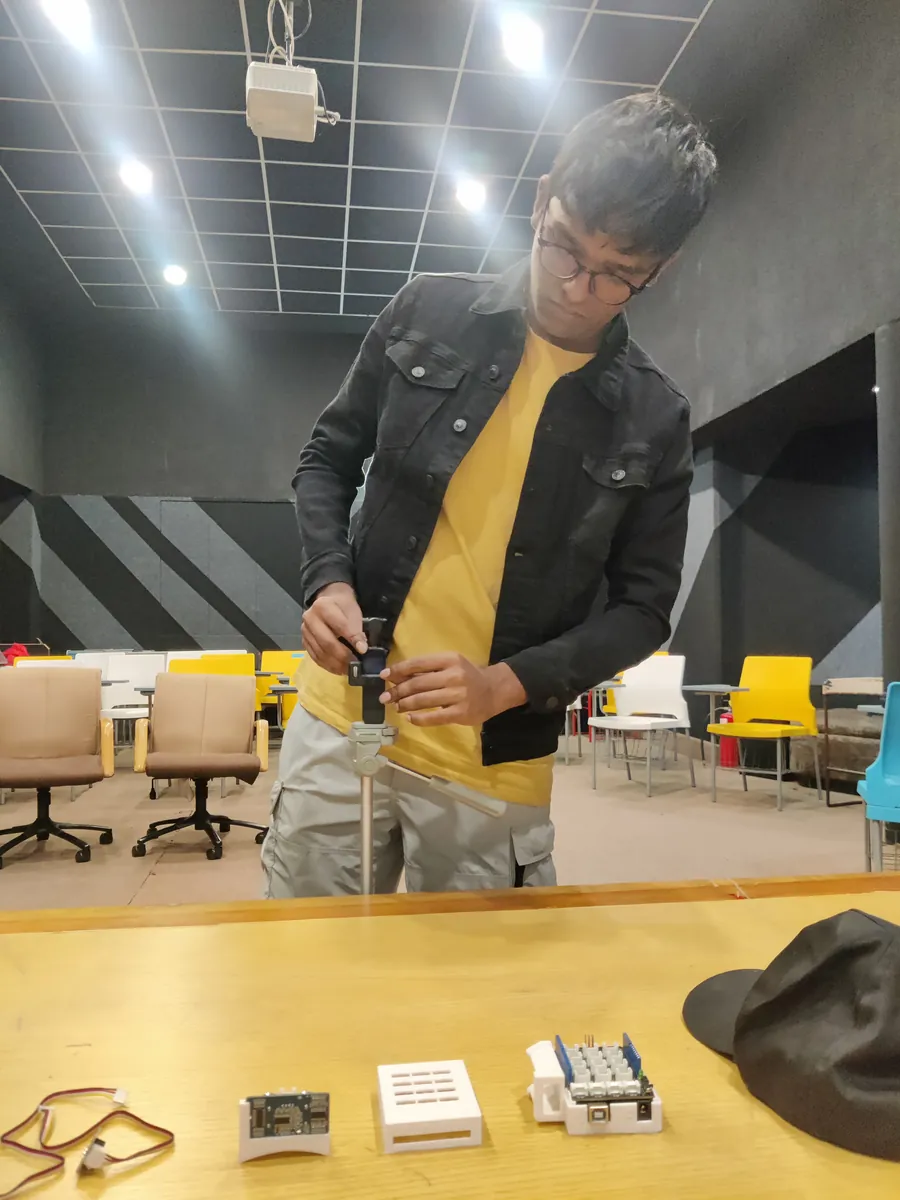
A team member assembling the Grove-based Buzzcap at NID, with the parts laid out on the table, 10 November 2022

Kit sheets

Sheet 1 of 12

Initial concept sketches for kits across subjects
Initial concepts: ideas that could help engage visually impaired students better in various subjects.

Sheet 2 of 12

Project 1 sheet with covalent bonding diagrams
Project 1: making chemistry more engaging and accessible. Balancing equations was a big problem for students.

Sheet 3 of 12

Sketches of covalent bond tiles
Covalent bonding: if a sharp edge can be felt, it means more bonds can be formed.

Sheet 4 of 12

The equation tray with atom pieces on black
Using the kit to form basic equations.

Sheet 5 of 12

Ionic bonding sheet with jigsaw sketches
Ionic bonding, explained as a jigsaw puzzle.

Sheet 6 of 12

Sketches showing how ionic jigsaw pieces fit
How does it work? If the number of inward and outward projections is the same, the charges are balanced.

Sheet 7 of 12

Ionic jigsaw pieces on black
Basic elements formed via ionic bonding.

Sheet 8 of 12

Two graph boards with bar and line graphs
Maths: making the experience of reading and representing graphs easier for visually impaired students.

Sheet 9 of 12

Circuit tiles from two angles
Physics: using pre-made blocks to create circuits, giving a head start in electronics.

Sheet 10 of 12

Project 2 sheet with circuit sketches
Project 2: using electronics to make everyday objects that relate physics concepts to real life.

Sheet 11 of 12

3D-printed Arduino overlay with labels
The Arduino overlay: dots on the side represent the pin number, and holes let low-vision students see the LEDs.

Sheet 12 of 12

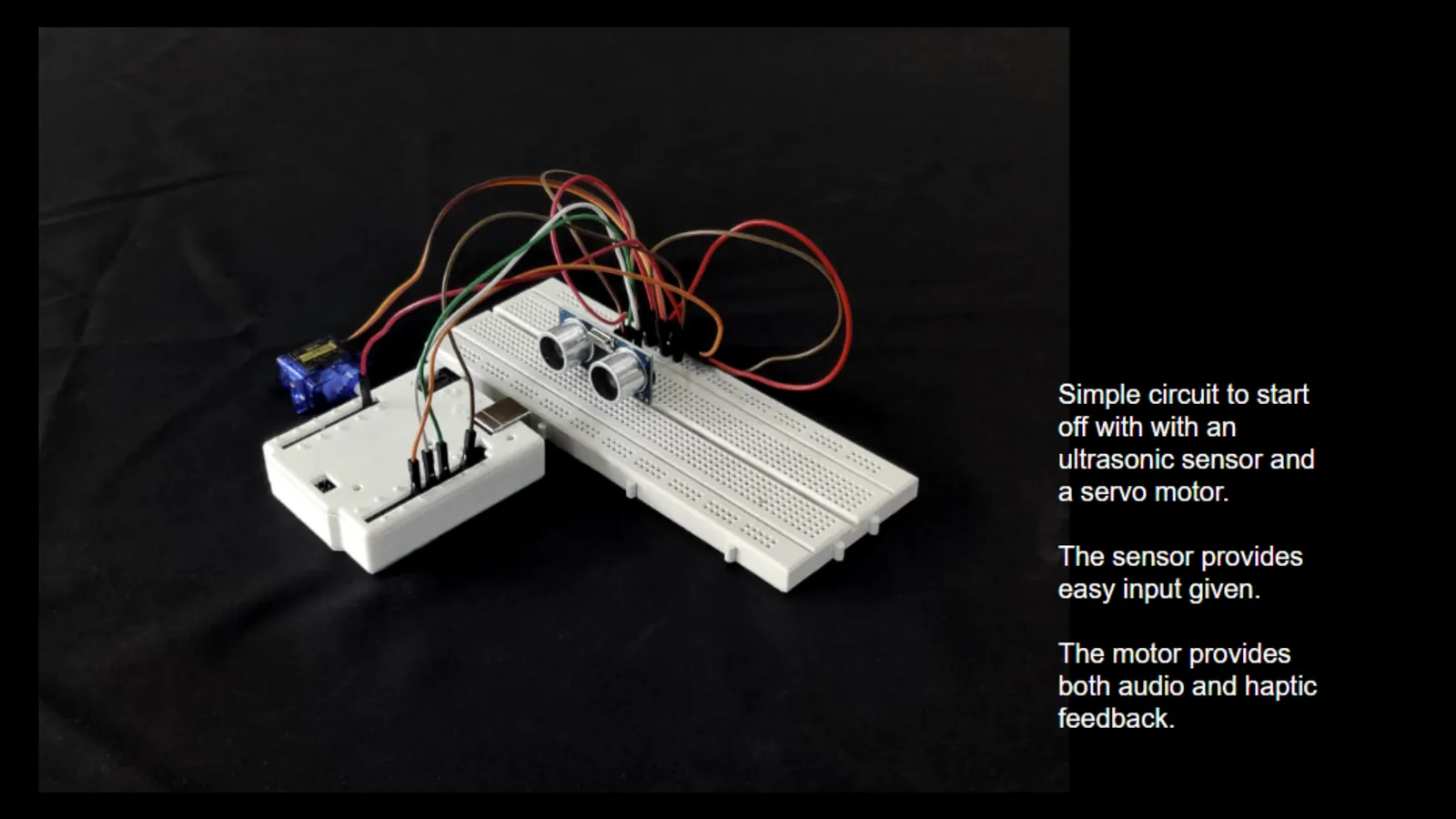
Breadboard with an ultrasonic sensor and a servo motor
A simple circuit to start off with: an ultrasonic sensor and a servo motor. The motor gives both audio and haptic feedback.

Robotic parts

The kit puts a detachable 3D-printed casing over standard parts like sensors, an Arduino and a base shield, to reduce their sensory input. This makes the learning curve less steep while keeping learning inclusive.

First: braille tags on jumper wires

Braille tags on the wires show the placement and role of each wire: negative, positive, pin.
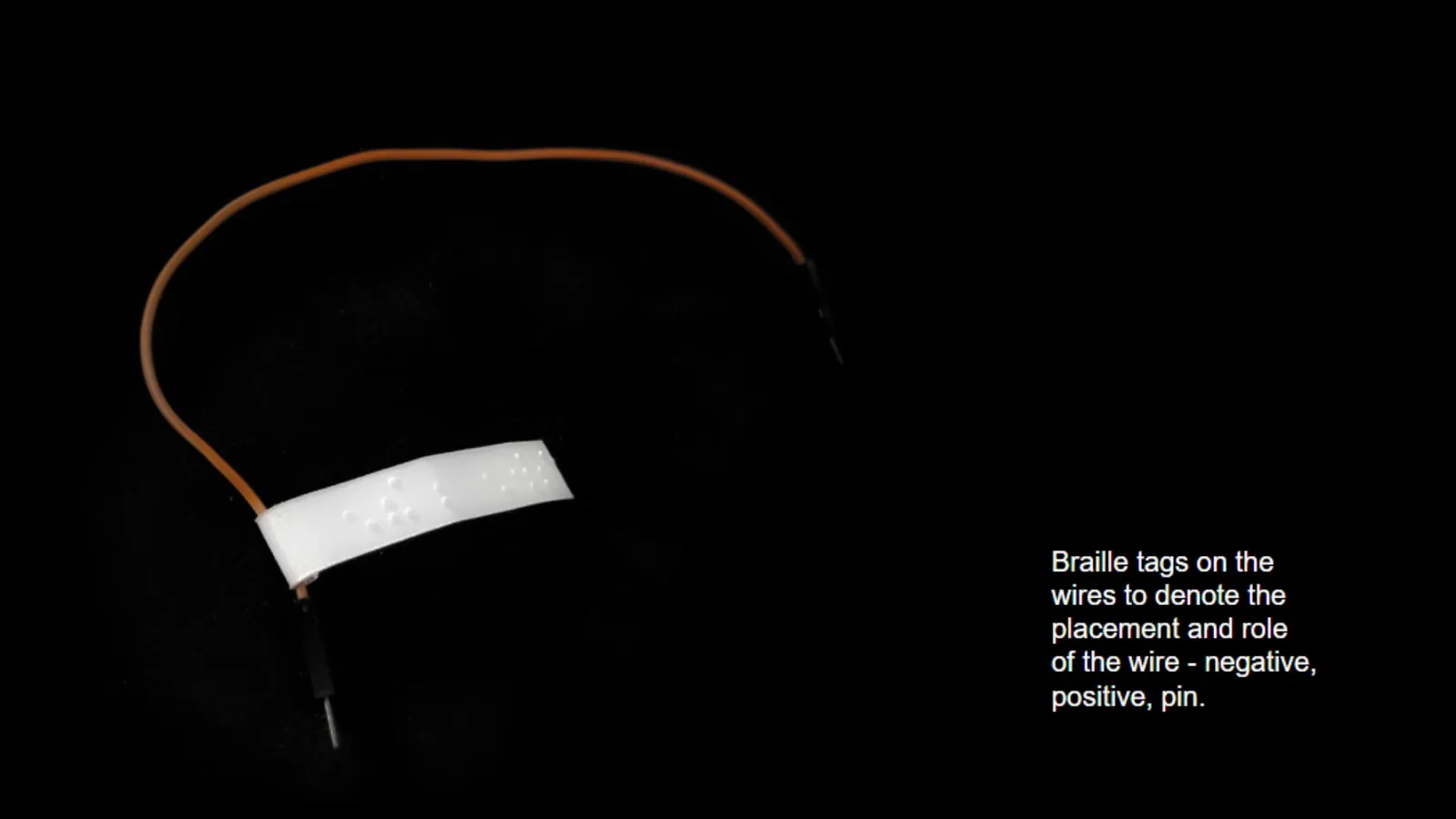
A jumper wire with a braille tag, labelled: braille tags on the wires denote the placement and role of the wire
A breadboard with an ultrasonic sensor and a servo motor, labelled

Then: Grove parts in a case

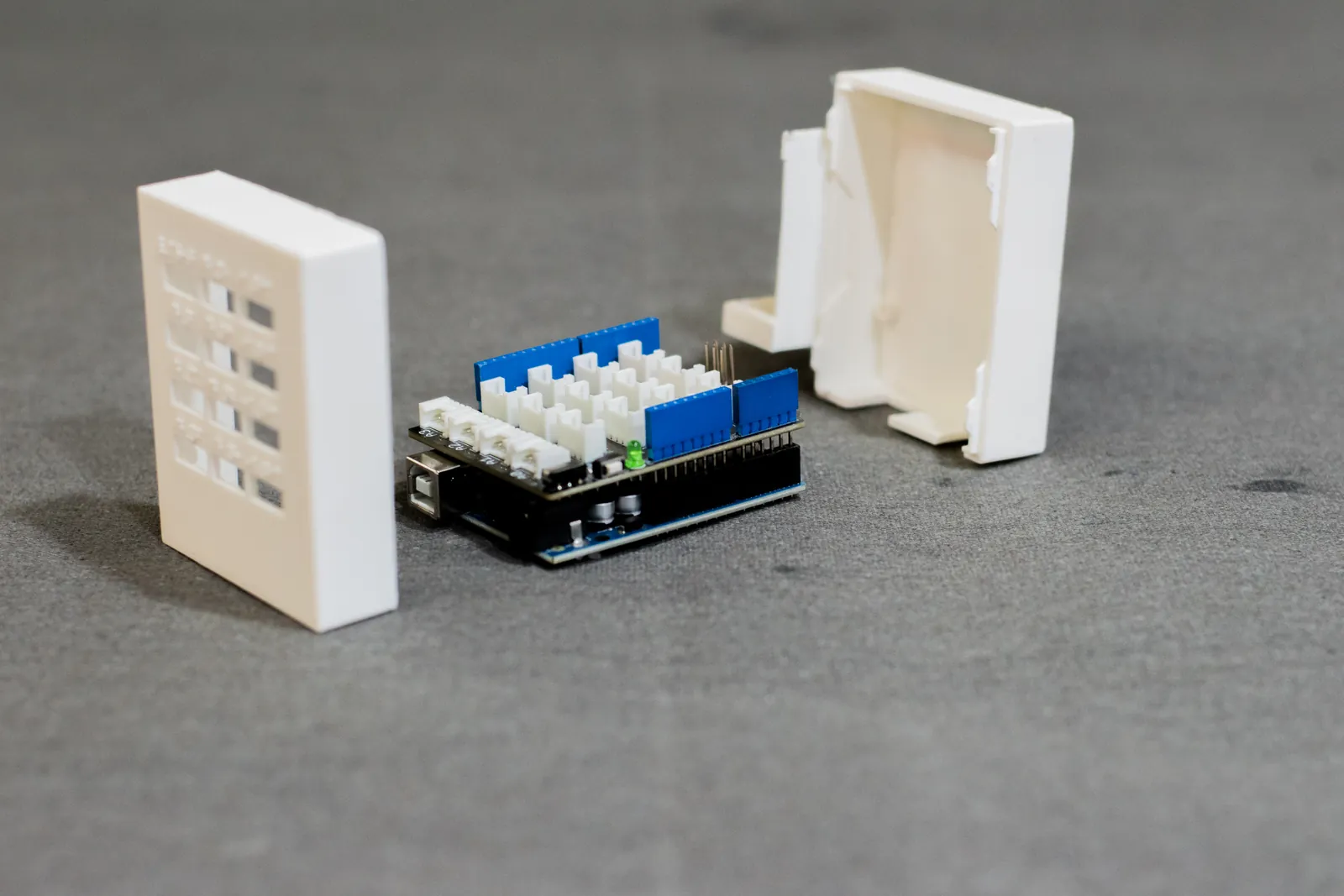
A Grove base shield on a standard Arduino Uno, inside a casing that shows only the affordances and buttons needed. It can be used by everyone.
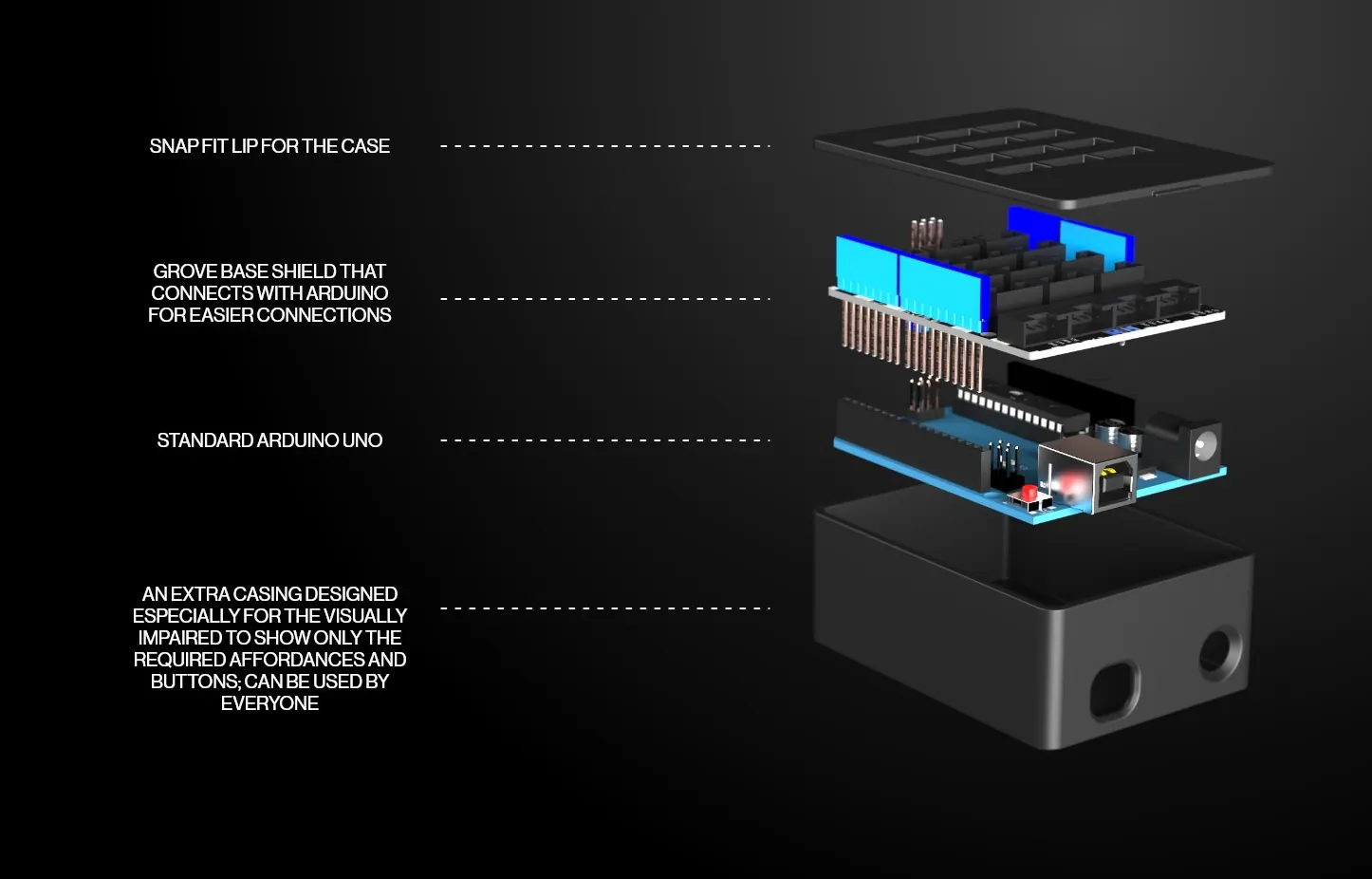
Exploded render of the case, labelled: snap-fit lid, Grove base shield, standard Arduino Uno, and a casing that shows only the required affordances

Shapes on the connectors

Each set of wires has a shape embossed on its connector, so it can be told apart by touch.
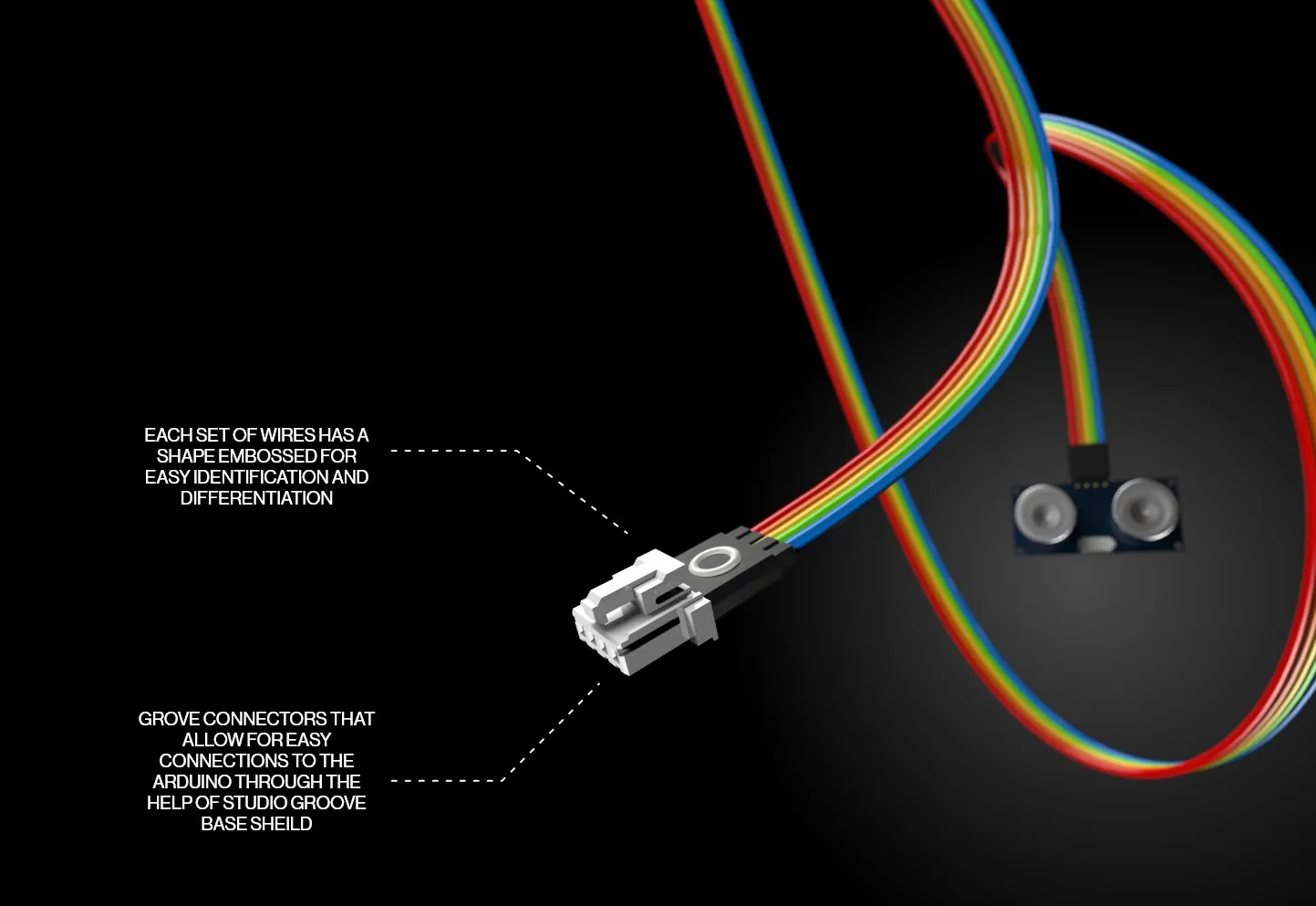
Render of a Grove cable, labelled: each set of wires has a shape embossed for easy identification

Senseé

What
A series of DIY robotic kits to build interest in STEM among blind children in India, where it is usually discouraged. Students use Arduino to build working robots for real-world uses.
Why
To encourage visually impaired children into STEM by making it accessible from a young age.

Proposed kit 1

Buzzcap

An alternative to a walking stick that visually impaired students can make themselves.
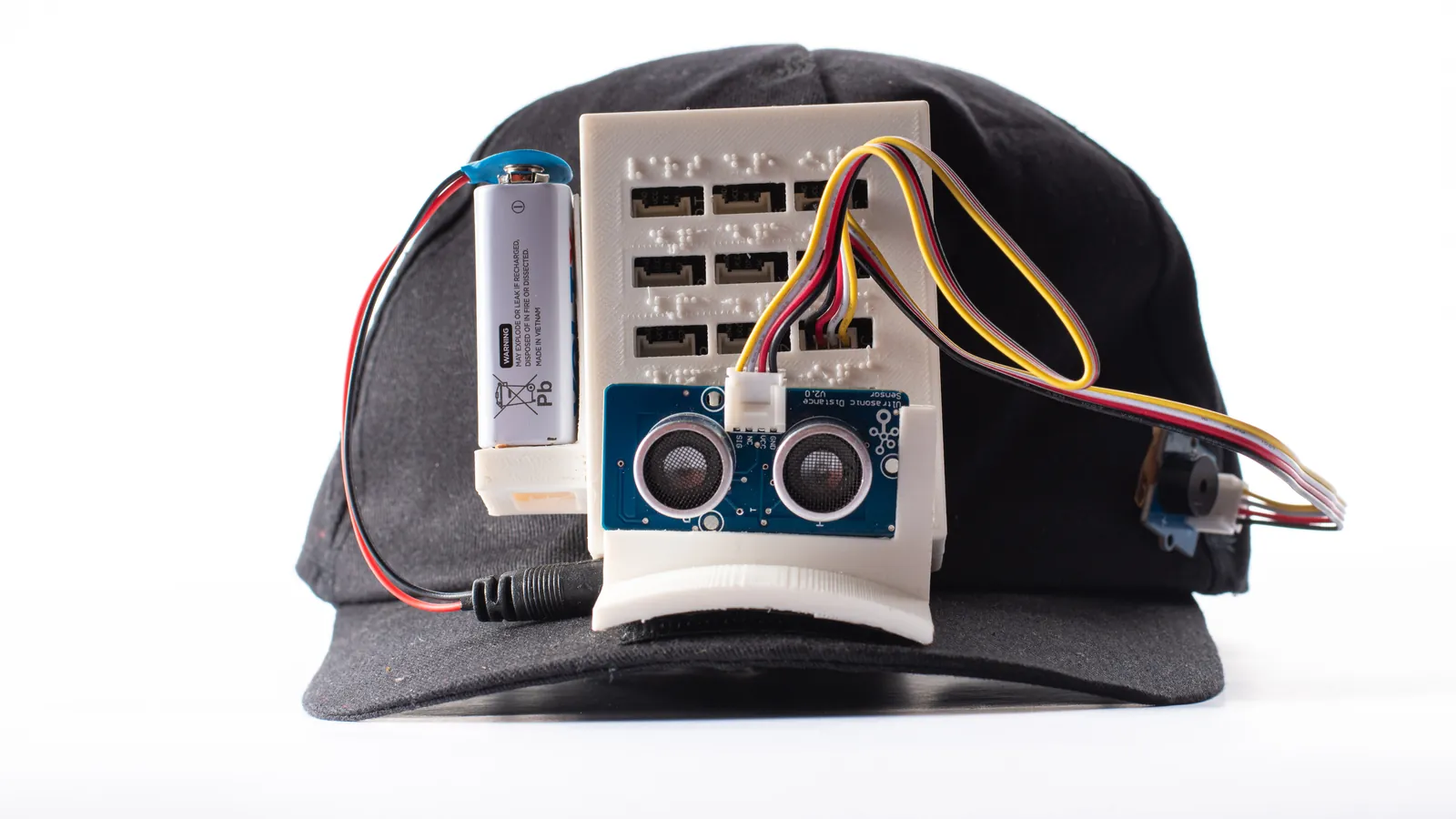
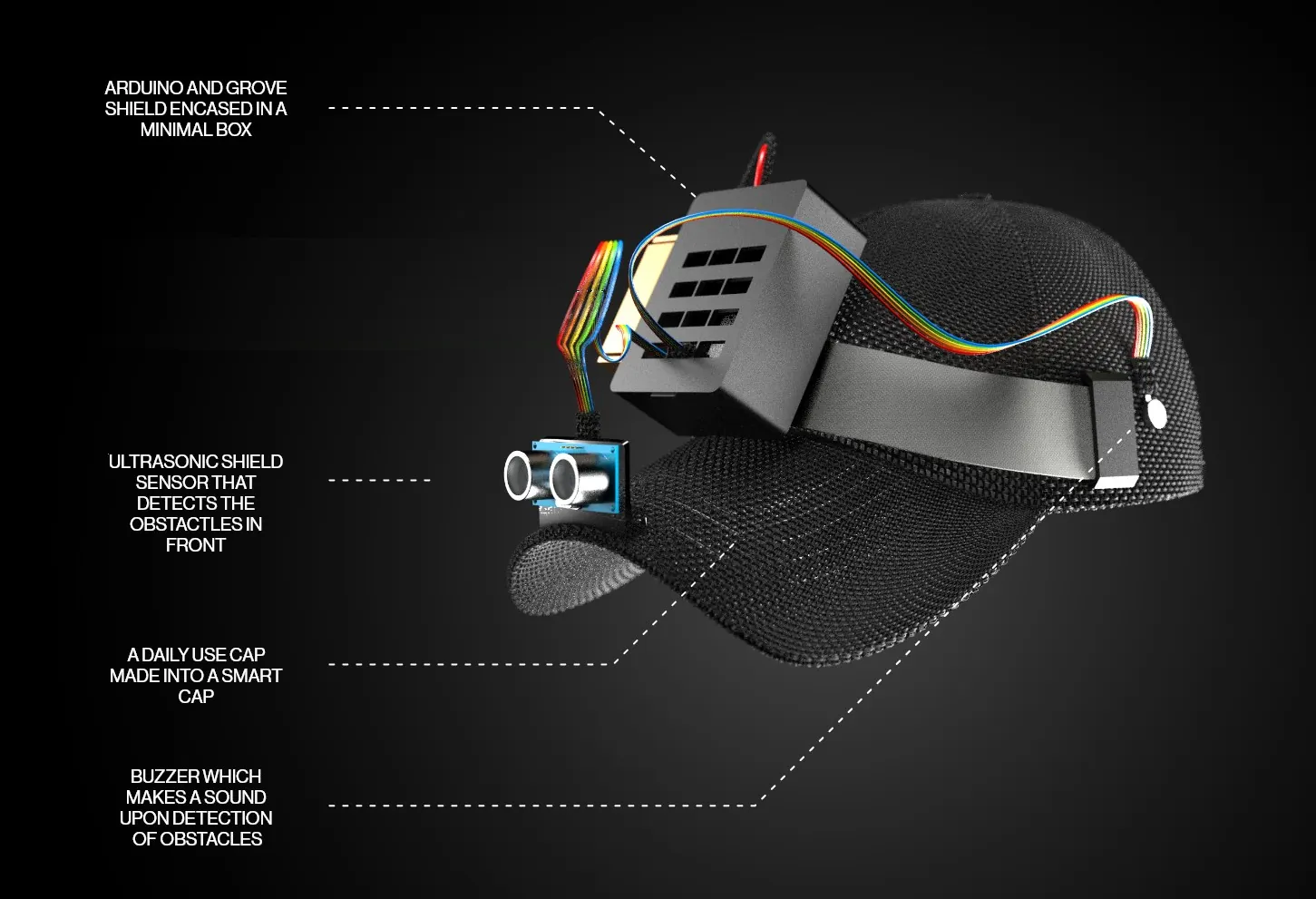
Buzzcap from the front, on white: the ultrasonic sensor on the peak, the case with braille labels, a battery, and the buzzer on the side
Render of Buzzcap, labelled: Arduino and Grove shield in a minimal box, the ultrasonic sensor that detects obstacles in front, a daily-use cap made into a smart cap, and a buzzer that sounds when it detects obstacles

How it works

An ultrasonic sensor on the peak detects obstacles in front. A buzzer beeps, and the closer the obstacle, the shorter the gap between beeps. A battery on the case powers it.

The buzzer sketch

#include "Ultrasonic.h"
const int buzzer = 4;       // connect a buzzer to D4

Ultrasonic ultrasonic(2); // cable attached to D2

void setup()
{
    Serial.begin(9600);
    pinMode(buzzer, OUTPUT);
}
void loop()
{
    long RangeInCentimeters;

    RangeInCentimeters = ultrasonic.MeasureInCentimeters();
    Serial.print(RangeInCentimeters); // 0~400cm
    Serial.print(" cm   ");
    delay(250);

    int buzzerToneGraph = map(RangeInCentimeters, 0, 30, 0, 300);
    Serial.println(buzzerToneGraph);

    tone(buzzer, 15000);
    delay(100);
    noTone(buzzer);
    delay(buzzerToneGraph);
}

Prototyping

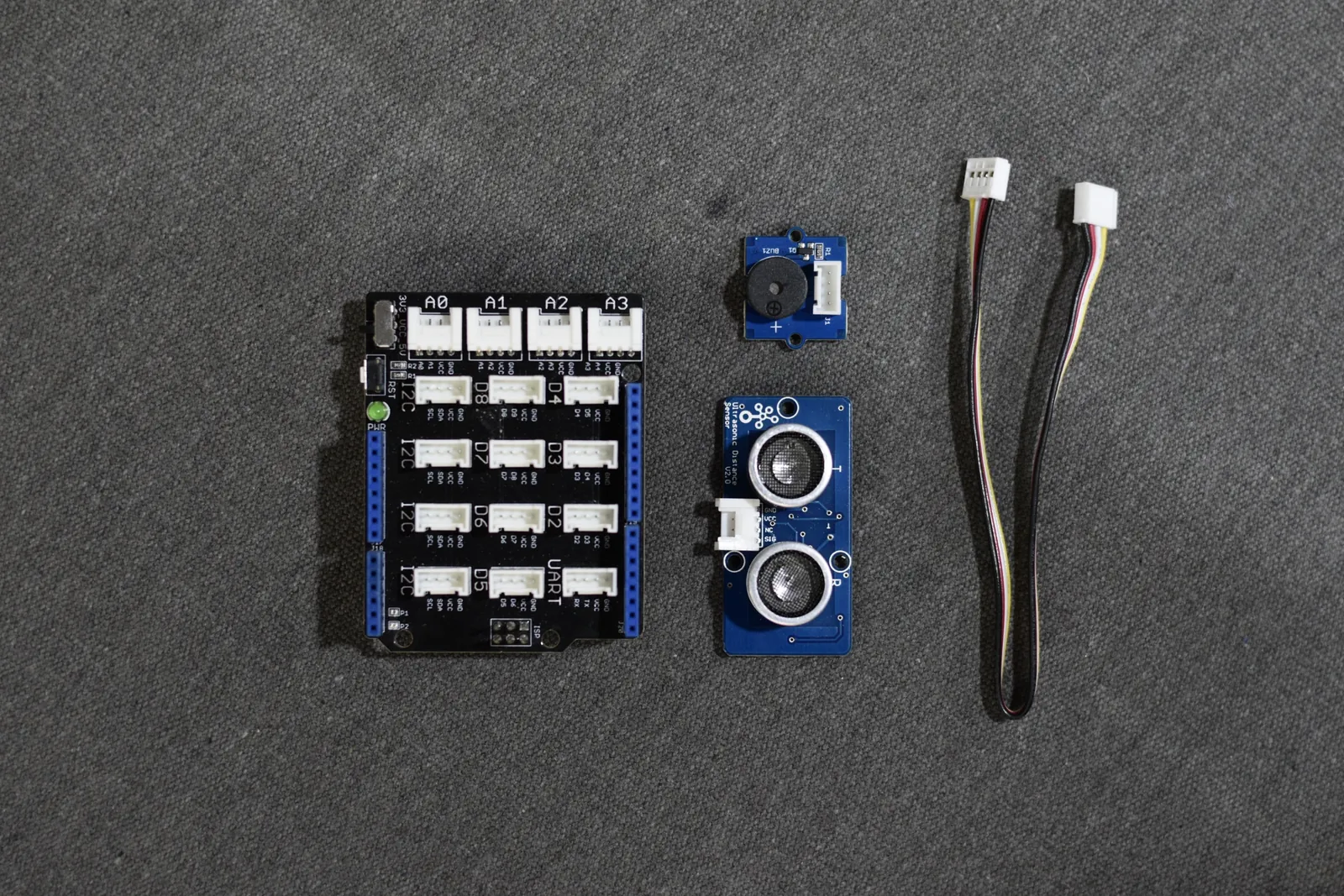
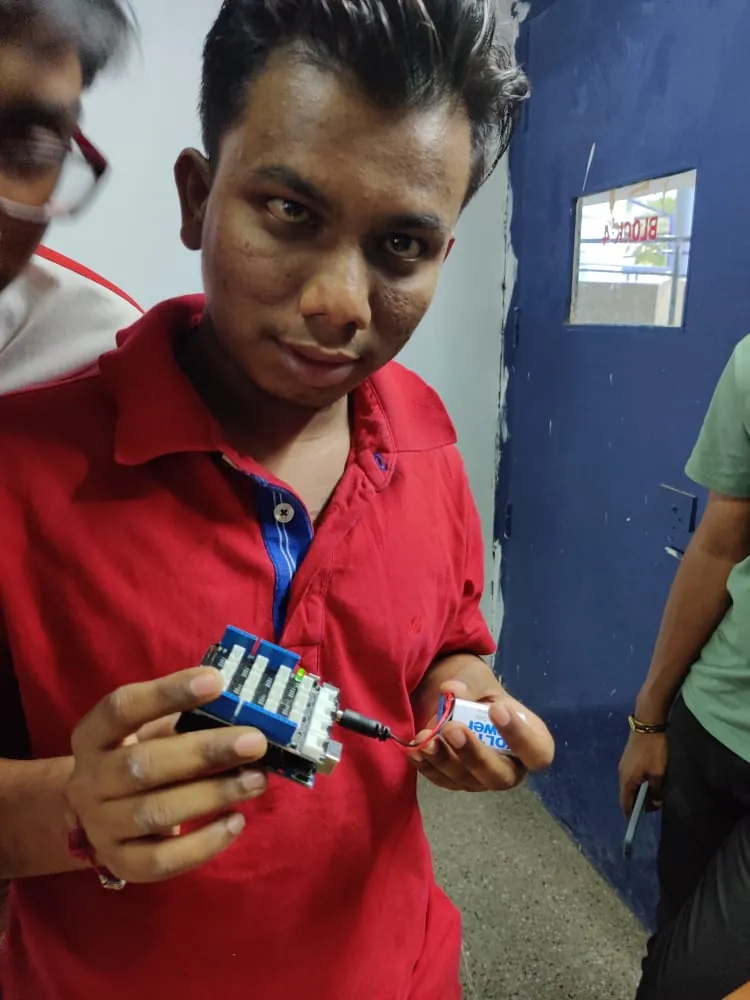
  • Grove base shield, ultrasonic sensor, buzzer and cables laid out on grey

    Parts

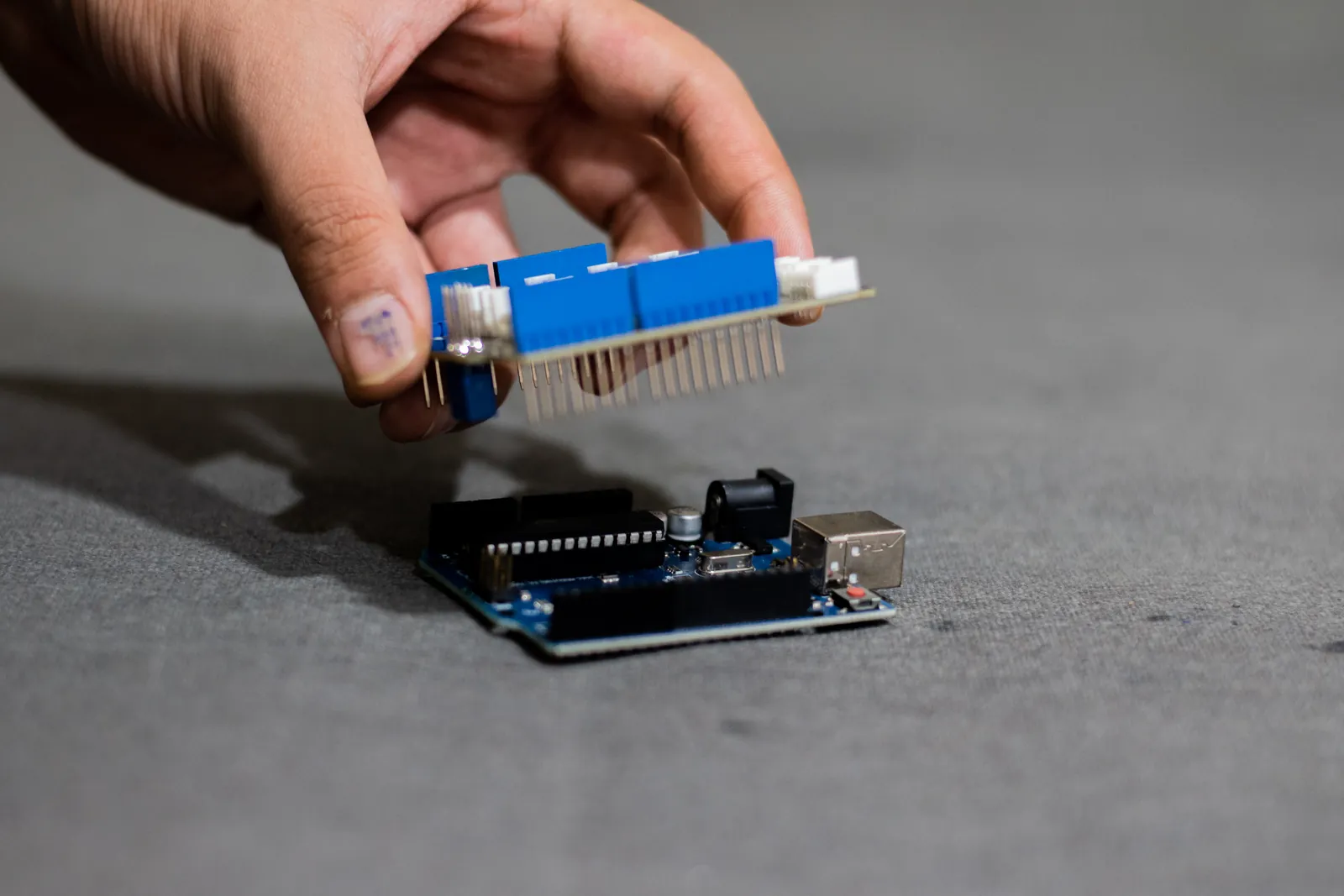
  • A hand lowering the Grove base shield onto an Arduino Uno

    Shield on the Arduino

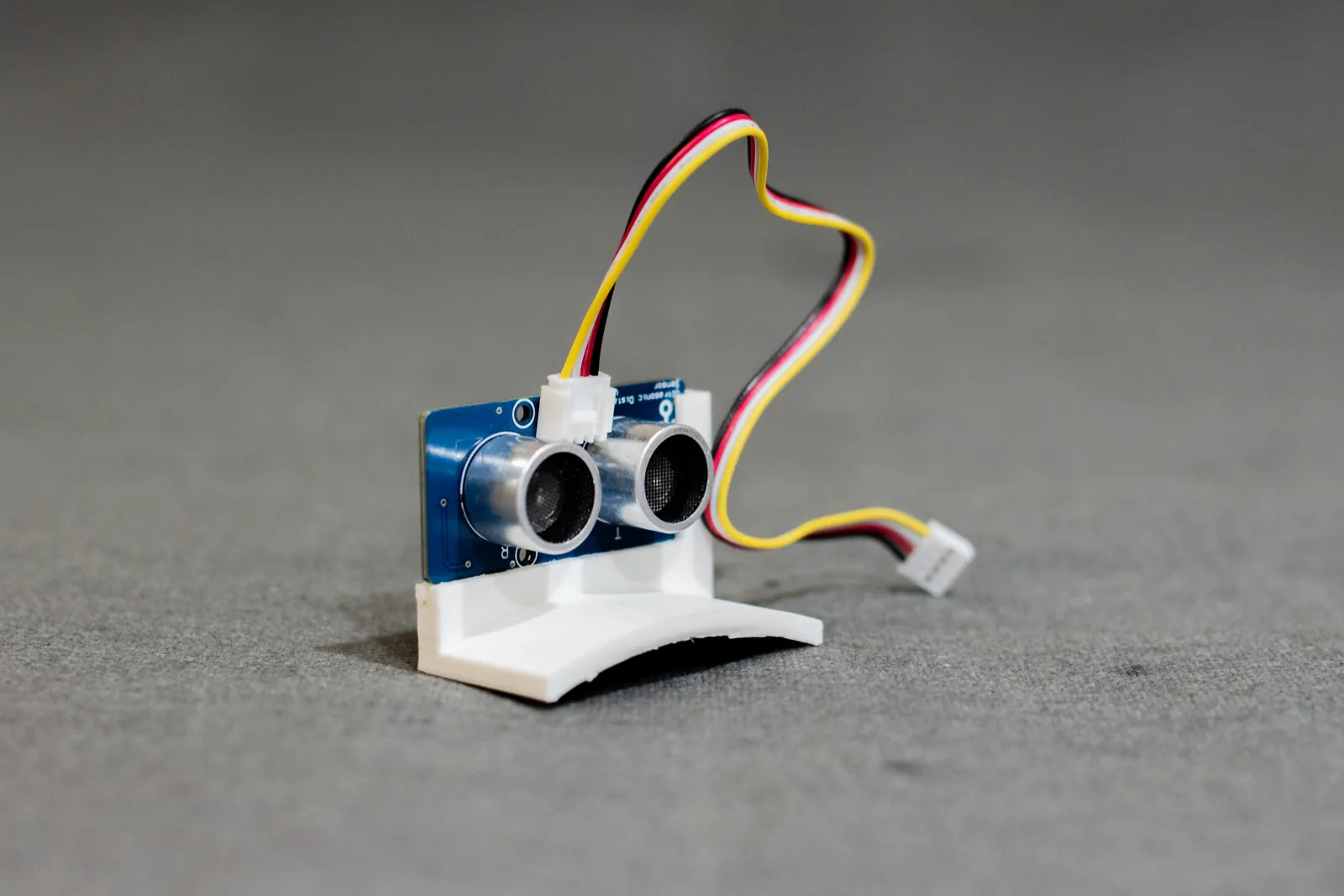
  • The ultrasonic sensor in its 3D-printed housing

    Sensor housing

  • The Arduino and shield beside the two halves of the 3D-printed case

    Case

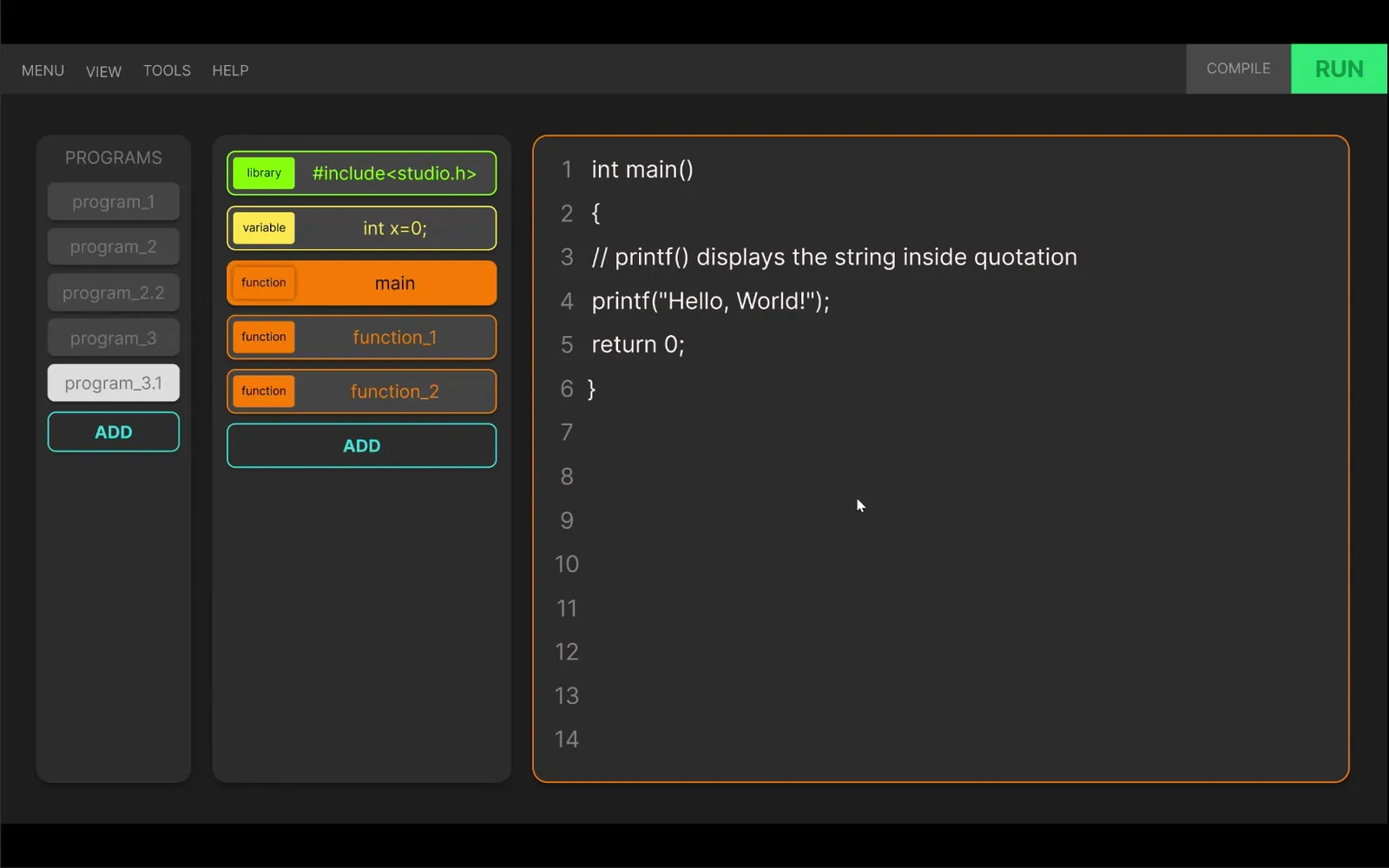
Coding app

Matrix

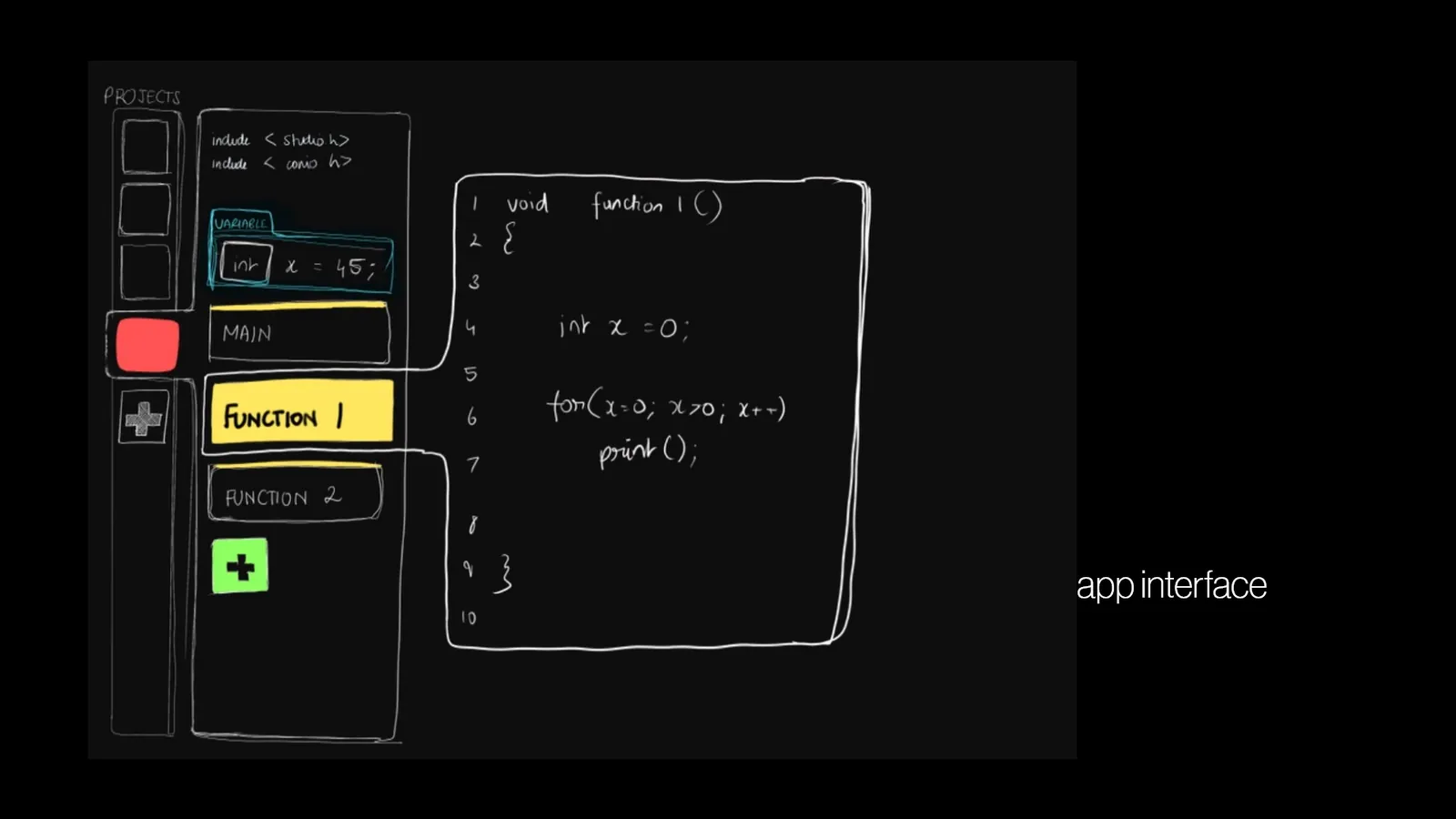
First sketch

A hand-drawn sketch of the coding app: blocks on the left, code on the right

Why blocks

Screen readers like NVDA read a whole line of code at once, which makes errors hard to spot. Matrix splits the code into hierarchical blocks, which makes it easier to use with a screen reader. We prototyped it in Figma.

User testing

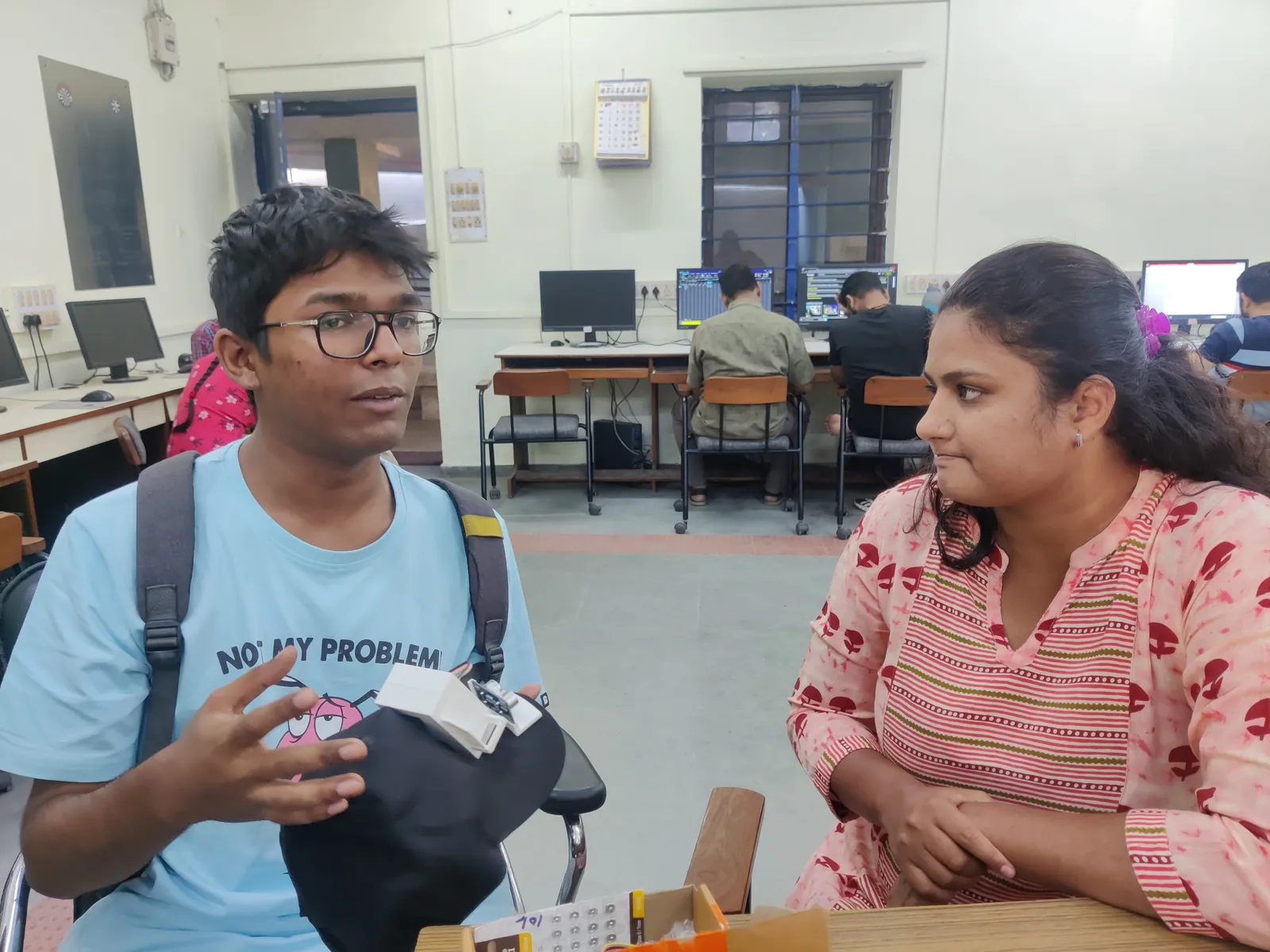
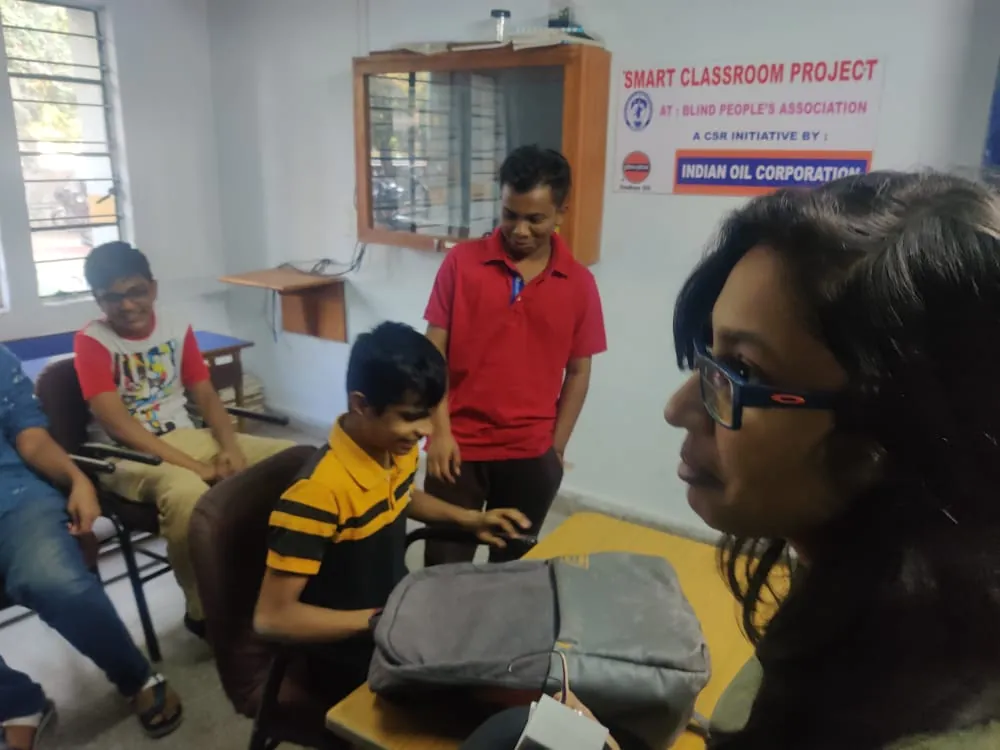
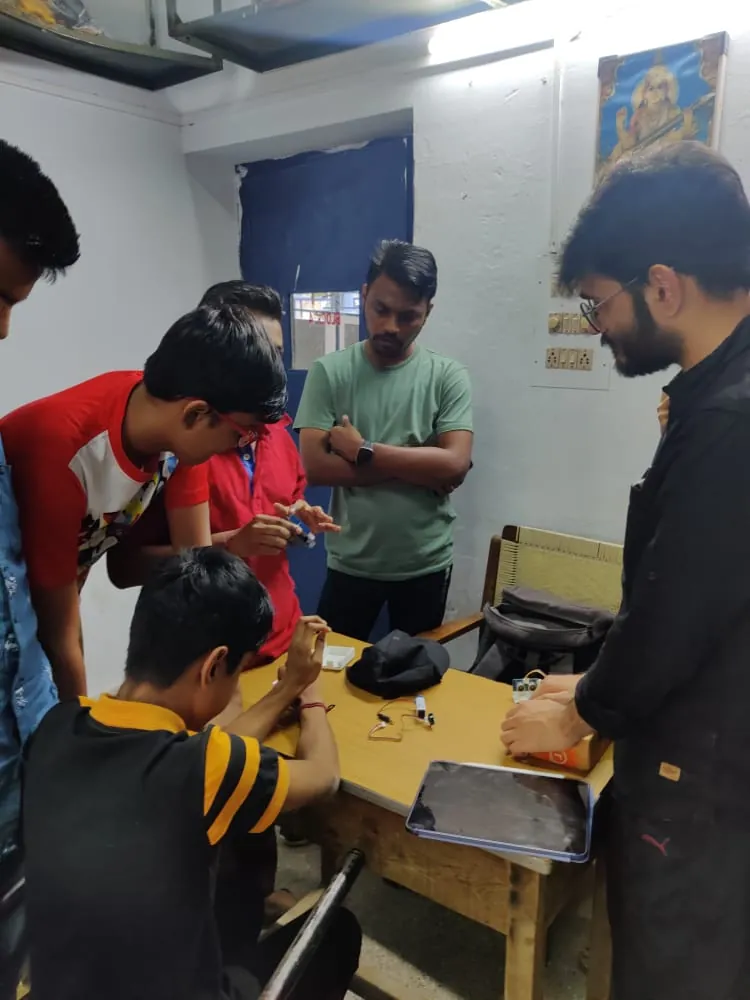
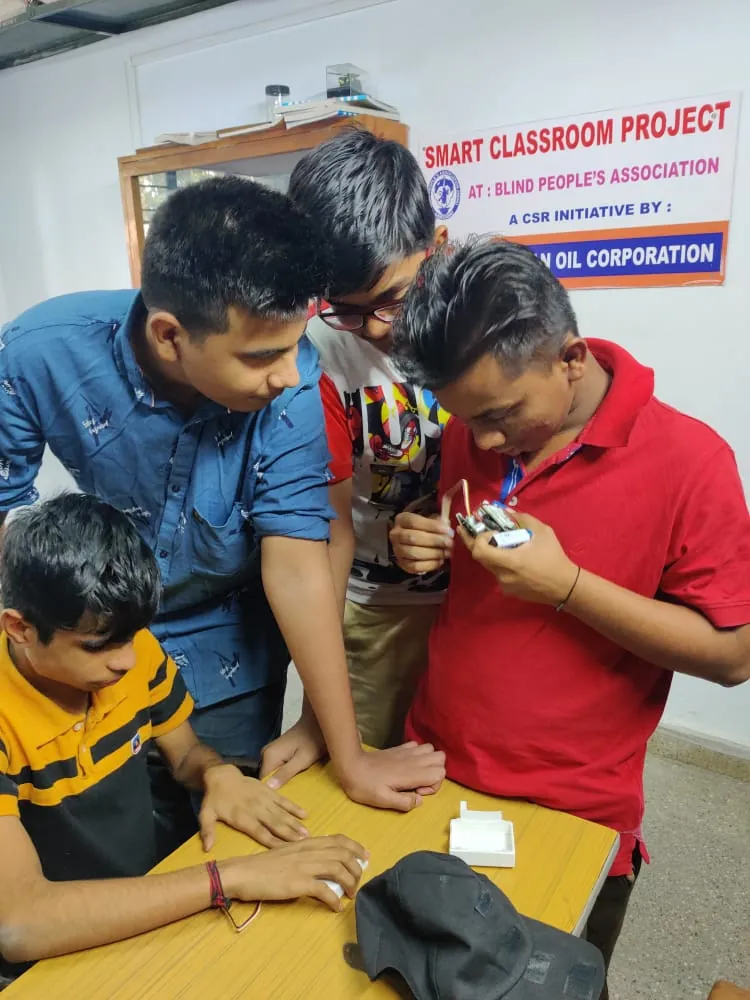
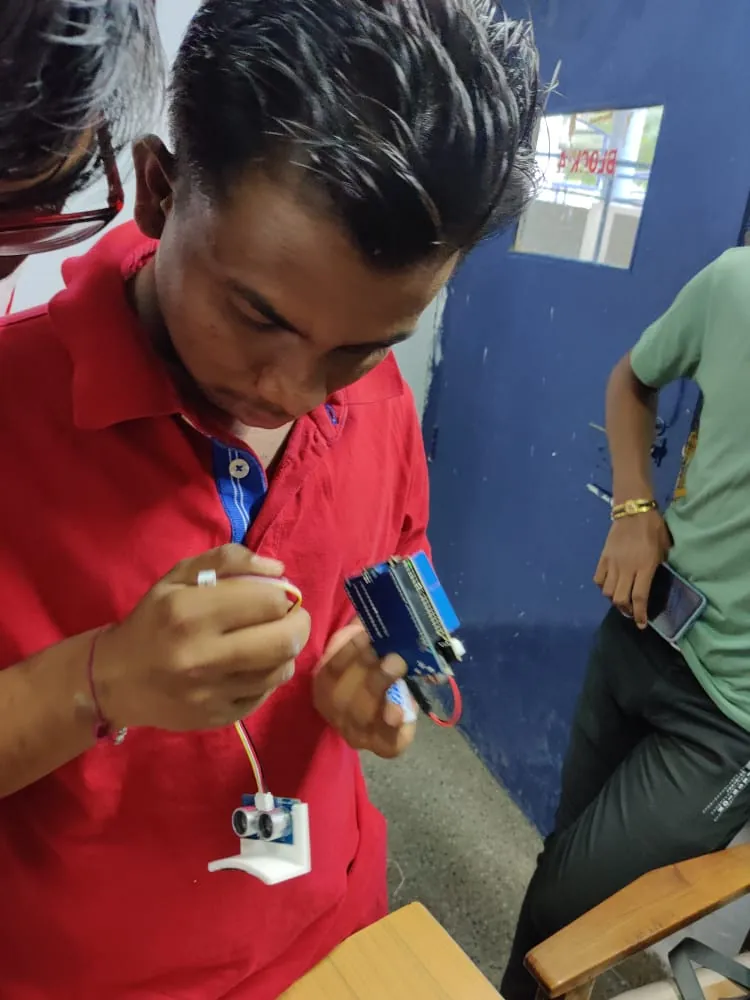
We tested Buzzcap with students in November and December 2022. On 13 December, students at BPA’s Smart Classroom put it together themselves.
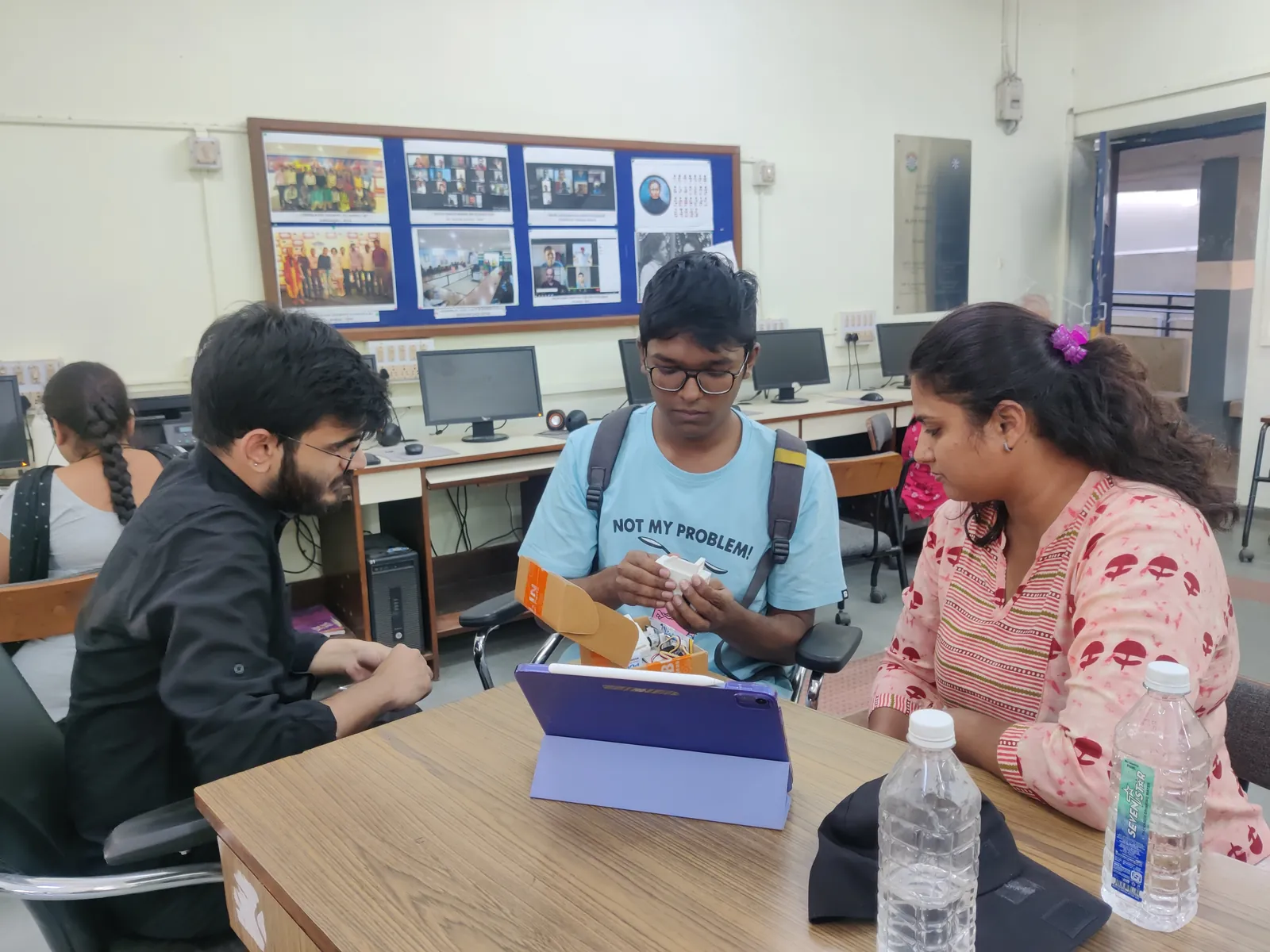
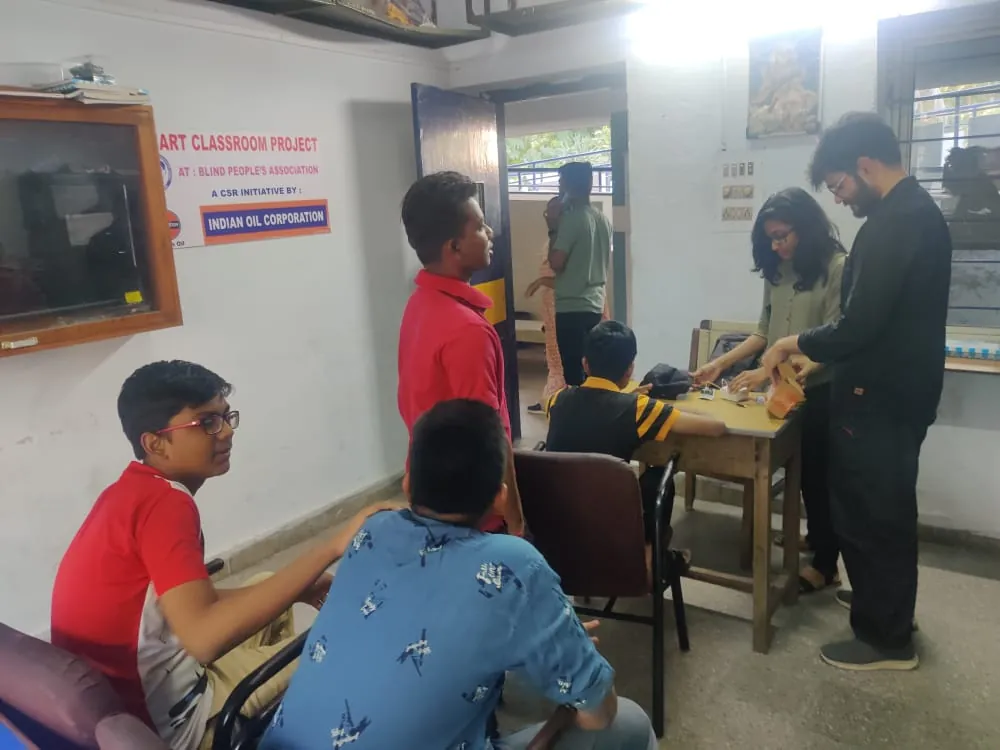
A student handles Buzzcap parts beside a tablet, with two of us at the table
17 November 2022
Students assembling Buzzcap at a table in BPA’s Smart Classroom room, with us helping
13 December 2022, BPA’s Smart Classroom
The same student talks through the kit, cap in hand, with one of us
One of us explaining the kit to a group of students
Students assembling Buzzcap parts at the table while we watch
Three students assembling the case together under the Smart Classroom Project banner
A student connecting the ultrasonic sensor to the shield by touch
The same student holding up the assembled board and battery

Recognition

Shortlisted for the Lexus Design Award 2023, as shown on our project board.